


If you've spent any time in Anthropic's ecosystem lately, you've probably noticed Claude is no longer just a chatbot. In 2026, Claude is really five different ways of working: Claude Chat, Claude Code, Claude Cowork, Claude Projects, and Claude Skills, and each one of them can solve a genuinely different problem. The issue is that the names sound similar, which can lead people to choose the wrong one. As a result, they think the tool is underpowered when really they just picked the wrong option.
In this guide, I have broken down all five in plain English so you can understand what each Claude tool actually is, its strengths, its drawbacks, and a quick decision guide so you can stop guessing about choosing the right tool based on your profession and work.
A quick map of the five Claude tools
Here's the 30-second version before we dig in:
Let's get specific: Claude Chat vs Code vs Cowork vs Projects vs Skills
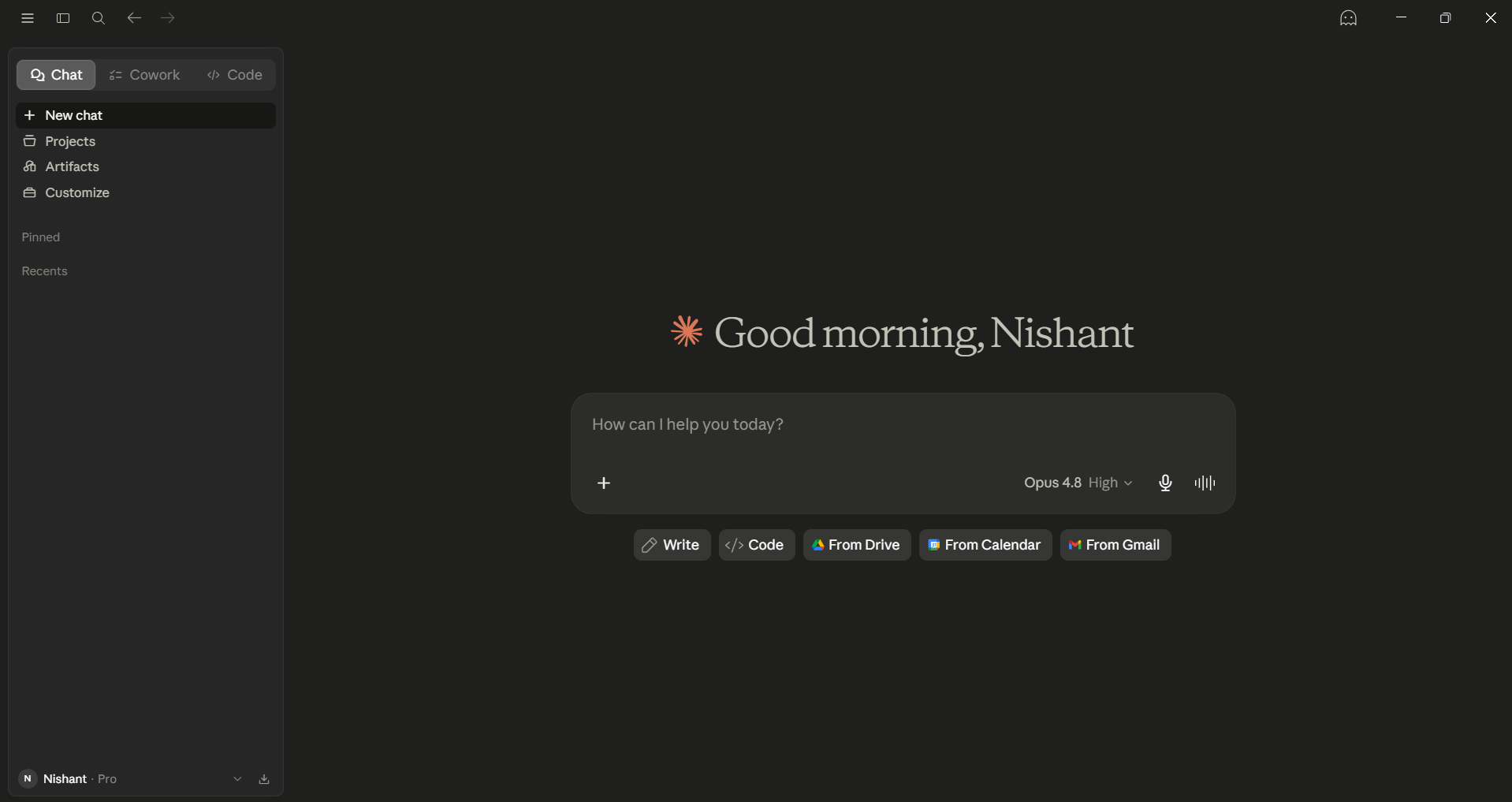
Claude Chat: Your everyday thinking partner
Claude Chat is the front door most people walk through. It's the conversational AI assistant you open in a browser or the desktop app to draft an email, untangle a messy idea, summarize a report, or get a complex topic explained at the level you actually need.
Where it shines: Claude Chat is great for when you need to write emails, essays, and reports; brainstorm ideas (it's your thinking partner); research; and explain complicated subjects in simple language. There's zero setup apart from the initial account login. Once you are logged in, you can just type, it will respond, and it will work instantly across almost any topic.
The trade-off: It's general-purpose by design, so for highly repetitive or specialized work, you'll end up having to re-explain your preferences each time. It gives recommendations rather than taking action on your computer.
Best for: Anyone who needs a fast, versatile thinking partner with no learning curve.
Claude Code: The autonomous engineer in your terminal
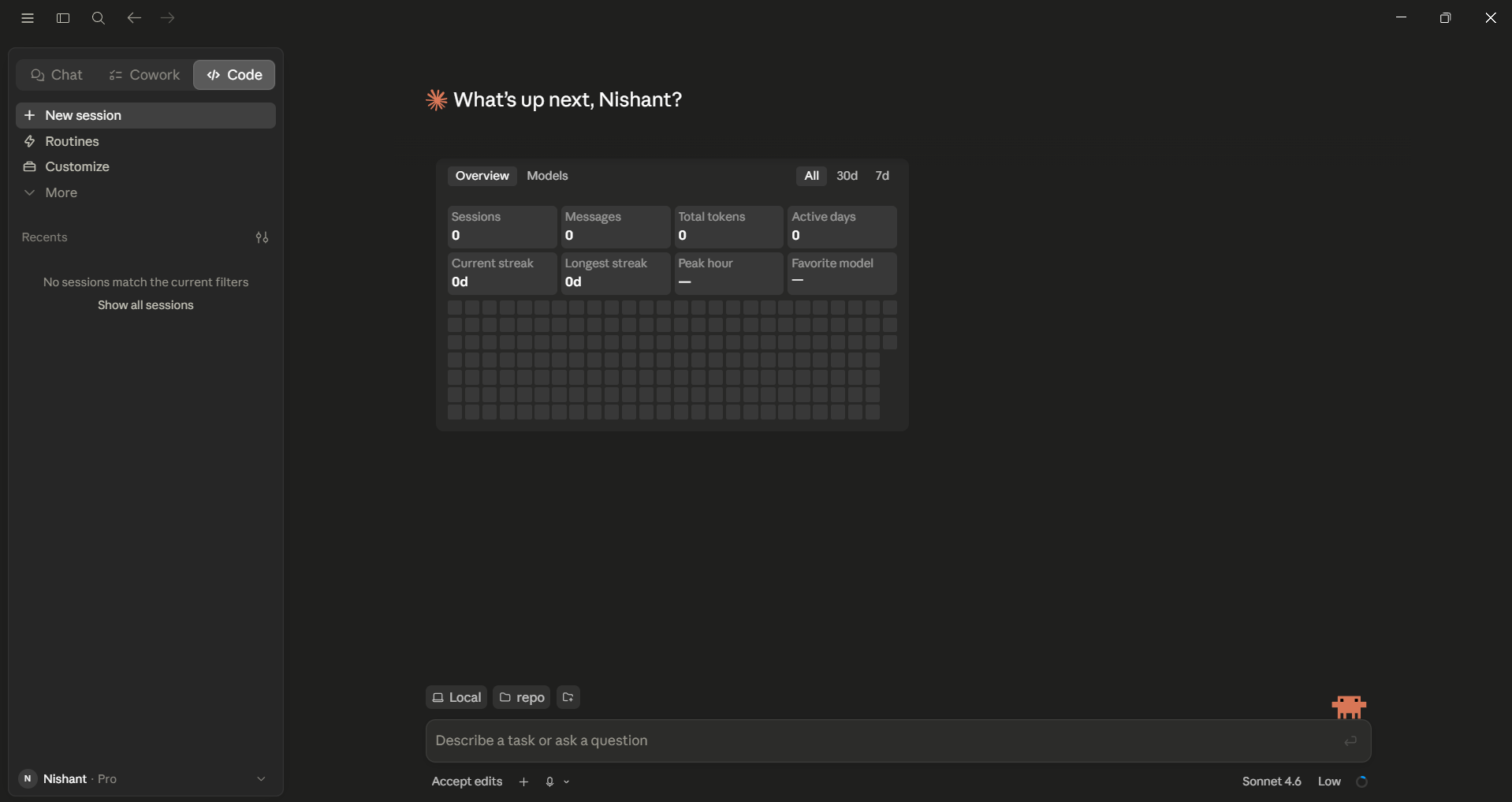
Claude Code is a command-line tool that has turned Claude into an autonomous coding agent. You can connect Claude to your codebase and point at it so you don't have to copy-paste code snippets. Claude Code can build features, debug, refactor large codebases, and write and run tests, fixing any problems by itself as it works. In 2026, it introduced an agent view that allows you to simultaneously run multiple Claude sessions. You can send these sessions to the background and return to them only when needed.
Where it shines: Real end-to-end engineering. It can hold deep context across an entire repository, which is something a chat window simply can't match.
The trade-off: It's powerful enough that you need to review what it ships, and usage costs apply for heavy work.
Best for: Developers who want AI to own meaningful engineering tasks rather than just autocomplete.
Claude Cowork: Automation for the rest of us
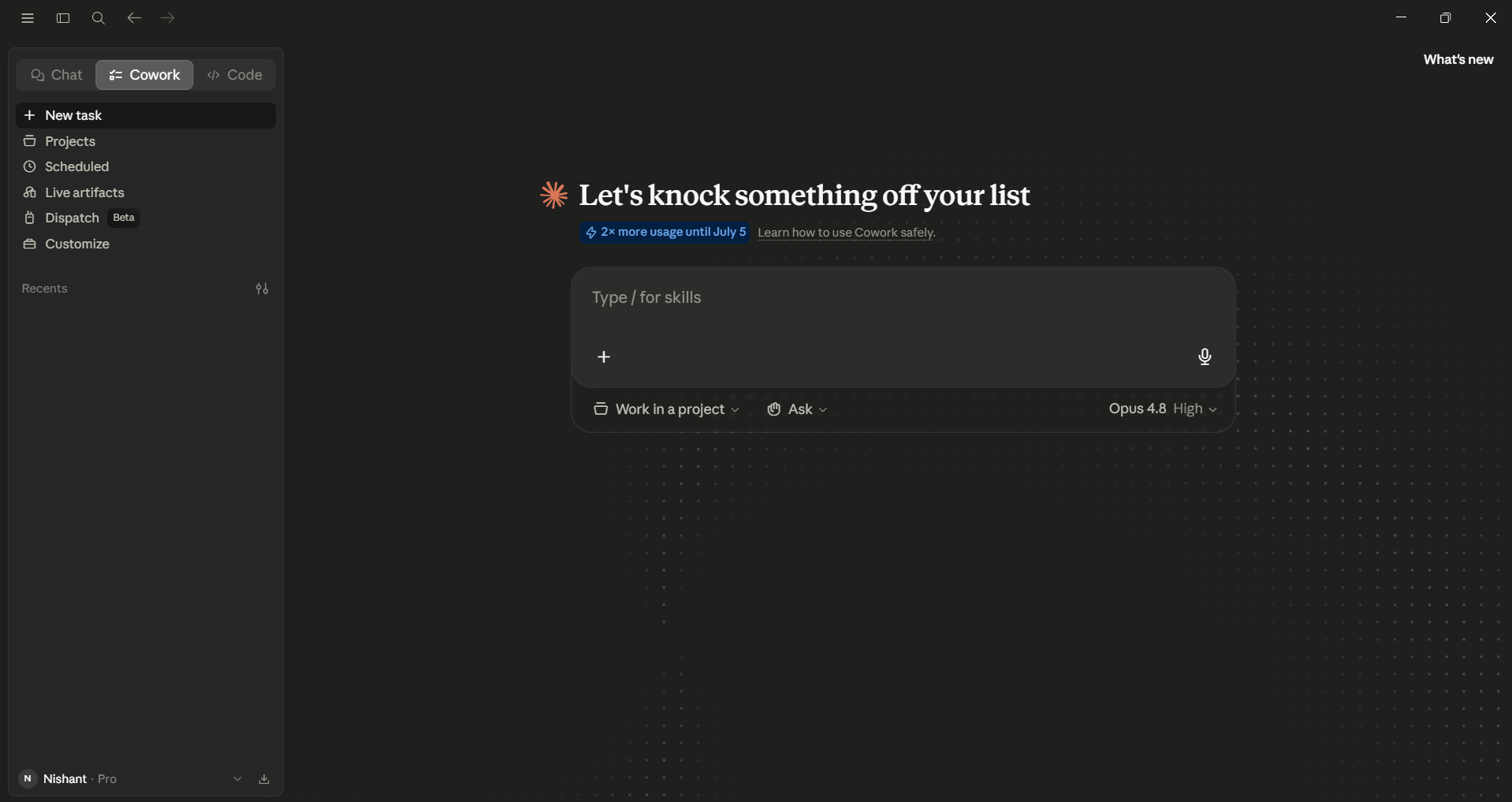
Claude Cowork is the newest of the five; it launched in research preview in January 2026 and reached general availability across paid plans in April 2026. It's a desktop app built for non-developers that automates file management and repetitive work across your actual computer and apps. You give it a goal, and it works on your local files and applications to hand back a finished deliverable.
Where it shines: It can organize, rename, and sort your files; extract data from PDFs into spreadsheets; and automate copy-paste workflows. It can create Live Artifacts that pull fresh data from sources like Slack, Gmail, and Notion, and Routines that can run a task on a schedule.
The trade-off: It's still early-stage and offers less fine-grained configuration control than a developer tool.
The simplest way to think about it: Claude Code × Claude Chat = Cowork. The autonomy of an agent with the ease of a chat, built for everyone without the technical overhead.
AdCreative.ai: An AI-powered platform that automates the creation of high-performing ad creatives for social media and display campaigns
Claude Projects: Context that carries forward
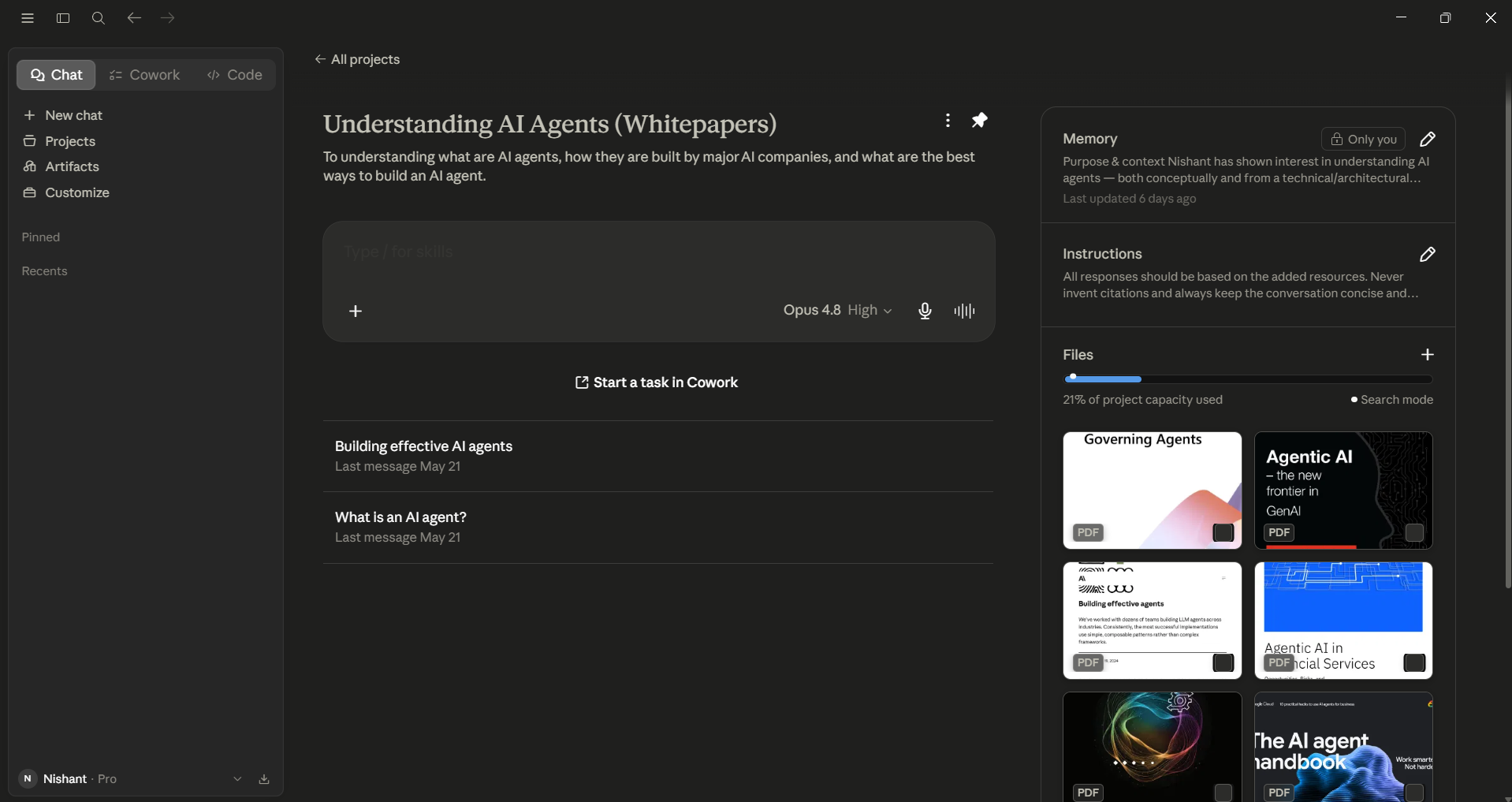
Claude Projects is a workspace that can help you keep your documents, instructions, and context in one place. You don't have to start fresh each time, because Claude will remember your client's tone, your reference materials, and the rules you've set. Claude projects can save your context between sessions with chat memory and a dedicated memory folder.
Where it shines: It’s great for client work that requires a consistent voice, research based on your own documents, and shared team knowledge.
The trade-off: Setting it up takes some time. The clearer your instructions and the better your documents, the better it works.
Best for: Anyone who does ongoing work that relies on context, where starting fresh each time is time-consuming.
Claude Skills: consistency at scale
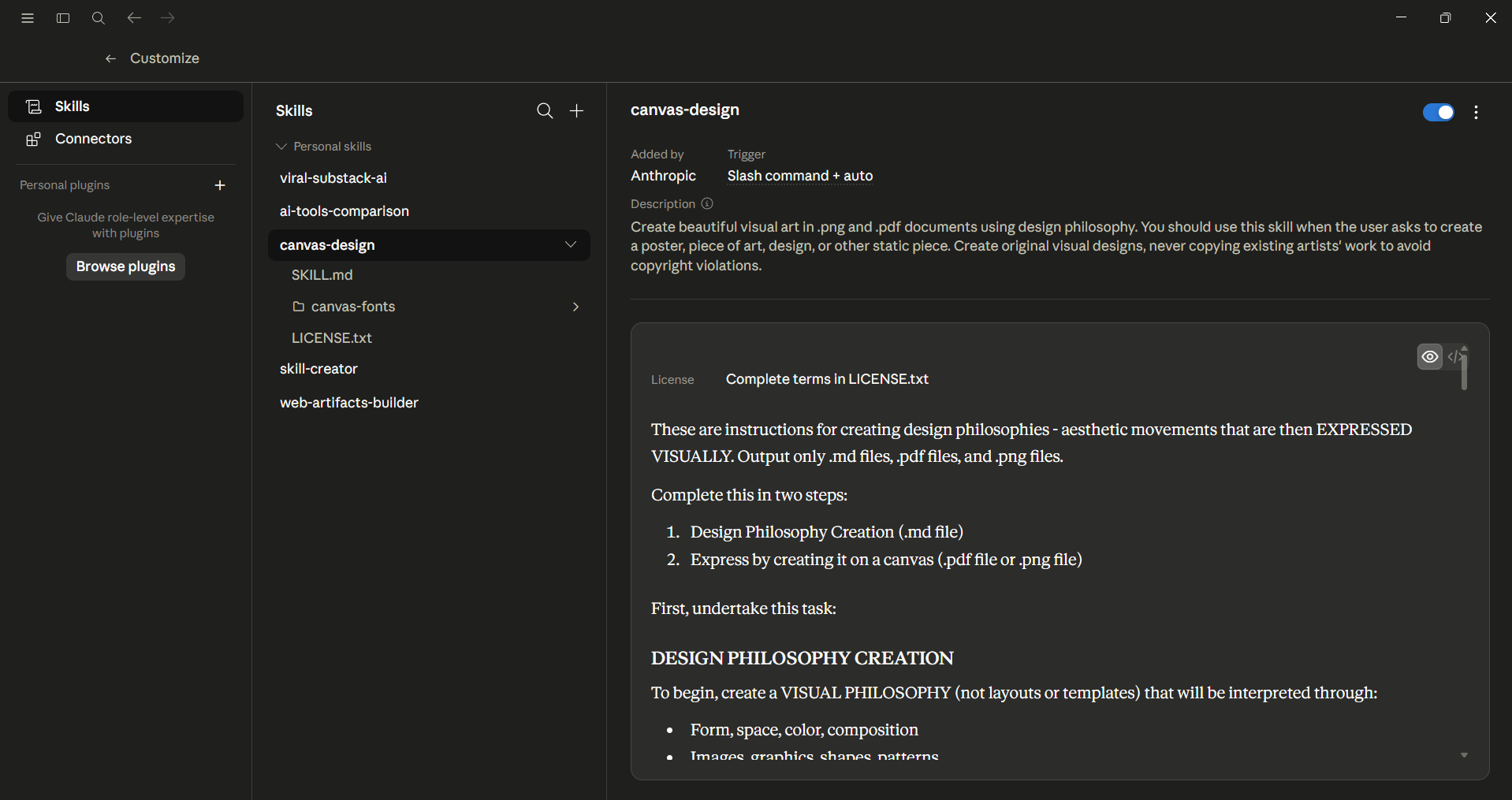
Claude Skills are special instructions that help Claude perform a specific task consistently. It works like your brand-standard documents, a fixed report format, or a team workflow that can't change. You set the steps once, and Skills follow them reliably. Since they can be shared, your entire team can create the same high-quality results. As of 2026, Skills can work across the Claude app, Claude Code, and the API, with enterprise controls for managing them across an organization.
Where it shines: When you need consistent, repeatable results and don't need improvisation.
The trade-off: The initial setting up of a Skill can take time, and they aren't ideal for one-time, creative, or unpredictable tasks.
Best for: Teams that need high-quality, consistent work at scale without rewriting prompts.
How to choose the right Claude tool
Many people, myself included, use more than one of these tools and often switch between them to maximize the output. A common process I would recommend is to start with Chat, move ongoing tasks to Projects, create repeatable outputs with Skills, assign technical work to Code, and let Cowork handle files and tasks on your desktop.
Here's the fast decision guide:
- Need to think, write, or research? → Claude Chat
- Need to build or fix code autonomously? → Claude Code
- Need to automate files and tasks without coding? → Claude Cowork
- Need persistent context for ongoing work? → Claude Projects
- Need consistent, repeatable outputs? → Claude Skills
Frequently asked questions
What's the difference between Claude Projects and Claude Skills?
Projects help keep your documents, instructions, and context consistent across different conversations within the same project. Skills ensure that each task is done the same way every time. Projects focus on remembering details, while Skills are about doing things repeatedly. Many teams use both together.
Is Claude Cowork the same as Claude Code?
No. Although both are agentic, Claude Code is designed for developers working on technical tasks in a terminal. Claude Cowork is a desktop app for non-developers that helps automate files and everyday tasks across different applications. In short, Cowork makes it easier for non-technical users to work with the same level of independence that Code provides to developers.
Do I need to be a developer to use these Claude tools?
Only Claude Code requires technical skills. Claude Chat, Projects, Skills, and Cowork are all made for non-developers. Cowork helps automate computer tasks without needing to write any code.
Which Claude tool should you start with?
Start with Claude Chat to feel comfortable. As your tasks become more repetitive or involve a lot of context, add Projects and Skills. For hands-off automation on your machine, use Cowork.
The bottom line
There isn’t one best Claude tool for everything; you must choose the right tool for each task. You can use the Claude AI chat tool to brainstorm ideas, the Code tool to create projects, the Projects tool to keep track of your ideas, the Skills tool to maintain consistency, and the Cowork tool to automate tasks. Pick the Claude tool that suits your task, and Claude will work like a thinking partner instead of separate products.
💡 For Partnership/Promotion on AI Tools Club, please check out our partnership page.

