

Artificial intelligence (AI) has promised one thing: productivity improvements, not just for those who can code but also for those who are not technical. For example, someone who majored in business or a medical field can still use artificial intelligence (AI) in 2026 to automate their workflow; that is how easy it is to use AI tools. However, an issue I see most professionals face is choosing the right AI tool that they can use to automate their workflows. Since 2025, a major focus has shifted from AI tools to autonomous AI agents. You can now create an AI agent for a specific task while you focus on other things.
However, what if you don't want to create a dedicated AI agent and just want something that you can use to automate your workflow? A prominent AI agent I always recommend to non-technical professionals is Claude Cowork, but it will cost you $20/month just to test it. If you can pay that amount, that is fine; however, if you don't want to increase your subscription count, one AI agent you can use for free is Mistral Vibe Work.
In this article, I will show you how you can use Mistral Vibe Work to automate your entire workflow for free. I will show you most things you can do with this AI agent, and you might be shocked at how many features Mistral is offering for free.
How to automate your entire workflow using Mistral Vibe Work:
Step 1: Make sure you have a Mistral account; you can sign up for free to get started. Once you have signed up, go to the Work section in the middle of Chat and Code.
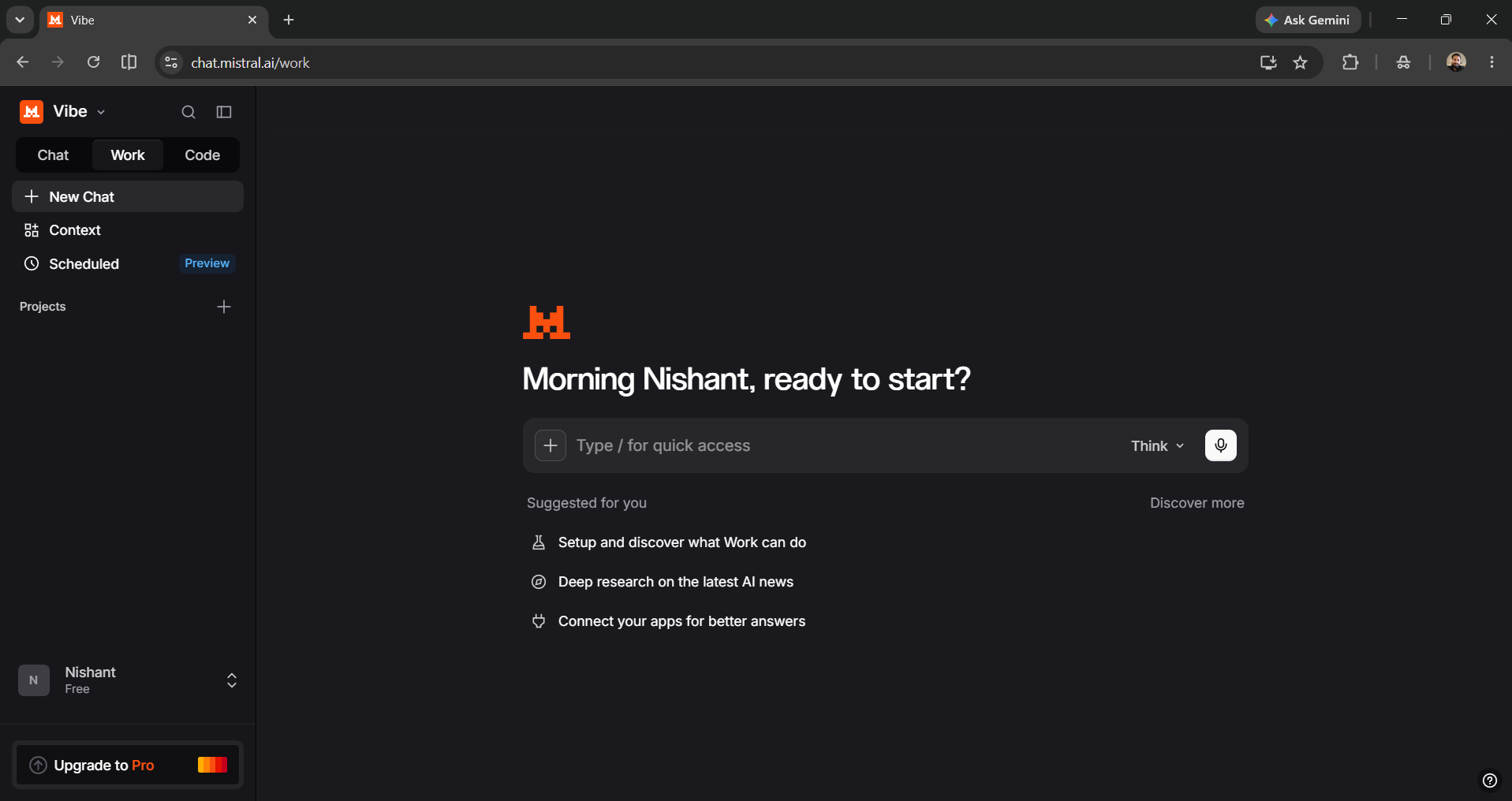
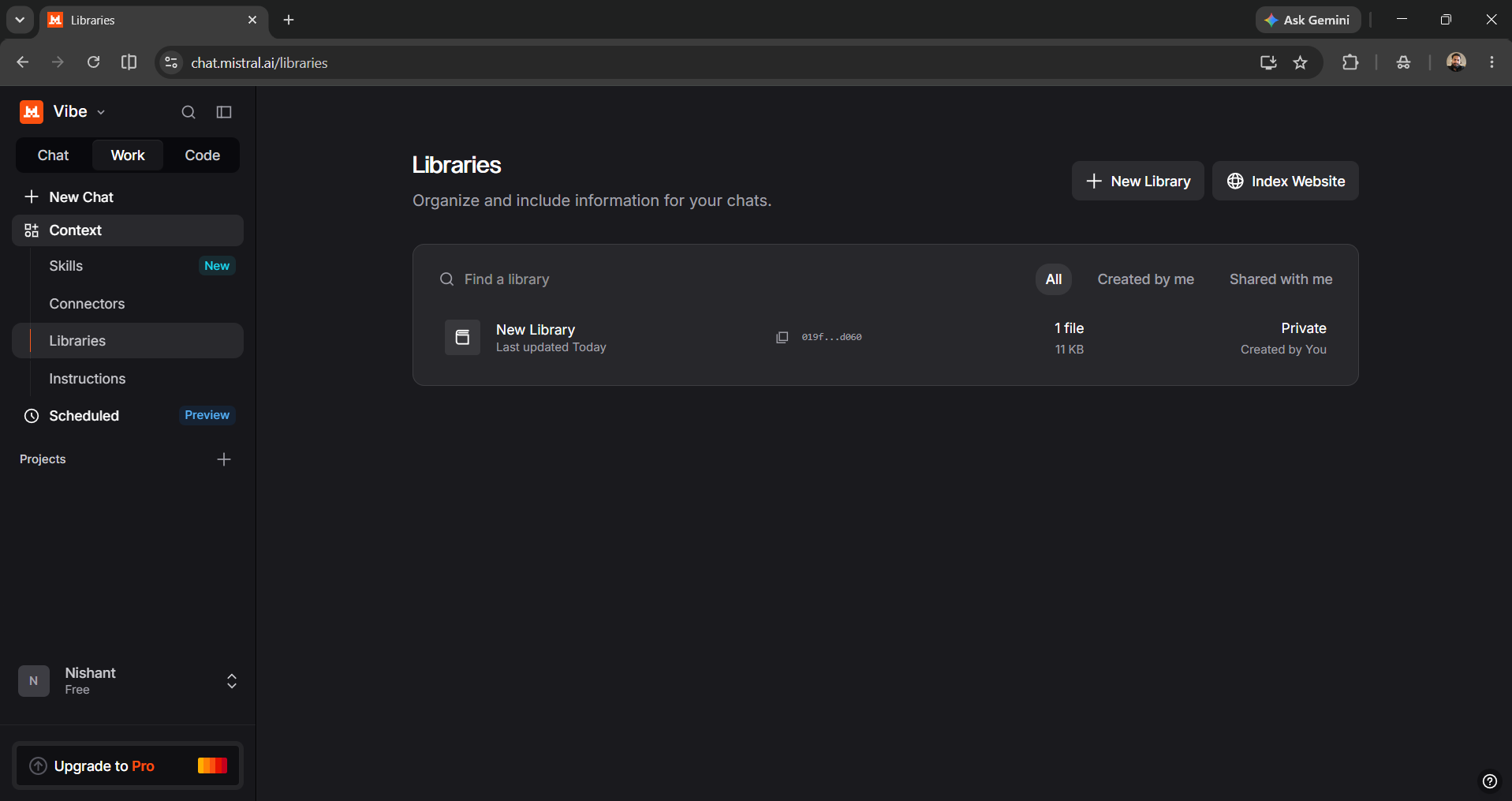
Step 2: On the left-hand side, when you click on Context, you will see several options.
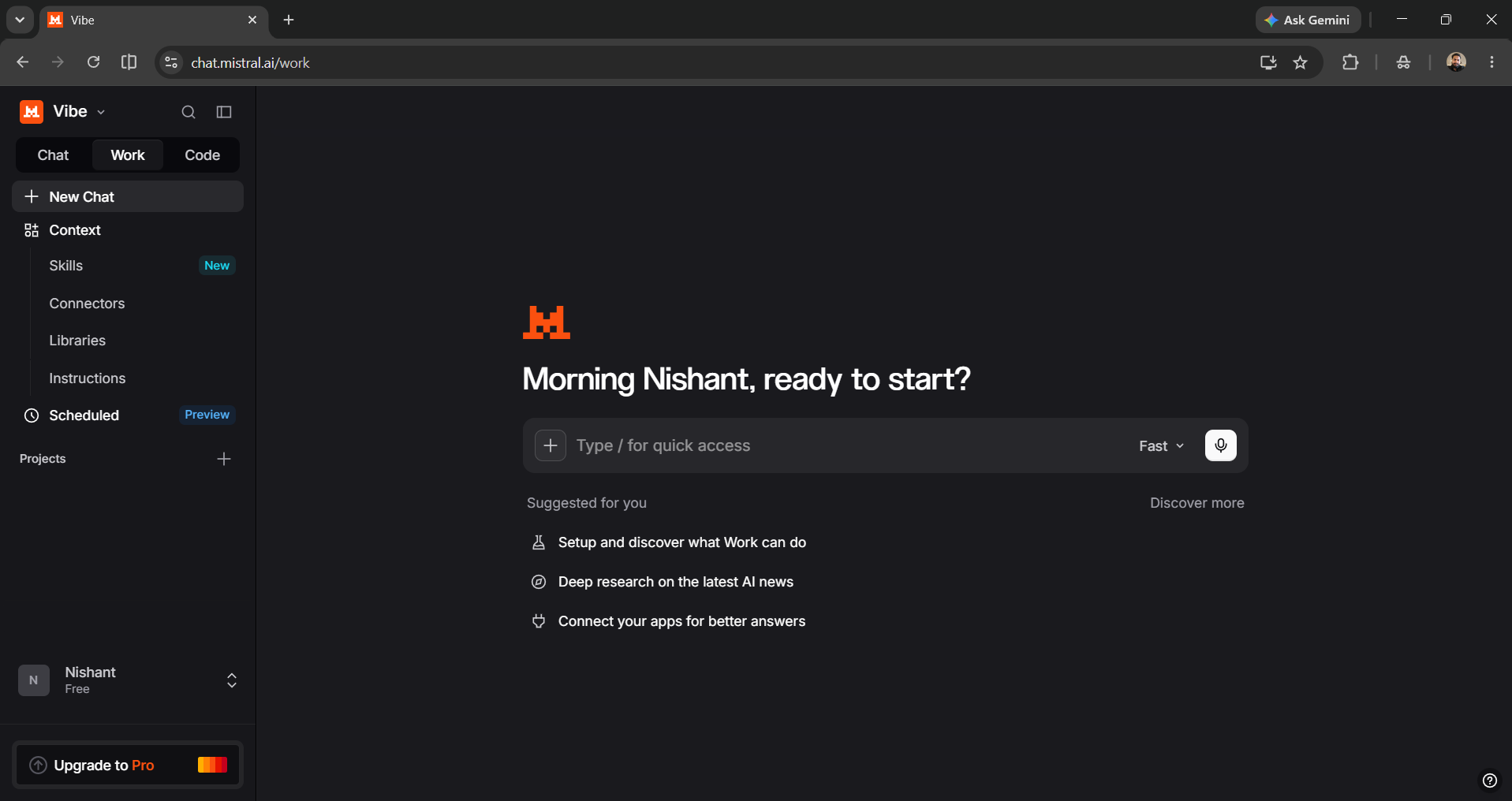
- Skills: Reusable, portable instruction sets and trigger descriptions that include custom workflows, tools, and methods.
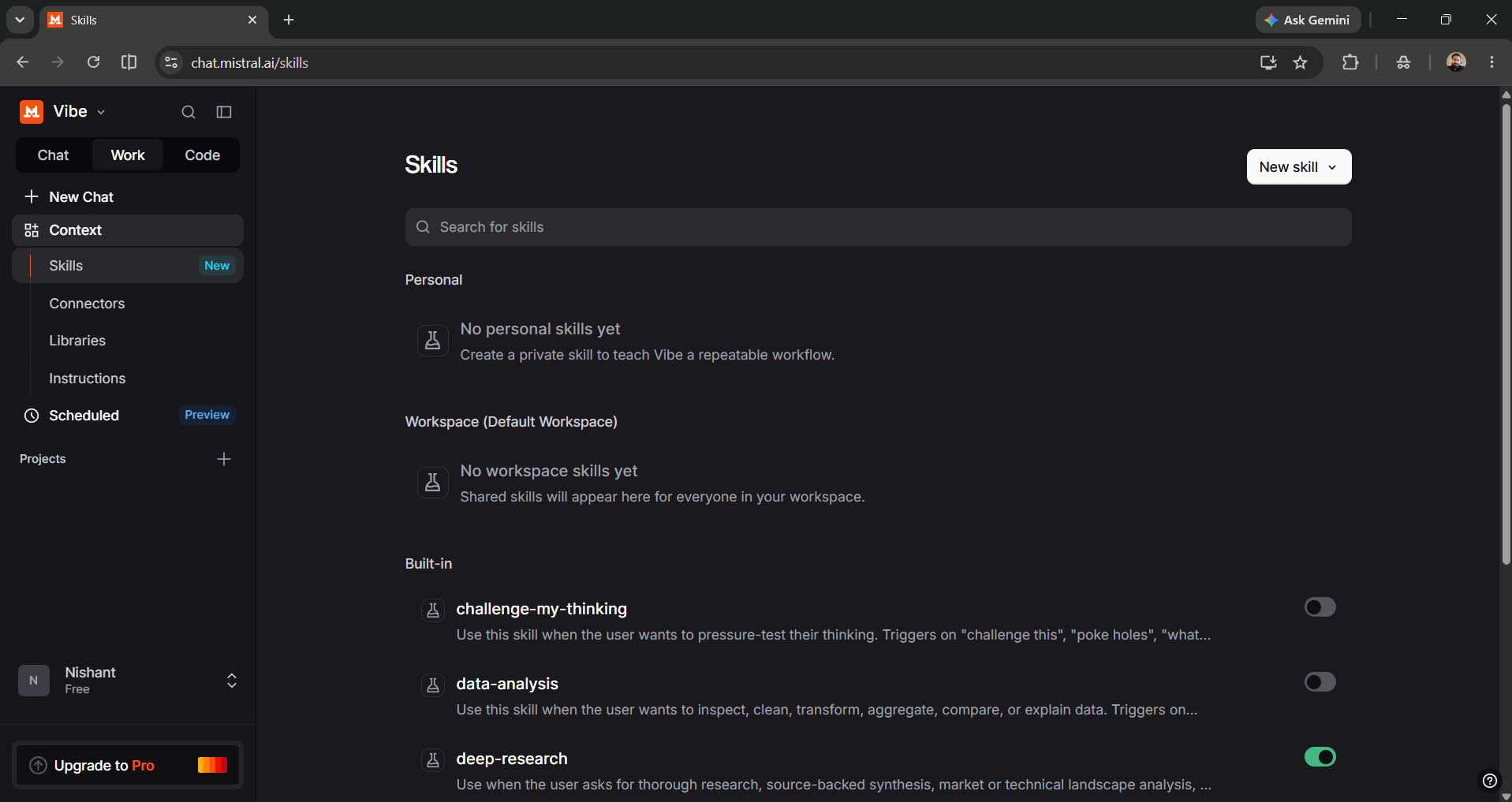
- Connectors: Apps you can connect with Mistral Work to get your work done.
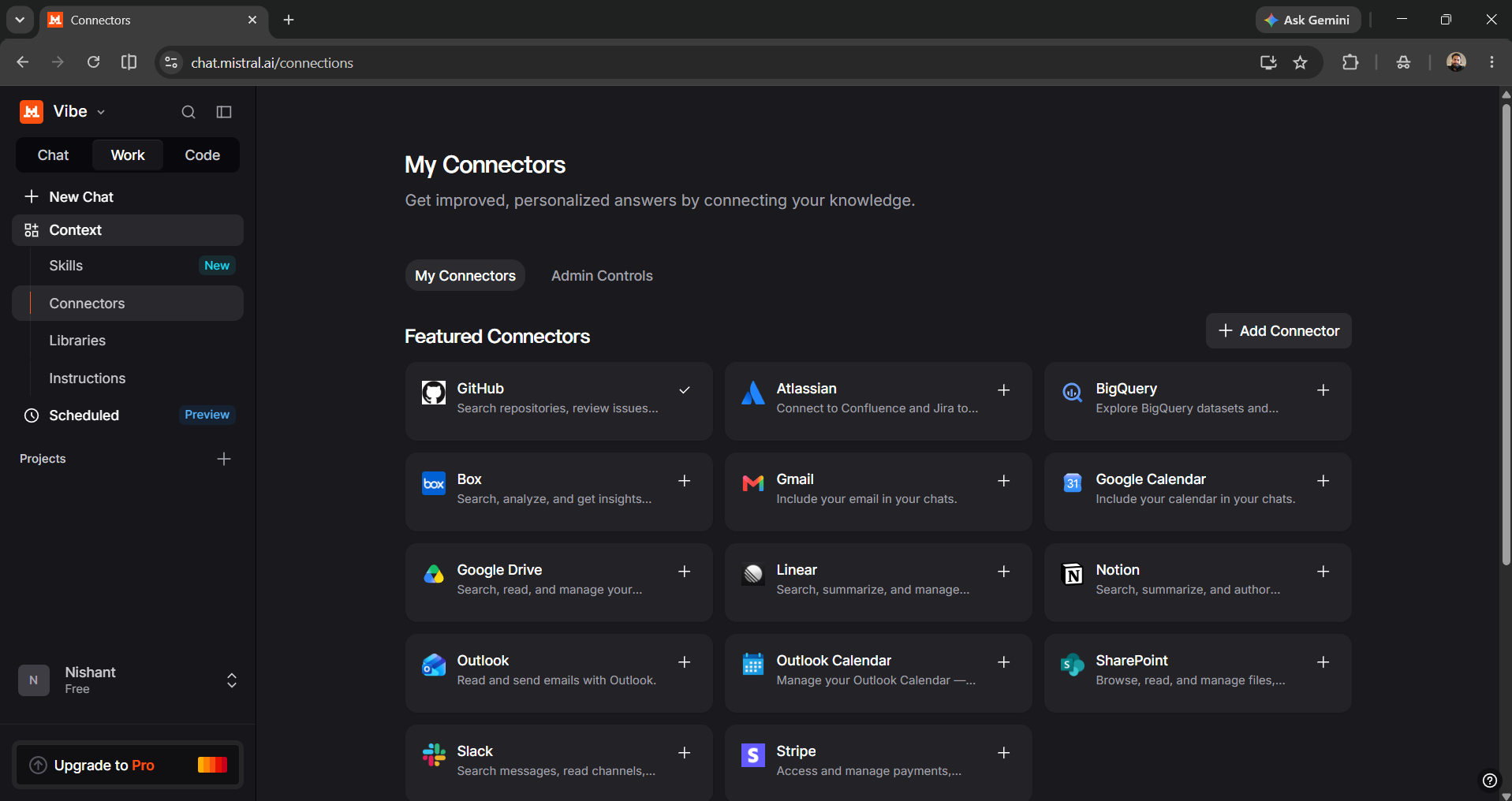
- Libraries: A dedicated section where you can organize and include information for your chats.
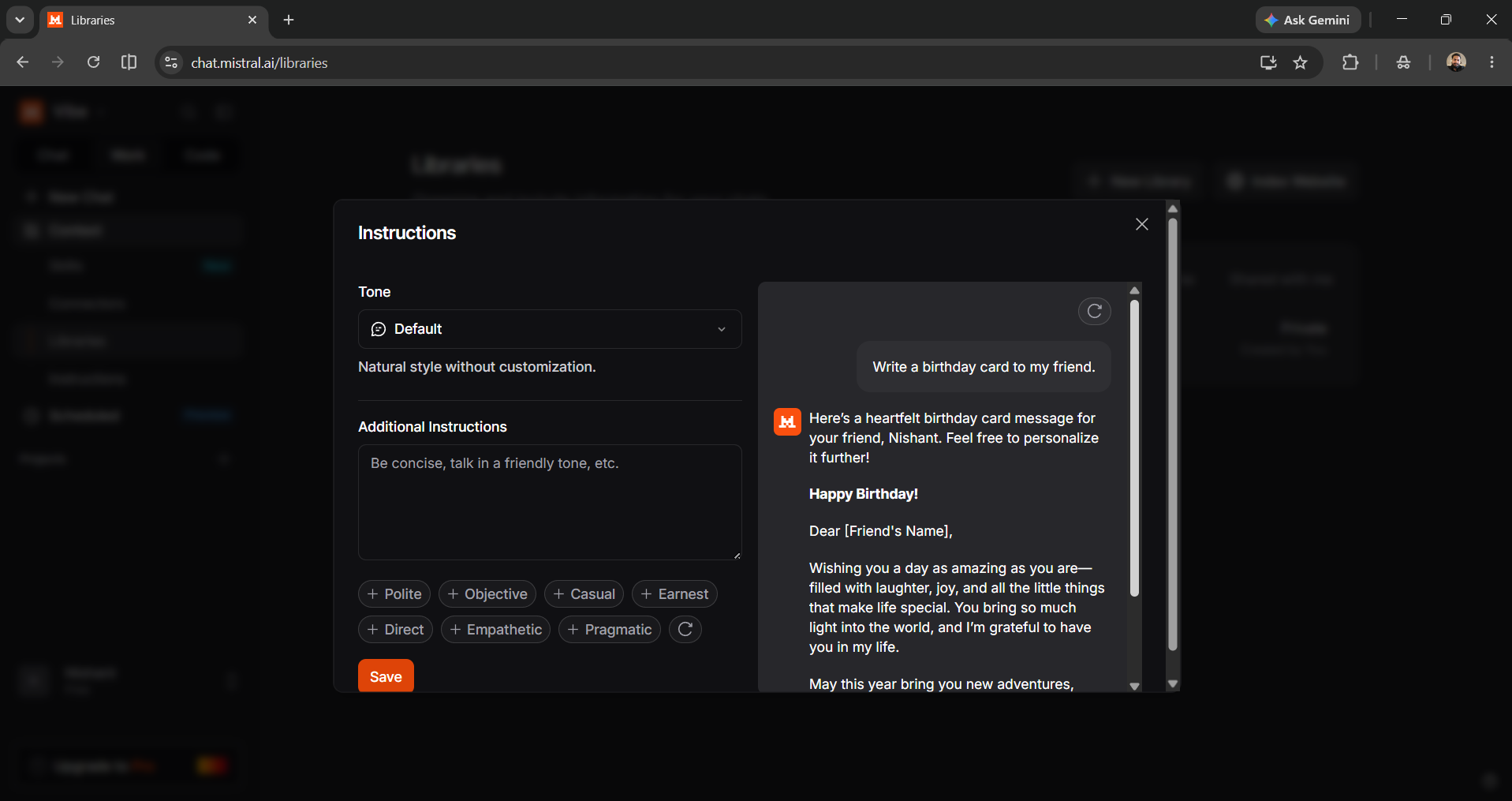
- Instructions: Set custom instructions, like the tone and additions, to match the response style you prefer.
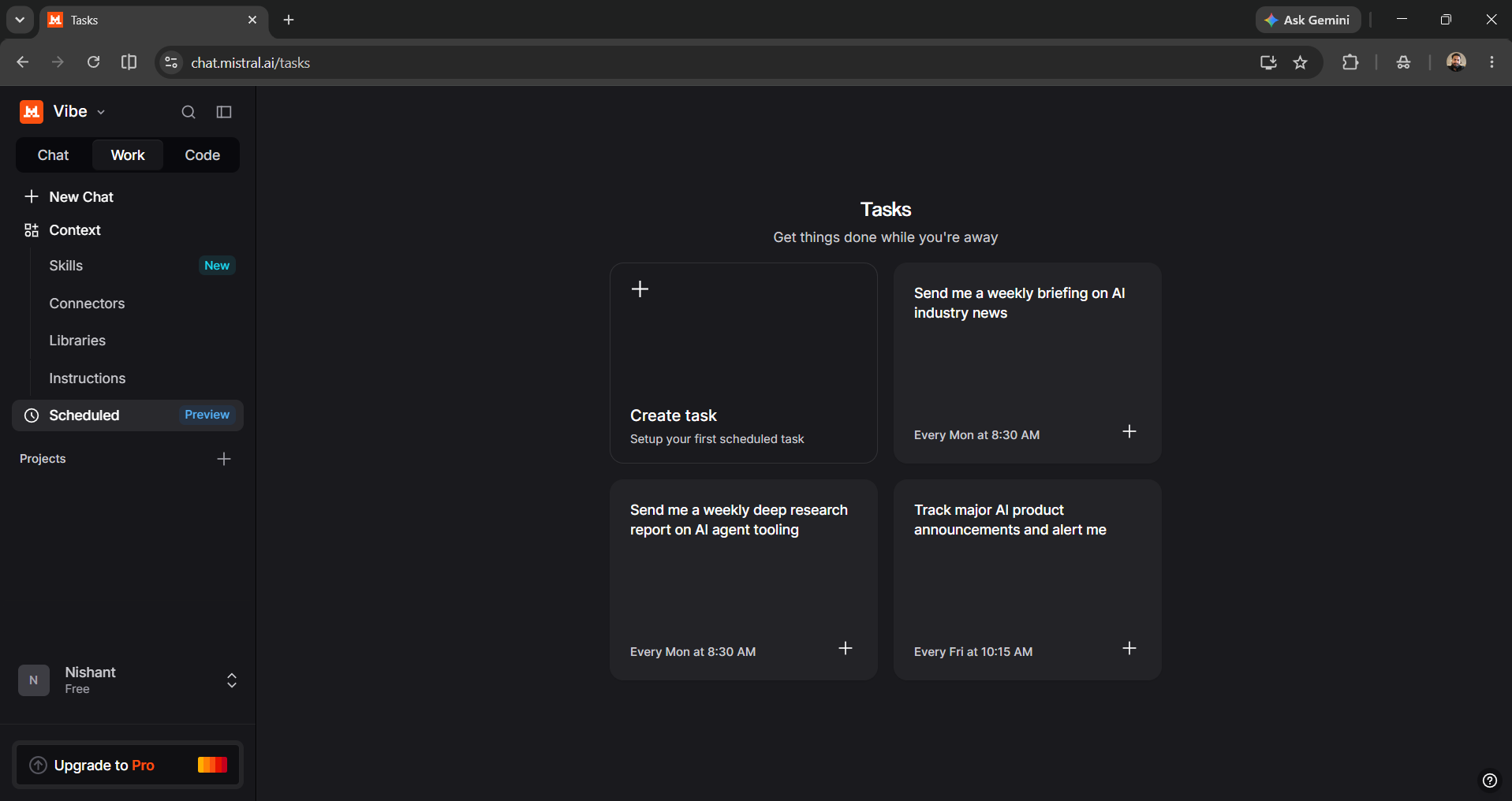
- Schedule: You can schedule tasks to get things done while you're away.
Step 3: For this article, I have connected my Gmail and Calendar. You can do the same and get started with a simple connector to test Mistral Vibe Work's ability.
Prompt I used: Go through my unread emails and tell me what they are about. Also give me the name of the person with whom I have an upcoming meeting. In the chat, compose an email (do not send it yourself) reminding that person about the meeting and agenda, and changing the website homepage.
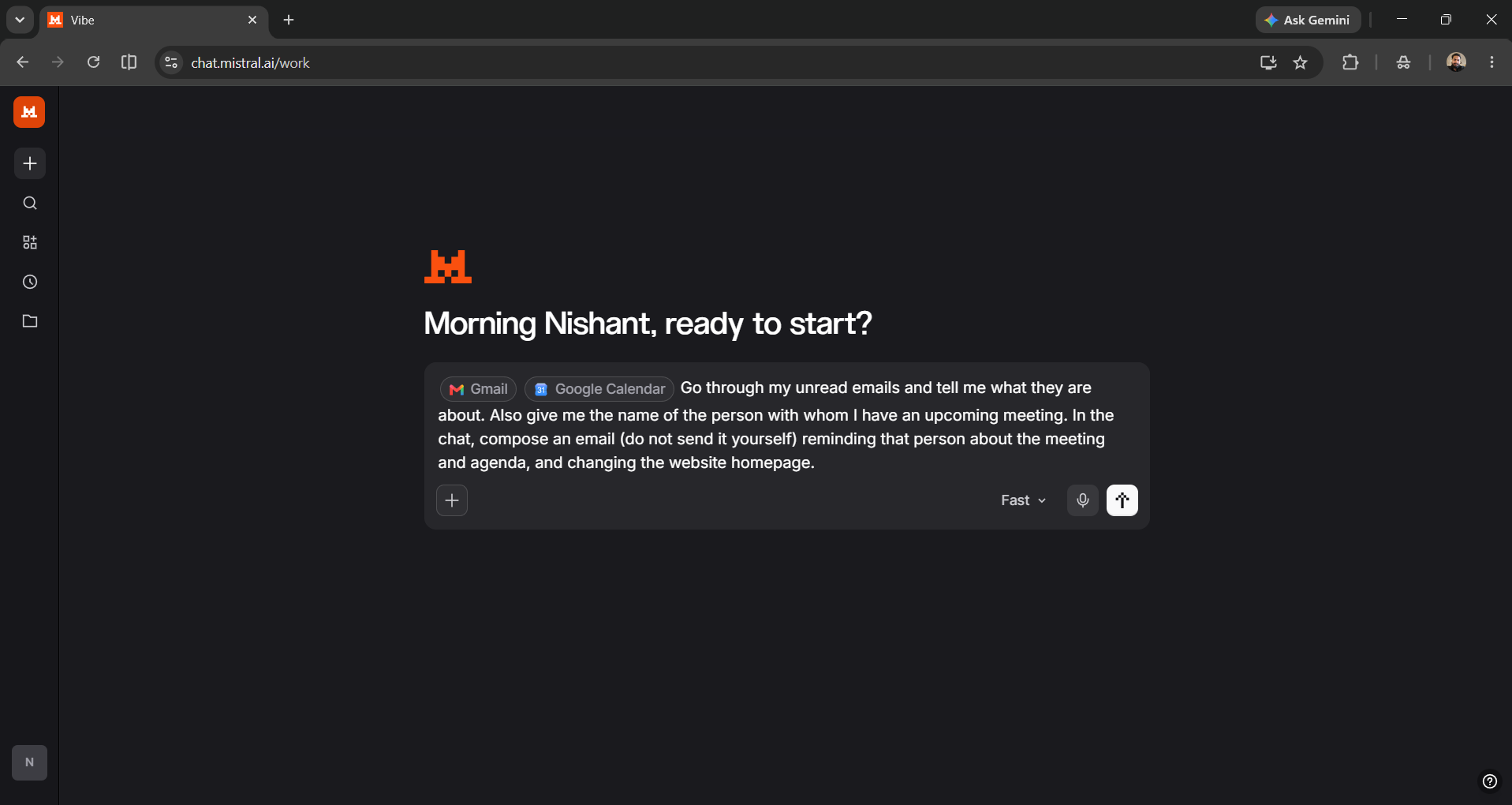
The output was as expected; simple and straightforward, just the way I personally like it.
In Conclusion:
To automate your work in 2026, you must adopt AI agents; it doesn't matter if you want to build a custom AI agent or you want to use a generalist AI agent. The best part of using Mistral is that you can try its Chat, Work, and Code features for free. While other AI platforms charge you $20/month, you can instead use Mistral Vibe for free and see how things go. You can connect the apps you use every day, create/use skills, add custom instructions, schedule tasks, and more. I would definitely recommend Mistral Vibe Work if you want an all-in-one platform to automate your entire workflow.
💡 For Partnership/Promotion on AI Tools Club, please check out our partnership page.
