


Here's something that surprises almost everyone I talk to: Google now has more than 20 AI tools, and most people only ever touch one of them. They open Gemini, ask a question, and call it a day. Meanwhile, there's a whole shelf of purpose-built tools sitting right next to it. There's a Google AI tool or agent for research, image and video generation, marketing, and more, and nearly all of them are free.
Google's AI ecosystem has many different tools, not just a simple chatbot. For example, you wouldn’t use a hammer to paint a wall; you need the right tool for a specific task. The goal is not to use more AI, but to select the right tool at the right time.
To help you find what you need quickly, I've organized Google’s 2026 lineup into five clear categories. These Google AI tools are for non-technical professionals and don't require any coding skills or knowledge to use them.
The quick version
- For everyday work, use Gemini.
- For research you can trust, use NotebookLM.
- For visuals, pair Nano Banana 2 (images) with Flow and Gemini Omni (video).
- To build and market without code, try Pomelli, Opal, and Stitch.
- Use Gemini Spark as an always-on agent that can complete tasks on your behalf.
Here are 15 Google AI tools for non-technical professionals in 2026:
Category 1: Your everyday assistant
Google Gemini
Gemini is the front door to Google's AI, now running on the Gemini 3 model family. It can write, summarize, plan, brainstorm, and analyze documents or images you upload. It's free with any Google account, and because it's integrated into Gmail, Docs, and Android, it's the tool you'll reach for first. If you adopt one thing on this list, start here.
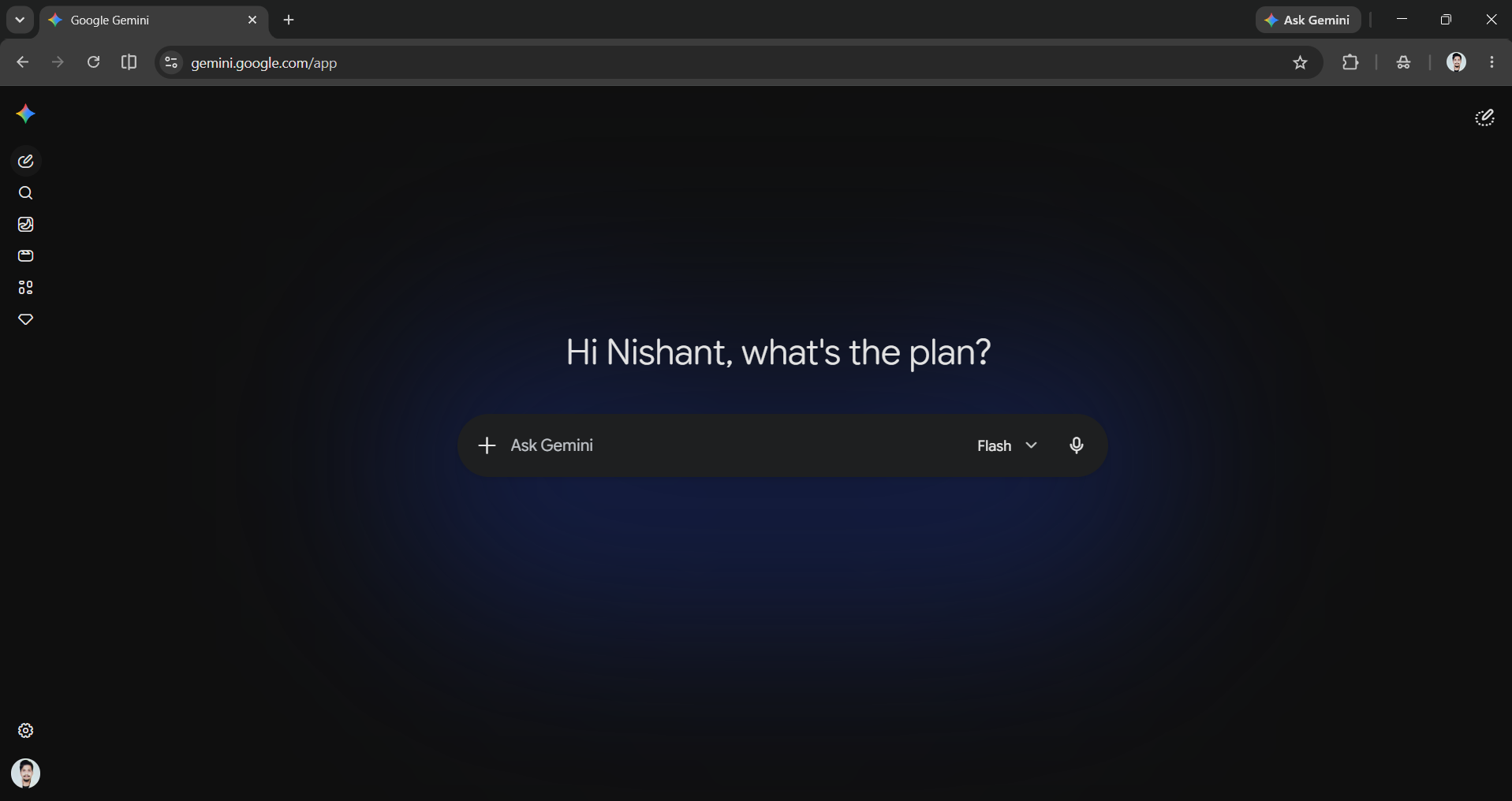
Gemini Live
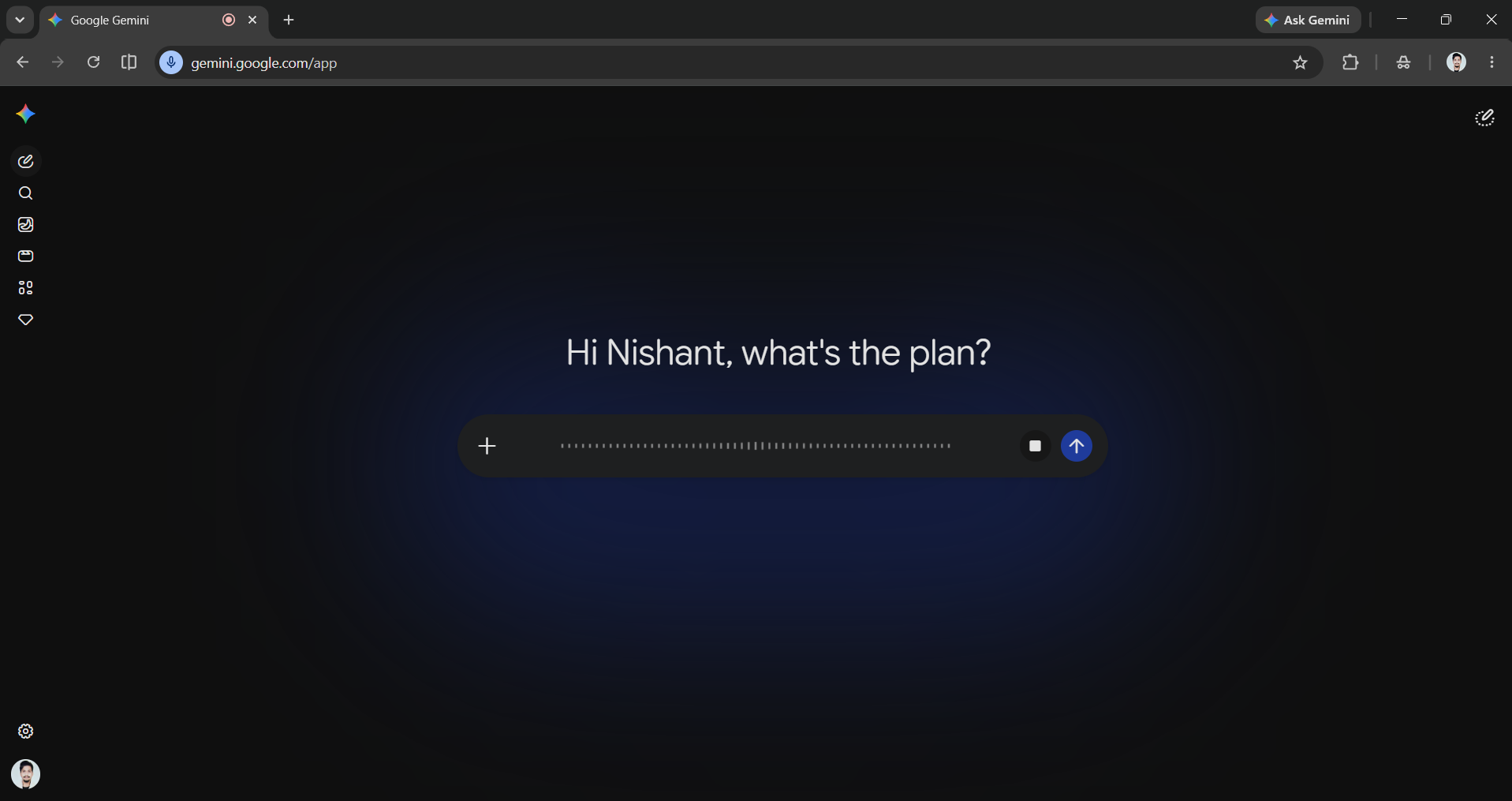
Gemini Live is the hands-free, talk-to-it version of Gemini. You can hold a natural back-and-forth conversation, point your camera at something and ask about it, or think out loud while you cook or commute. It's free in the Gemini app and surprisingly natural once you start talking instead of typing.
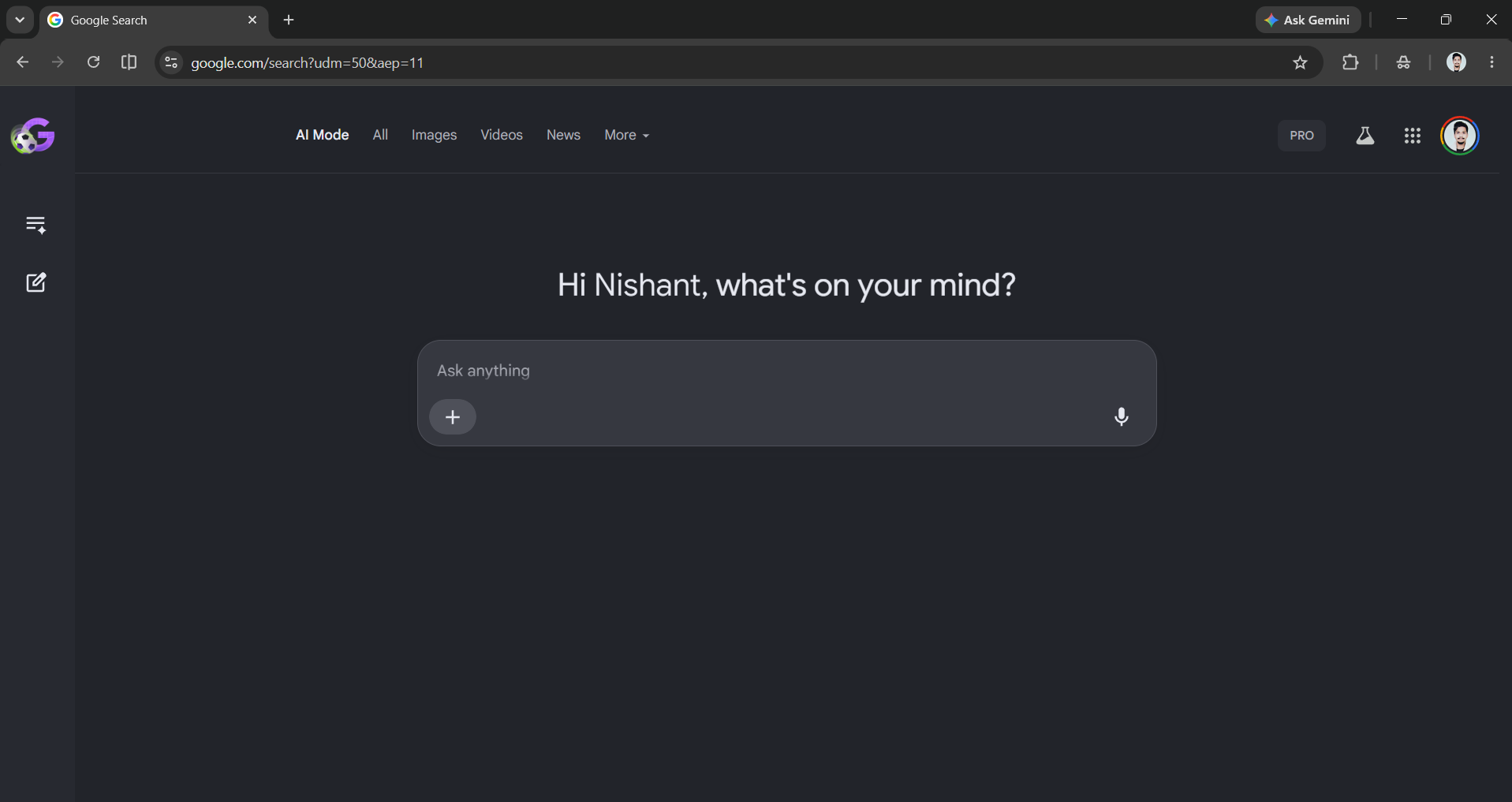
AI Mode in Search
AI Mode is Google Search with a brain upgrade. You can ask a long, messy, multi-part question and it reasons through it, pulls together sources, and gives you a synthesized answer with links to dig deeper. I personally use it a lot whenever I need to find sources. It runs on the Gemini 3 model family and is free inside regular Google Search, no separate app to download.
Category 2: Research and learning
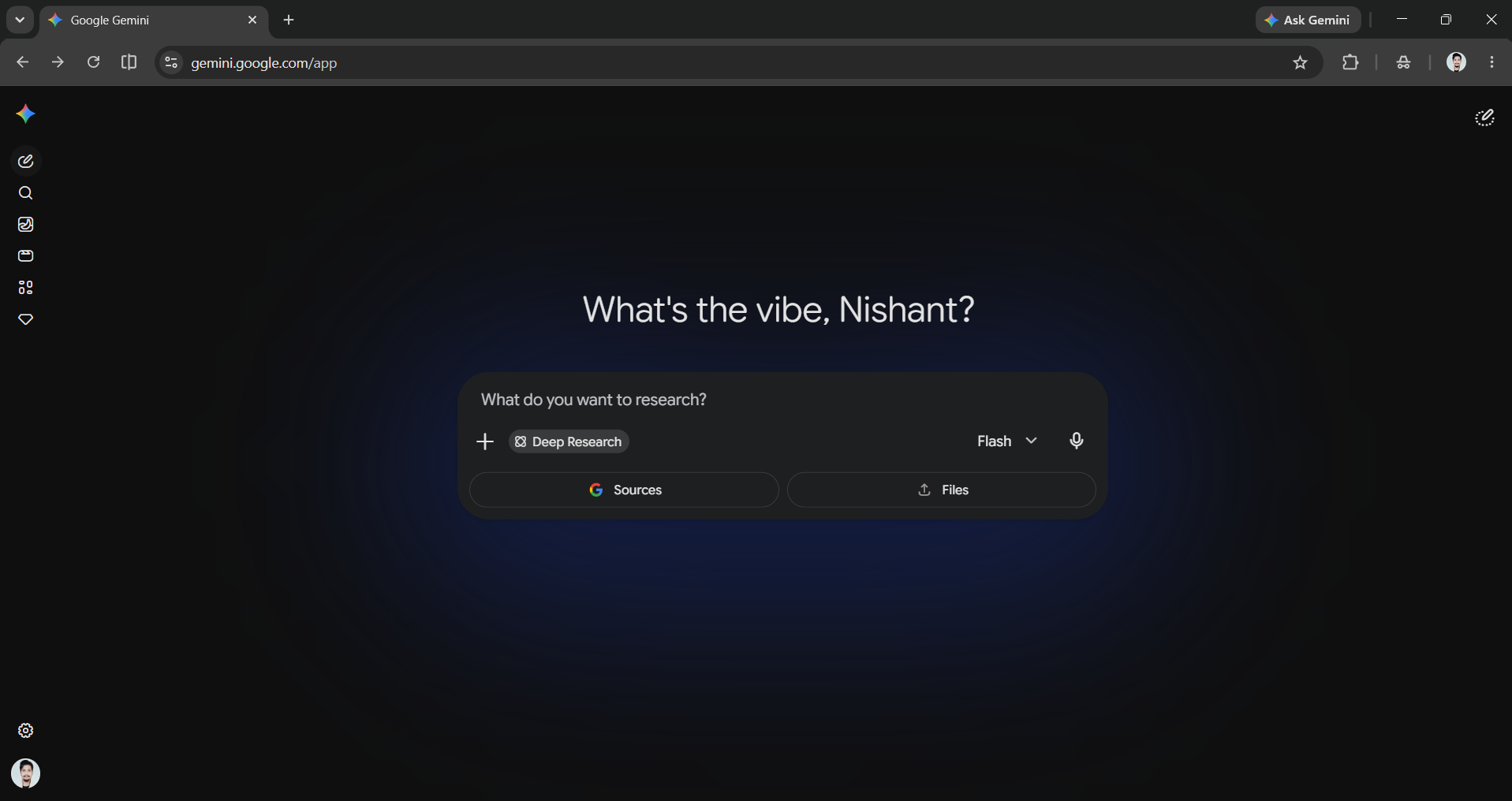
Gemini Deep Research
Deep research is an agentic feature in the Gemini app that can help you turn a single question into a complete report. You add the topic, and it will search multiple websites and return an organized, cited report in just minutes. It's like giving a research task to an intern, making it ideal for quick market analysis, checking competitors, or getting up to speed fast.
NotebookLM
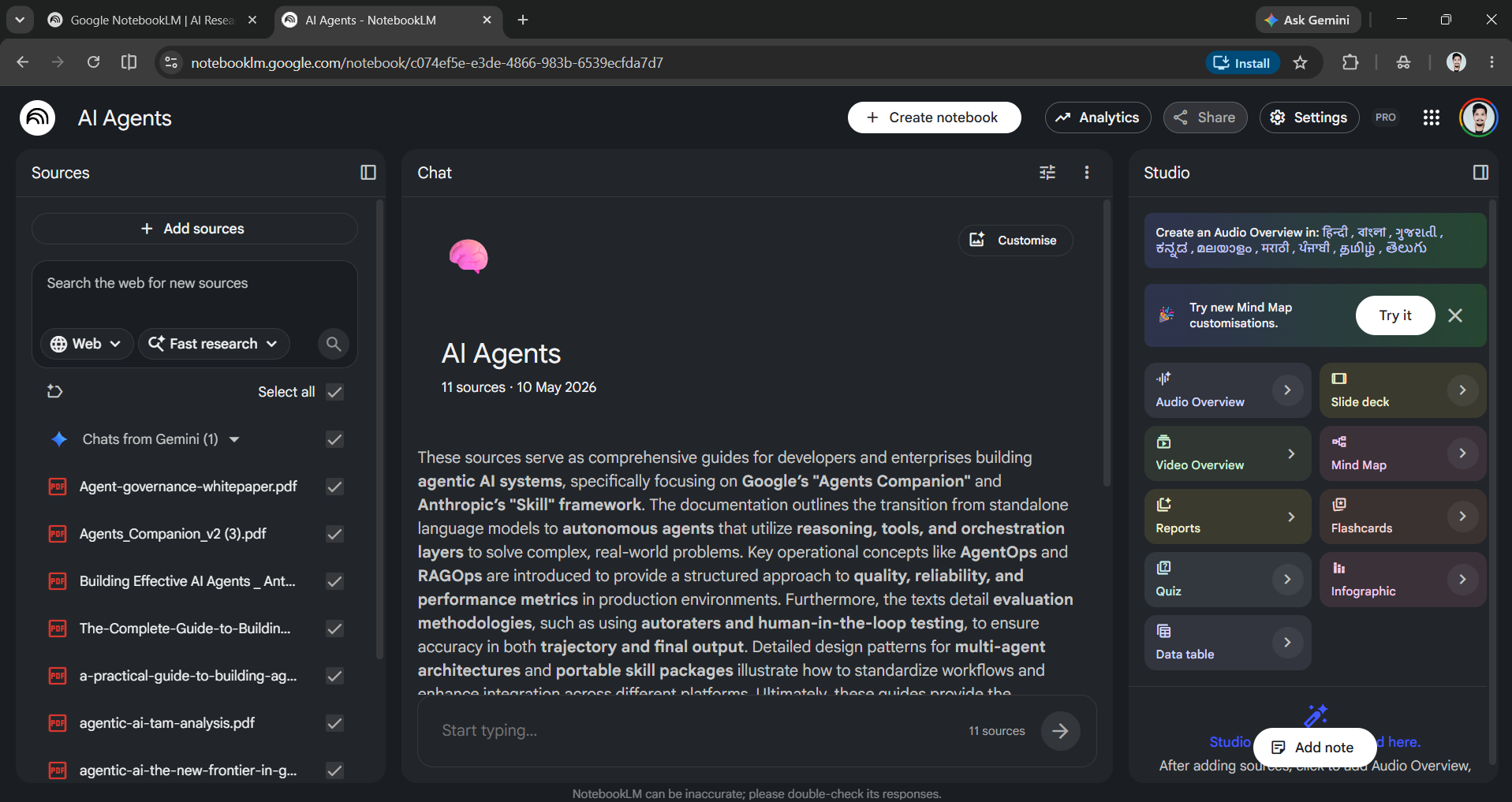
NotebookLM is the research tool I most recommend to non-technical professionals, especially students. You upload your sources (PDFs, docs, web pages, even YouTube videos), and it only answers questions from those sources, which reduces the chance of hallucination. Its standout feature, Audio Overviews, can turn your documents into a podcast-style conversation you can listen to on a walk. The free plan is generous.
Guided Learning
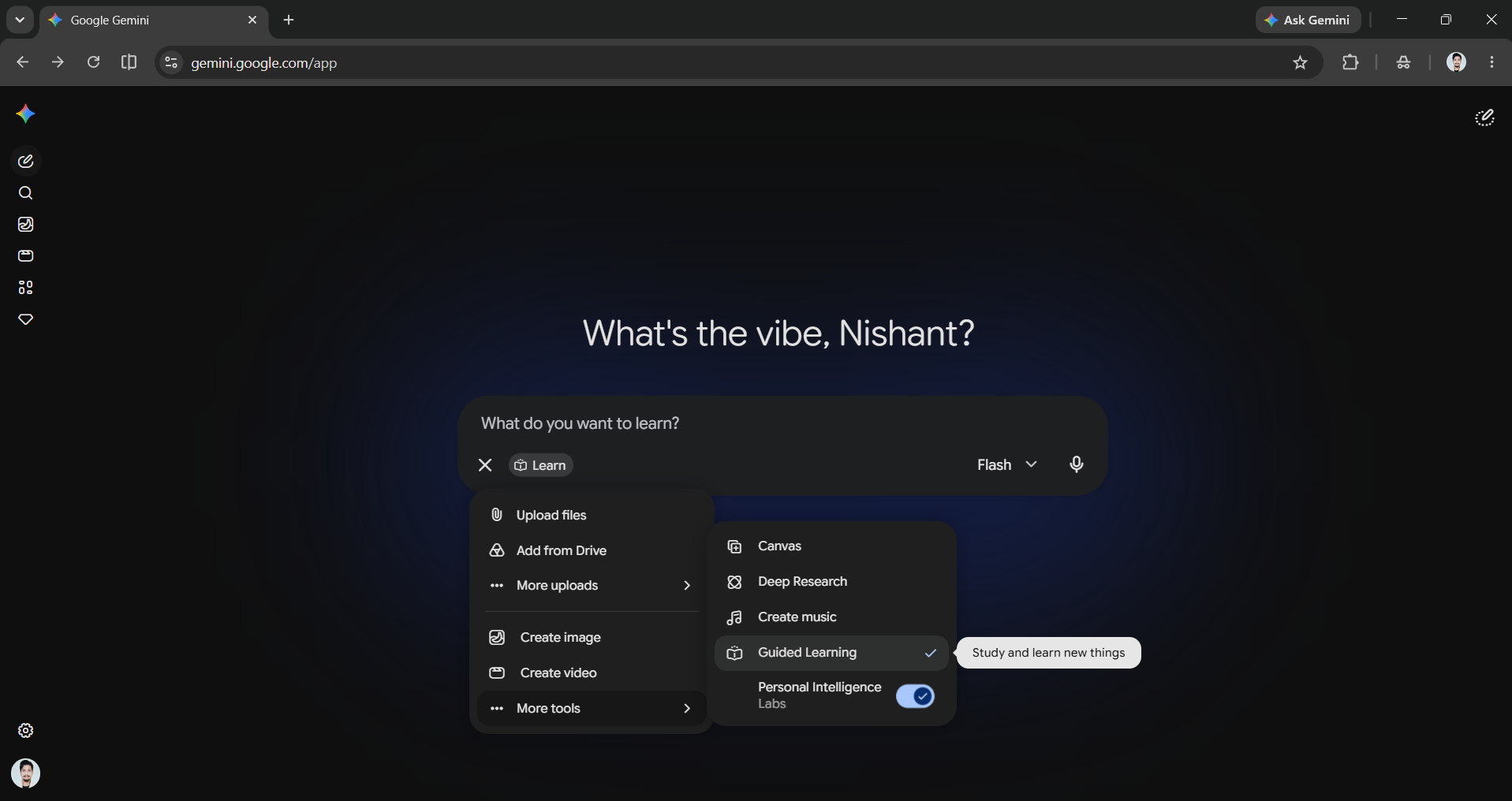
Guided Learning is Gemini's tutor mode. When you turn on guided learning, Gemini won't just hand you an answer; it will walk you through a topic step by step and build explanations around your own notes or documents. Guided learning is powered by Google's LearnLM. It's a useful way to learn a new skill or finally understand a concept you've been avoiding.
AdCreative.ai: An AI-powered platform that automates the creation of high-performing ad creatives for social media and display campaigns
Category 3: Images and video
Nano Banana 2
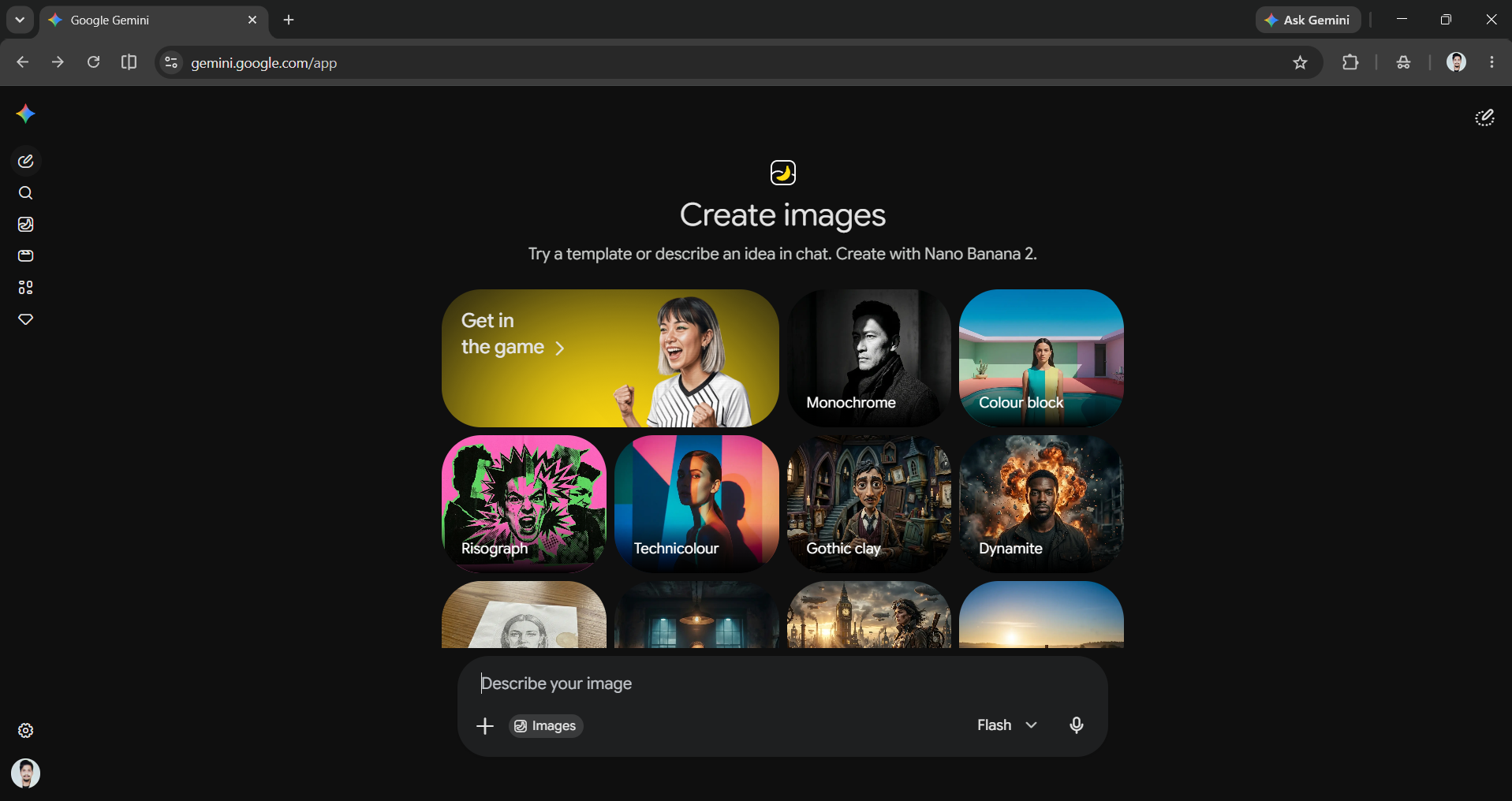
Nano Banana 2, officially Gemini 3.1 Flash Image, is now Google's default image model, pairing pro-level quality with Flash-level speed. It can create and edit images with crisp, readable text, accurate detail, and consistent characters across edits, at resolutions up to 4K. It can even pull real-world knowledge from web searches to render specific subjects correctly, and you can use it for free in Gemini, Search, and across Google's apps.
Flow
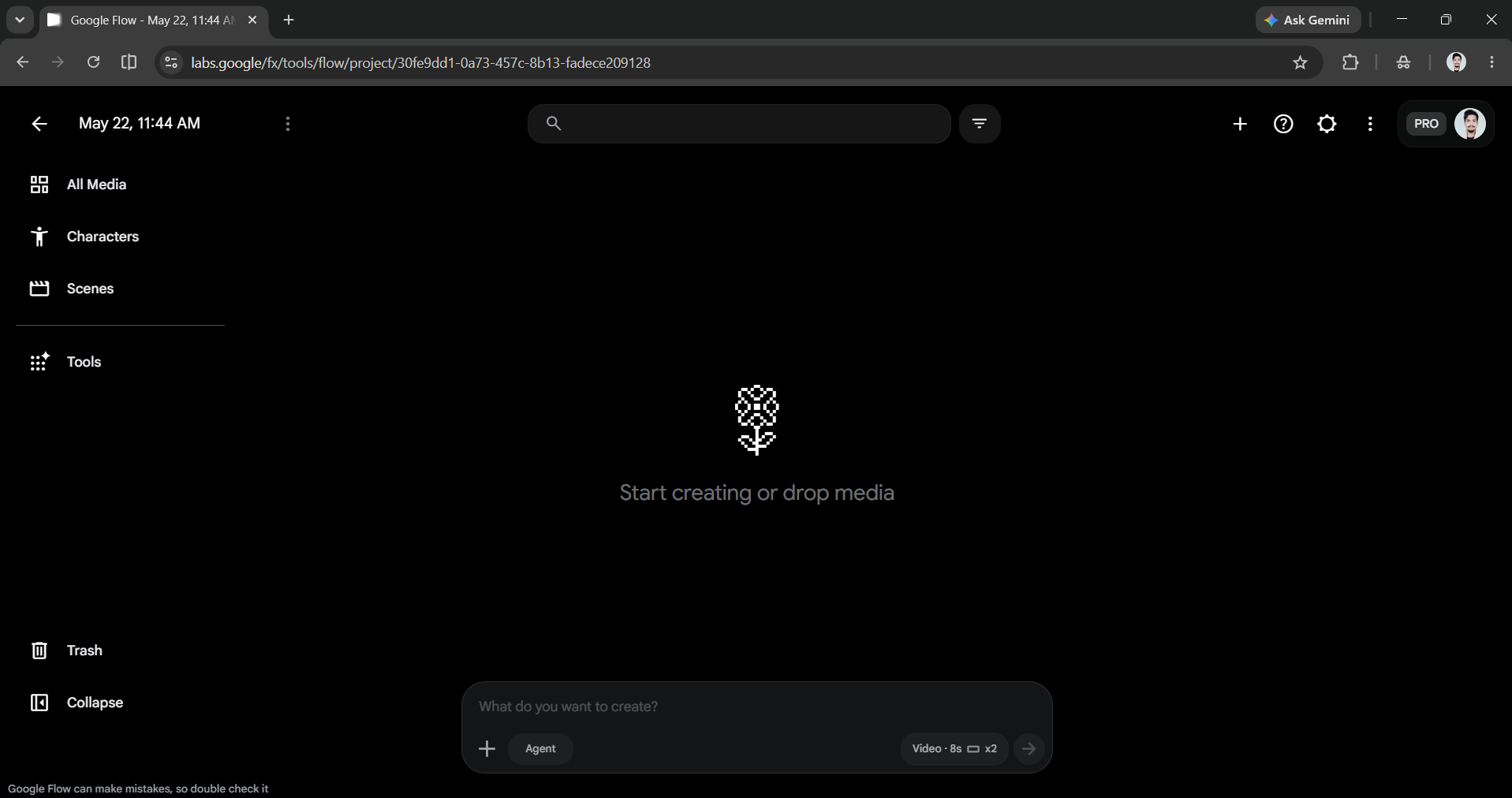
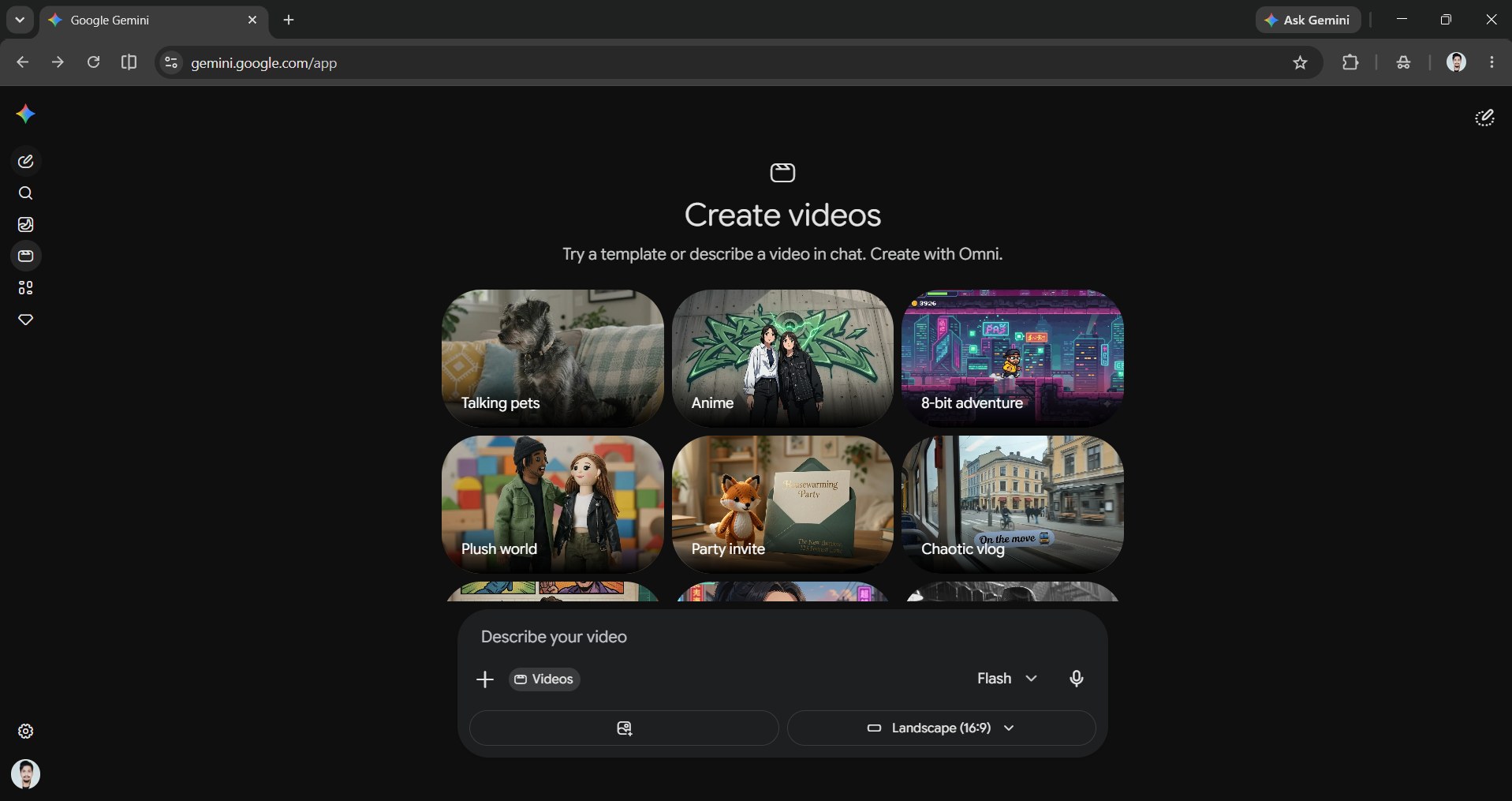
Flow is Google's creative studio for video. It combines the old Whisk and ImageFX features into one platform. You can describe a scene, and it will create cinematic clips using the Veo and Omni models. The tool allows users to extend shots and stitch them together into a sequence. Image generation is free. However, creating full videos requires a paid plan. It's worth trying out to see what you can do.
Gemini Omni
Gemini Omni is Google's latest media model that makes video editing feel like a conversation. You can describe what you want and improve it through a chat, while the characters and physics remain consistent throughout the video. The Omni Flash version is free on YouTube (Shorts Remix and YouTube Create) for users 18 and older. In the Gemini app and Flow, it is included in the paid plans.
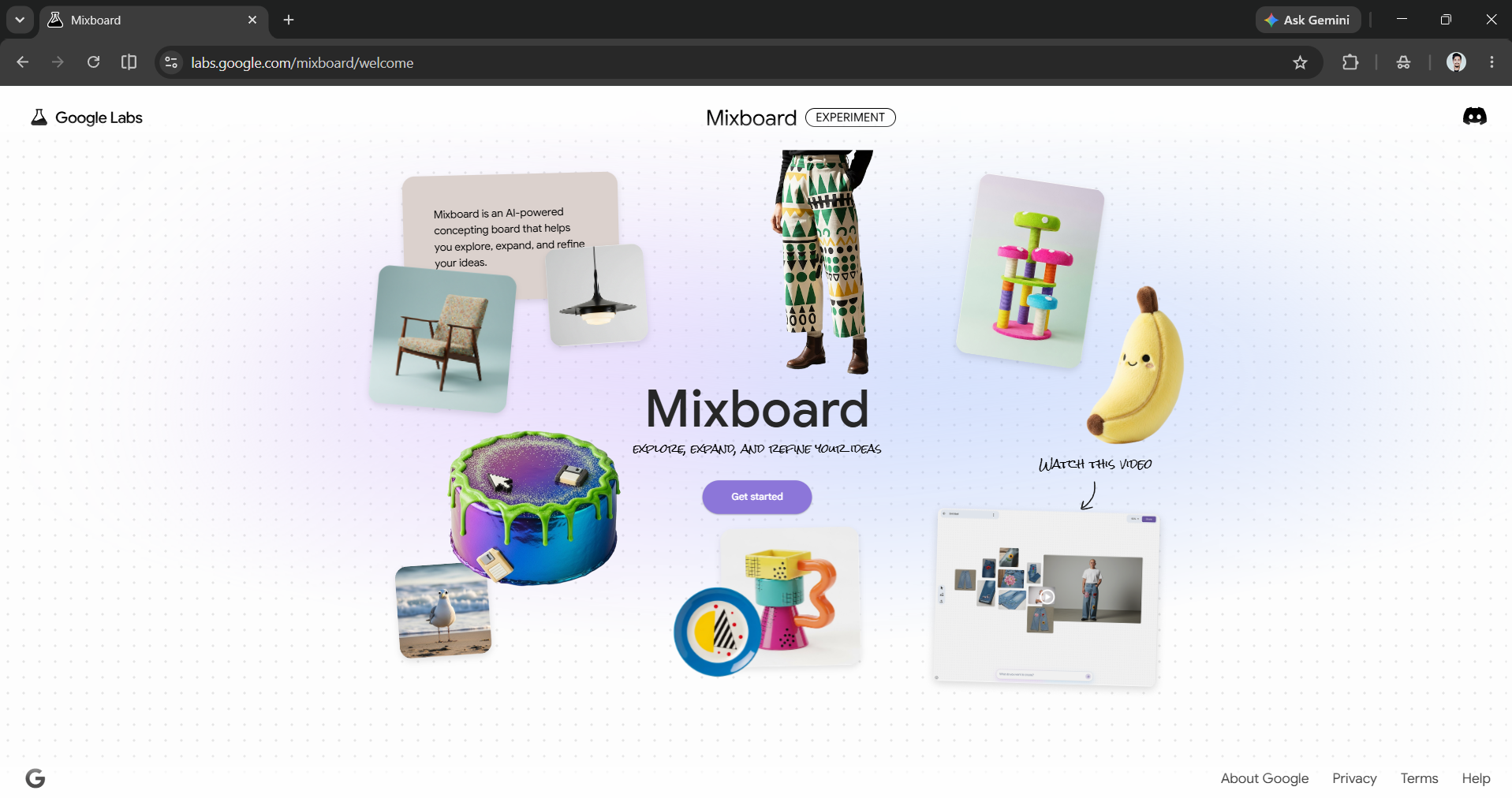
Mixboard
Mixboard is an AI-powered mood board for thinking visually. You can drop in ideas, images, and prompts to help you expand and improve a concept. It is handy for when you want to plan a campaign, a redesign, or any project where you need to see the idea before you build it. It's a free Google Labs experiment.
Category 4: Build and market without code
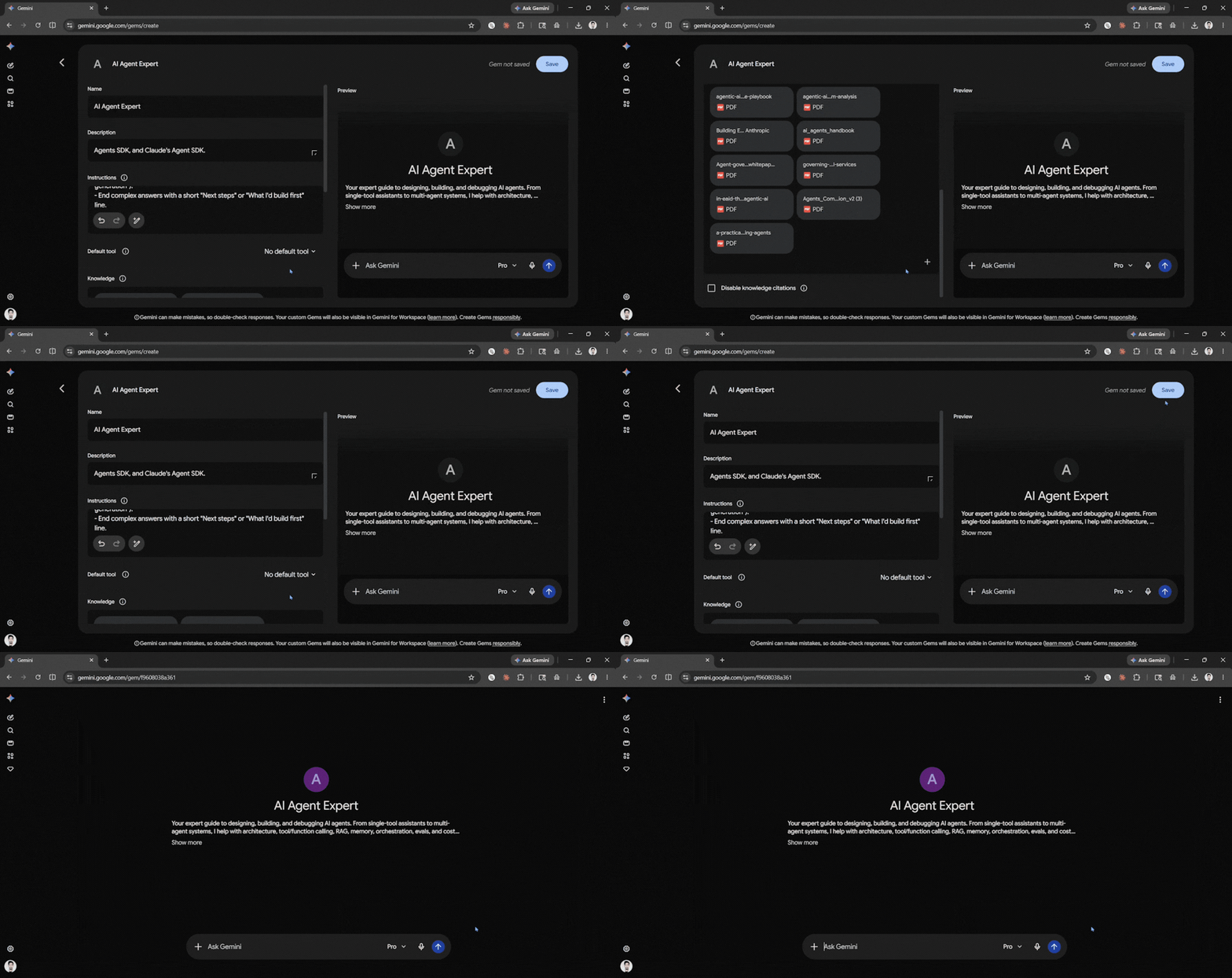
Gems
Gems let you build your own mini-assistants without writing a line of code. You can give your custom versions of Gemini a set of instructions, like act as my proposal editor or be my meeting notes summarizer, and it will remember that role every time. You can set them up once and skip having to re-explain yourself in every chat. They're free in the Gemini app.
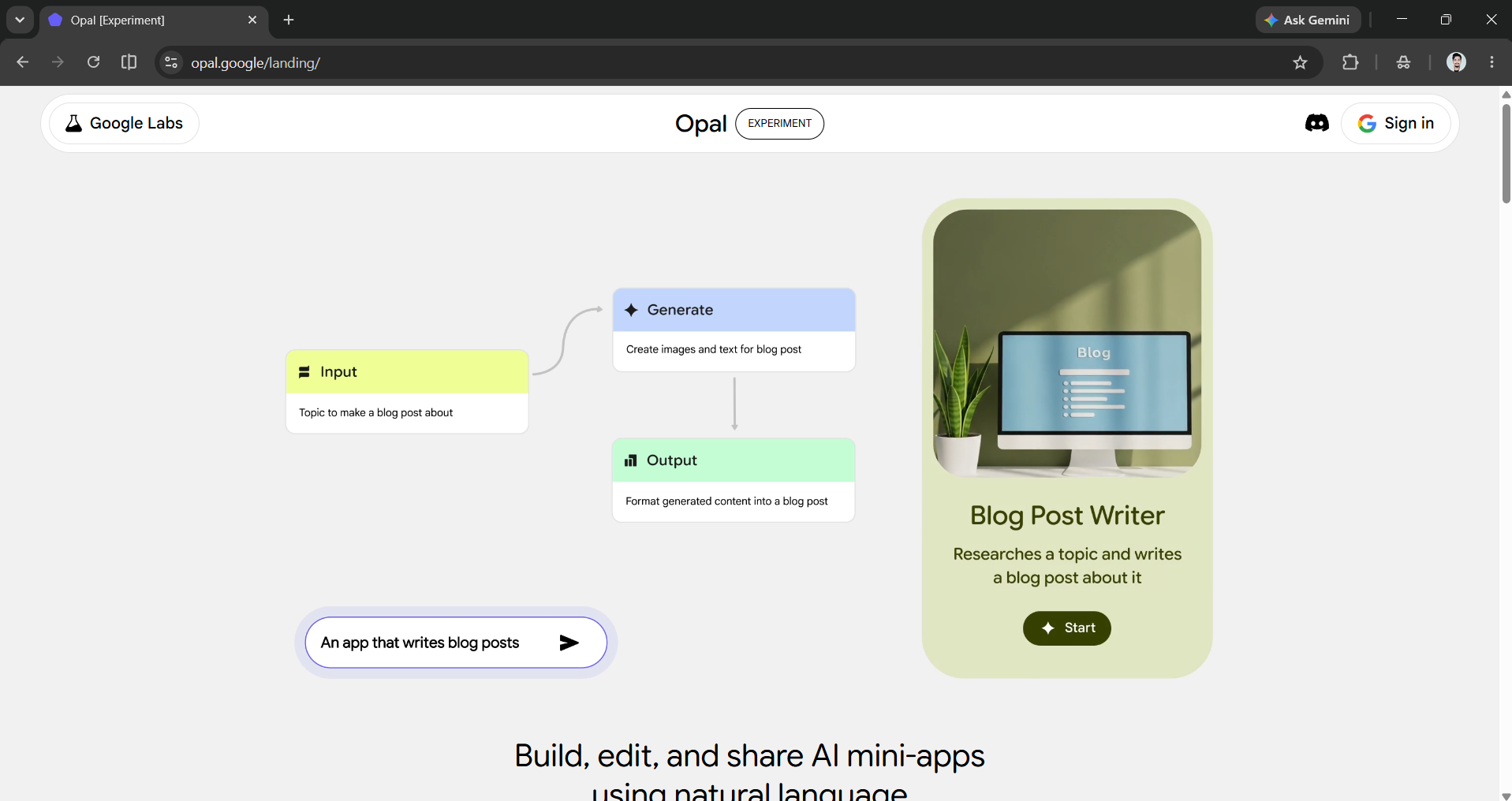
Opal
Opal allows users to create small, shareable AI apps just by describing what they want in simple English. If you need a quiz generator, a product-description writer, or a custom intake form, just explain the steps. Opal will put together a working mini-app that you can share through a link. You don’t need to know how to code or set anything up. It's a free tool that makes it easy to build your own AI application.
Stitch
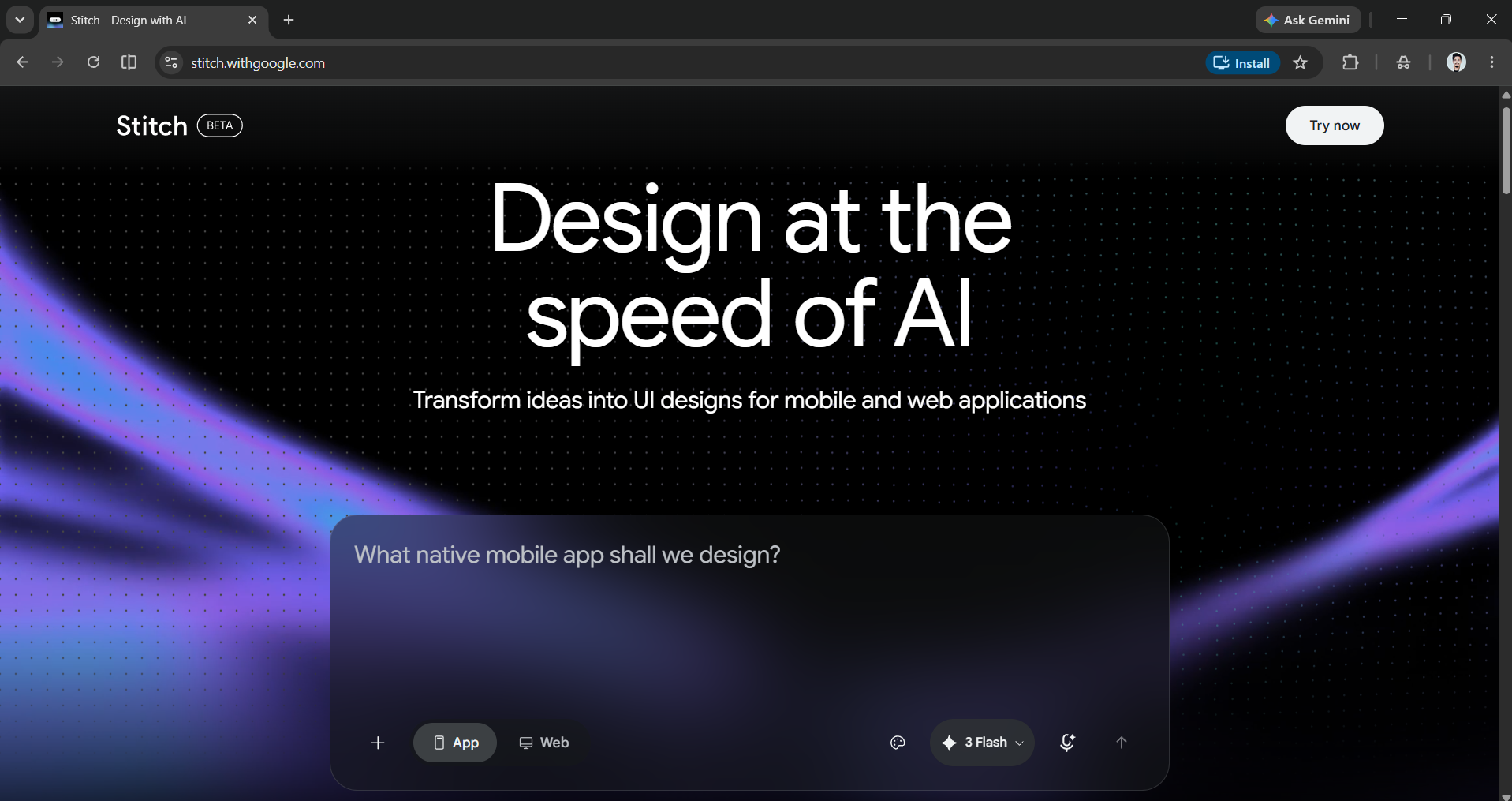
Stitch can turn a description into a usable interface design. You can tell it the goal, like a booking page for a yoga studio, and it will generate clean UI layouts that you can tweak and export. It's aimed at people with an idea but no design skills, making it a quiet favorite among founders and marketers. It is a completely free-to-use tool from Google Labs.
Pomelli
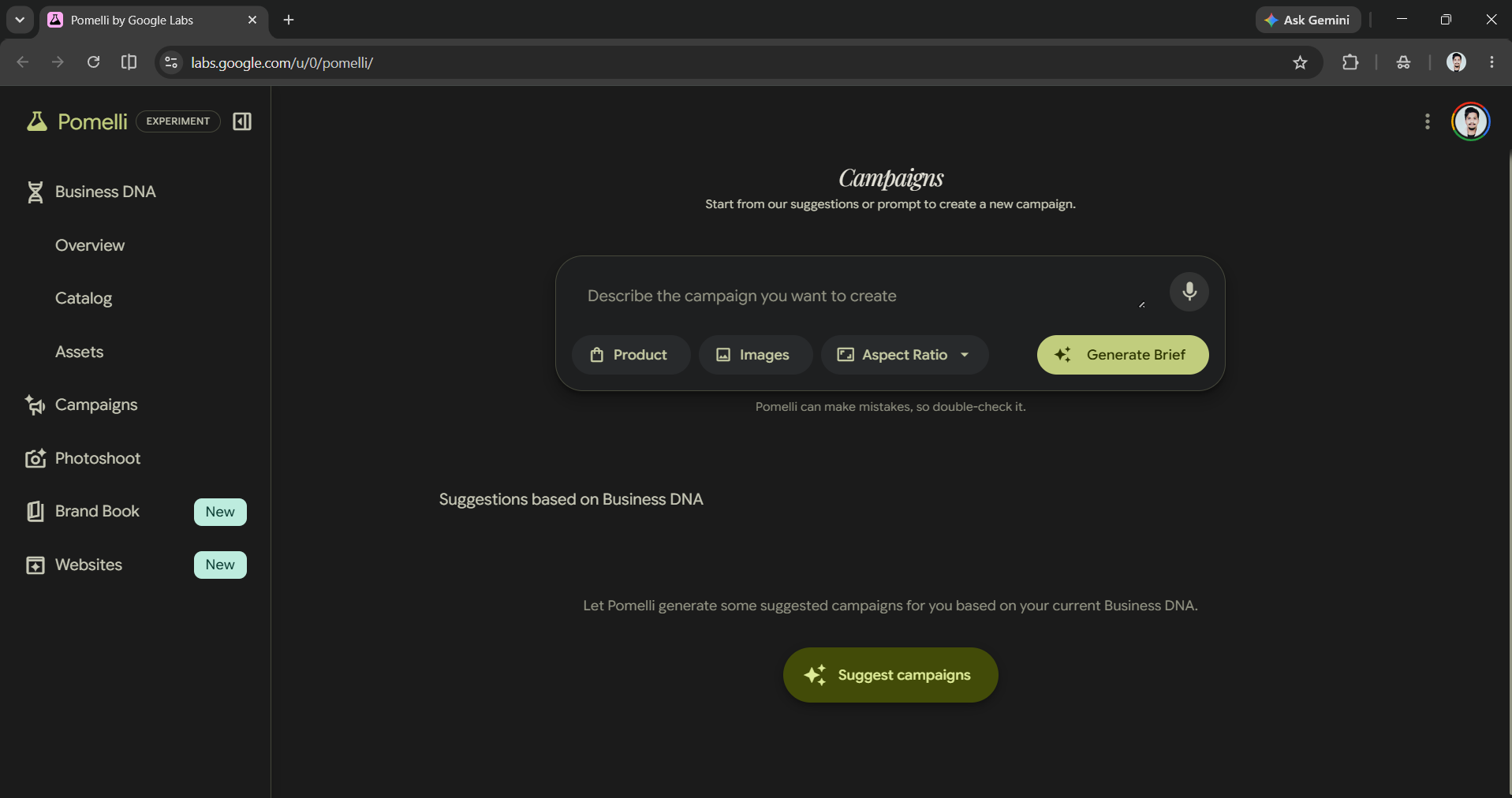
Pomelli is a gift for small businesses. You can put your website, and it will study your brand (your tone, colors, and style) to create a Business DNA profile, then generate on-brand social posts, ad ideas, and marketing assets from it. It's free during its public beta and removes the blank-page problem from content creation.
Category 5: Autonomous agents
Gemini Spark
Gemini Spark is Google's 24/7 personal agent and one of the most ambitious tools on this list. It can work in the background across your Gmail, Docs, Sheets, and the open web, handle recurring, multi-step tasks, and draft work from your own files, while asking permission before anything high-stakes like sending an email.
- One caveat: Unlike the rest of this list, Spark launched as a paid beta for Google AI Ultra subscribers in the US, so it isn't free yet, but it's the clearest preview of where Google's AI is heading.

So which ones should you actually use?
You don't need to use all 15 Google AI products. You can pick the category that matches what you do most.
- If you write and plan, try using Gemini, Deep Research, and NotebookLM.
- If you're focused on creating, use Nano Banana 2 with Flow, Gemini Omni, and Mixboard.
- If you are running a business, Pomelli, Opal, and Stitch will help you save time.
The bigger point is that Google's best AI tools aren't hidden behind a paywall. It's spread across a dozen-plus mostly-free tools that most people never open. You can spend an afternoon trying three of these, and you'll quietly outpace everyone still typing into a single chatbox.
💡 For Partnership/Promotion on AI Tools Club, please check out our partnership page.

