


Most AI tools give you advice, take ChatGPT, Claude, and Gemini, for example. You ask a question, you get an answer, and then you still have to do the work yourself. Moonshot AI wants to change that. As you know, we are in the era of autonomous AI agents. The company behind the popular Kimi assistant launched Kimi Work, a desktop AI agent that lives on your computer, opens your files, drives your browser, and finishes tasks while you do something else.
If you've ever wished you had an assistant who could read a folder of reports, summarize them, and drop the finished document right back where it belongs, this is built for exactly that.
What Is Kimi Work?
Kimi Work is a downloadable app, not another browser tab. You install it on your Mac (Apple Silicon) or Windows computer. Once installed, you select the folders you want it to work with and give it simple instructions in plain English. Kimi Work will then help you by completing tasks on your computer, acting like a helpful coworker. It turns your requests into finished files in one step, rather than giving you a list of things to do.
Kimi Work is powered by the Kimi K2.6, Moonshot's flagship AI model. You don't need to know the technical details, but the short version is that it's powerful enough to handle complicated, multi-step work without falling over.
AdCreative.ai: An AI-powered platform that automates the creation of high-performing ad creatives for social media and display campaigns
Four things that make Kimi Work different
- It reads your local files: You need to add a folder, and Kimi Work will search through the documents inside it. You can ask it to find all the quarterly report PDFs and write clear summaries of them. It will save the summaries back into your folder. Your files will remain on your machine the entire time.
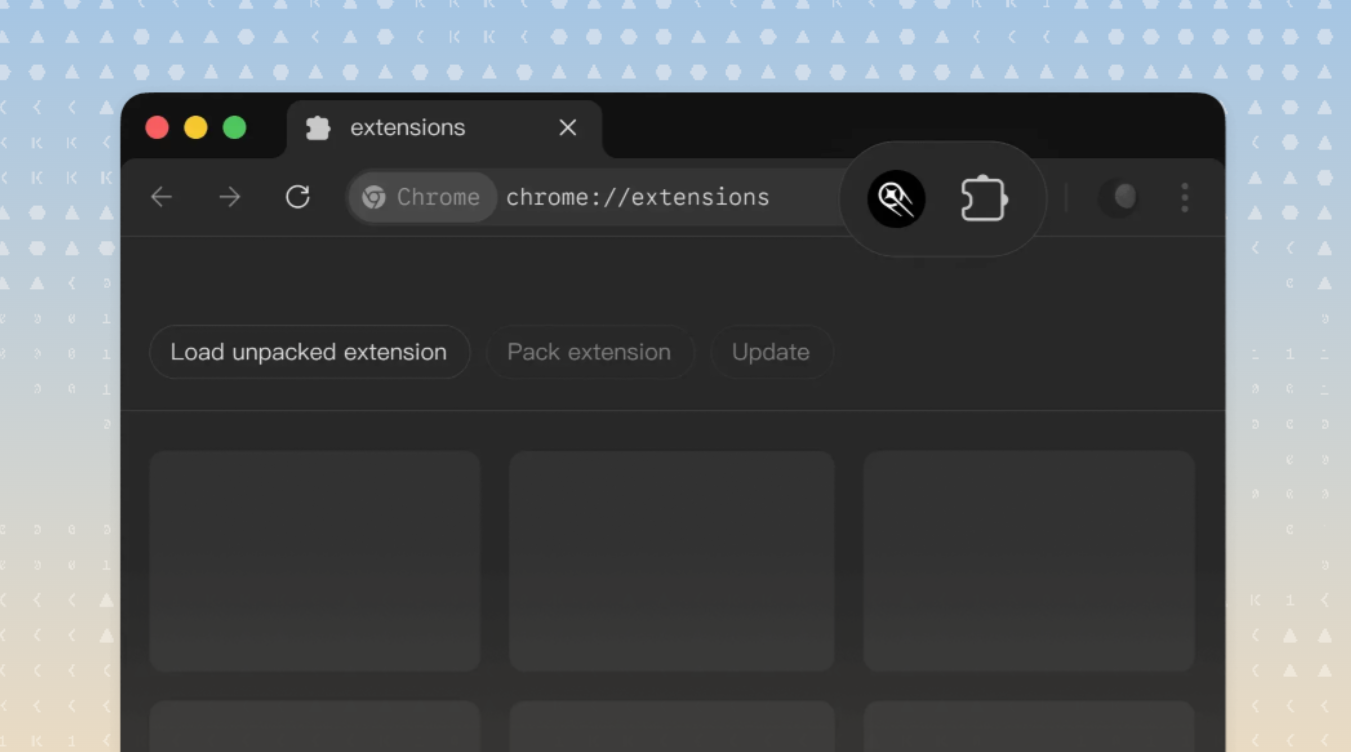
- It controls your real browser: Through a feature called WebBridge, Kimi Work can use your actual, logged-in browser to navigate websites, click buttons, fill out forms, and pull data, just like a person would. That means it can check a site each morning and summarize the news, or gather figures into a spreadsheet, without you lifting a finger because it uses your own browser, your logins and cookies never leave your computer.
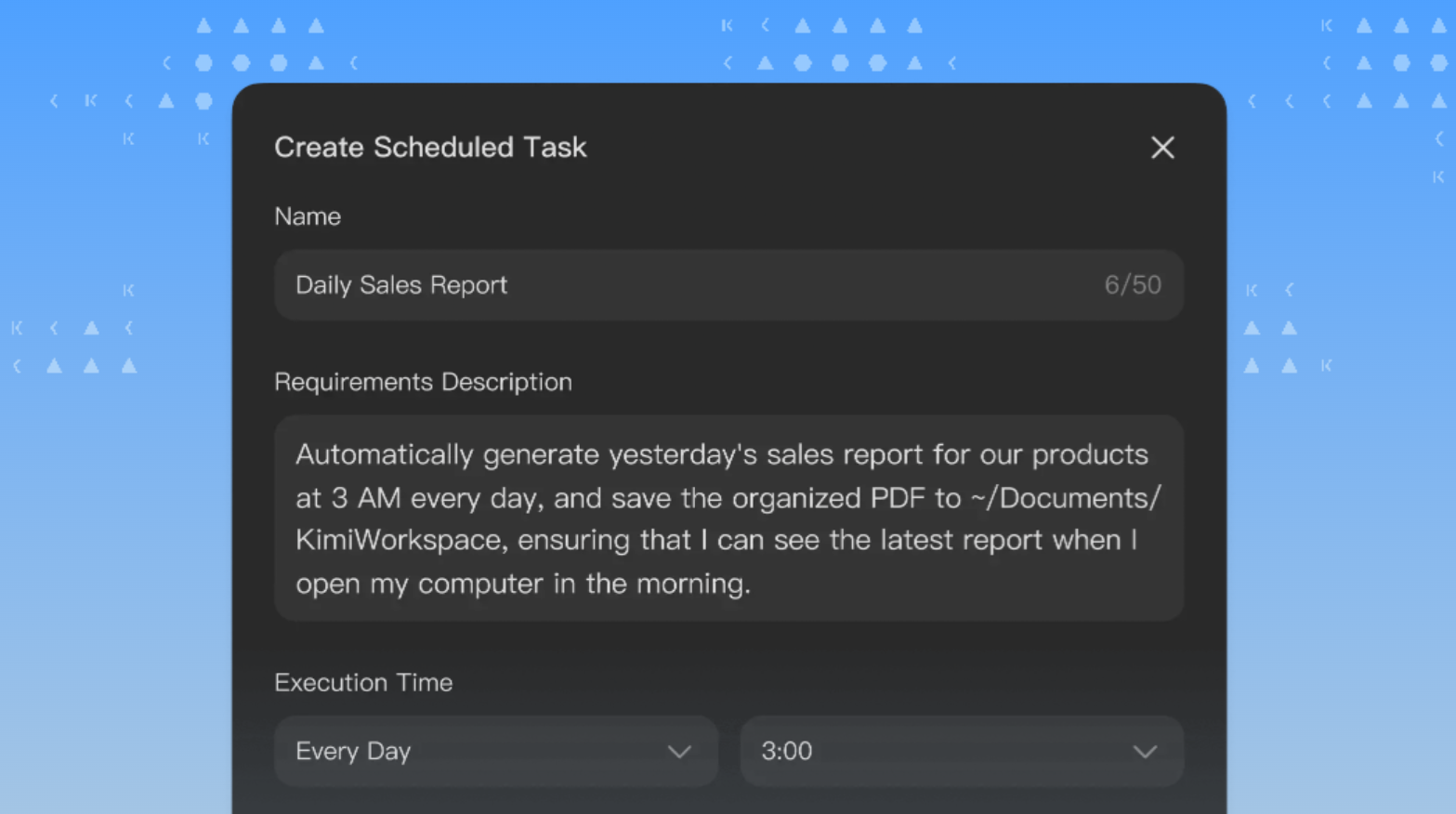
- It works on a schedule, even overnight: A built-in scheduler lets you set tasks to run daily, hourly, or at a specific time. Want a briefing waiting in your inbox at 7 a.m. or a data job done by morning? Flip the Keep Computer Awake setting, and Kimi Work will handle it while you sleep.
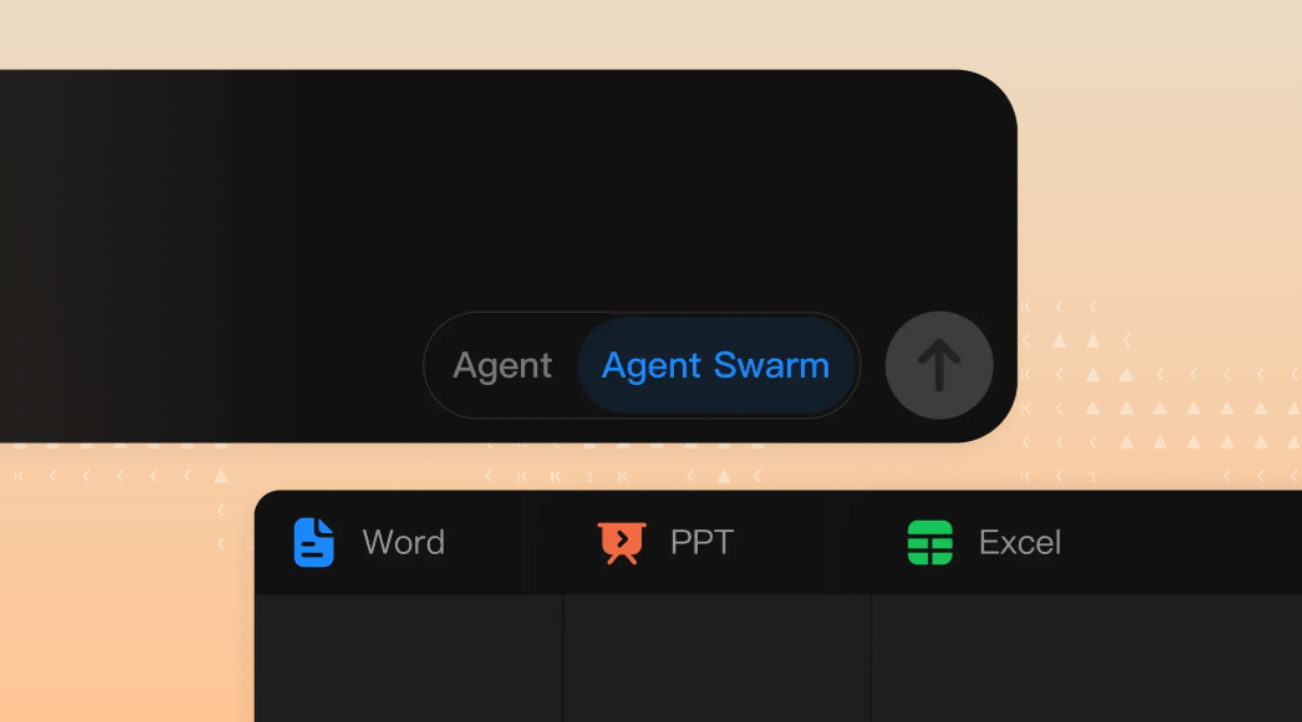
- Agent Swarm: When your tasks are big, Kimi Work can split the work across many smaller agents running at once, up to 300 of them, so a sprawling task gets broken into pieces and tackled in parallel. It can then turn the results into a polished PowerPoint deck or Excel sheet in seconds.
Built With Finance in Mind
Kimi Work provides built-in market data for U.S., Hong Kong, and mainland China (A-share) stocks. Analysts and finance professionals can easily access earnings reports, identify market issues, and reconcile spreadsheets through simple conversations, without needing a complicated setup.

Is It Safe to Let an AI Touch Your Files?
That's the obvious worry, and Moonshot built in a guardrail for it. Kimi Work uses an Ask before acting safeguard, meaning it will request your explicit approval before it changes, overwrites, or runs anything on your computer. Nothing happens without your sign-off, so you stay in control.
How Much Does Kimi Work Cost?
The app is free to download. However, if you want to unlock the useful features, you'll need a paid plan, which starts at $19 a month for access to the K2.6 model plus research and document tools. For most individual professionals, the entry plan can comfortably cover everyday work.
The Bottom Line
As I said at the very beginning, we are in the era of AI agents, and Kimi Work proves that by being the AI that doesn't just answer questions but also helps us get things done. For professionals who manage files, browsers, and repetitive reports, this change can save them real time each week. It's still in the early stages, with parts of the product being tested, but the future looks promising. If you want an AI that works while you focus on other tasks, consider downloading Kimi Work.
💡 For Partnership/Promotion on AI Tools Club, please check out our partnership page.
