


Vibe coding has allowed anyone, with or without any technical expertise, to build software. It could be as simple as a portfolio website or even a large application. However, most people give up quickly or don't use AI tools as efficiently as they should.
There are already plenty of AI vibe coding tools available in the market that can provide you with a similar experience, as they are usually powered by the same or similar AI models. But what if you or your business want something different? A 3D website could cost you anywhere from a few hundred dollars to several thousand dollars. When you interact with a 3D website, they usually leave us in awe.
What if I told you that you can also create a 3D website using Vibe coding and everyday AI tools like ChatGPT, Runway, and Claude Design? Yes, it is possible, and in this article, I'll show you the full step-by-step guide on how to create a beautiful 3D website using vibe coding and a few everyday AI tools.
Here is a full step-by-step guide on how to create a 3D website using vibe coding and everyday AI tools:
Step 1: Go to Claude Design and create a new prototype. Next, visit MotionSites to find inspiration for your 3D website. Most website prompts are free, where you can click on copy to copy a 3D website's prompt. Paste that prompt in Claude Design's chatbox.
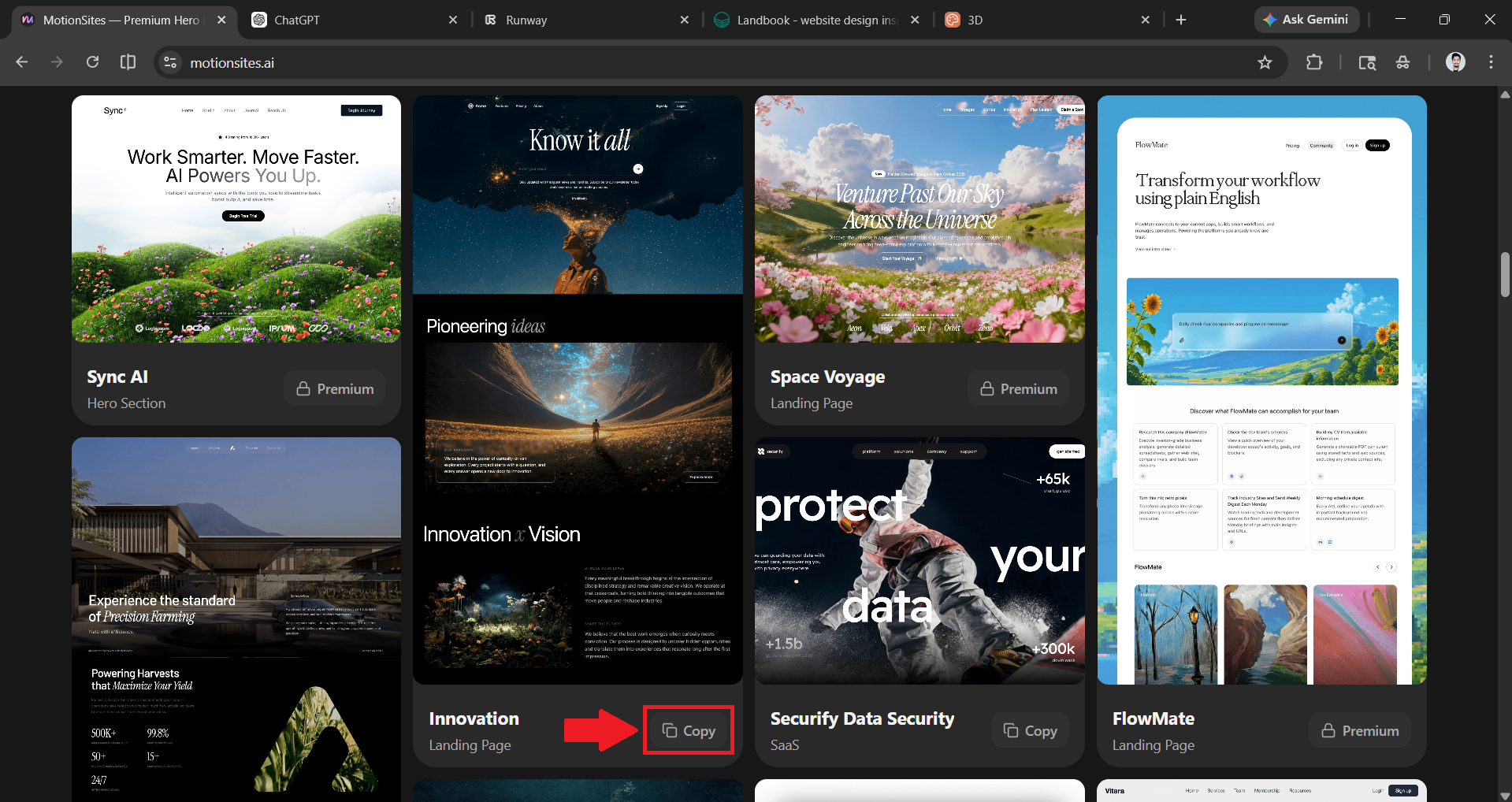
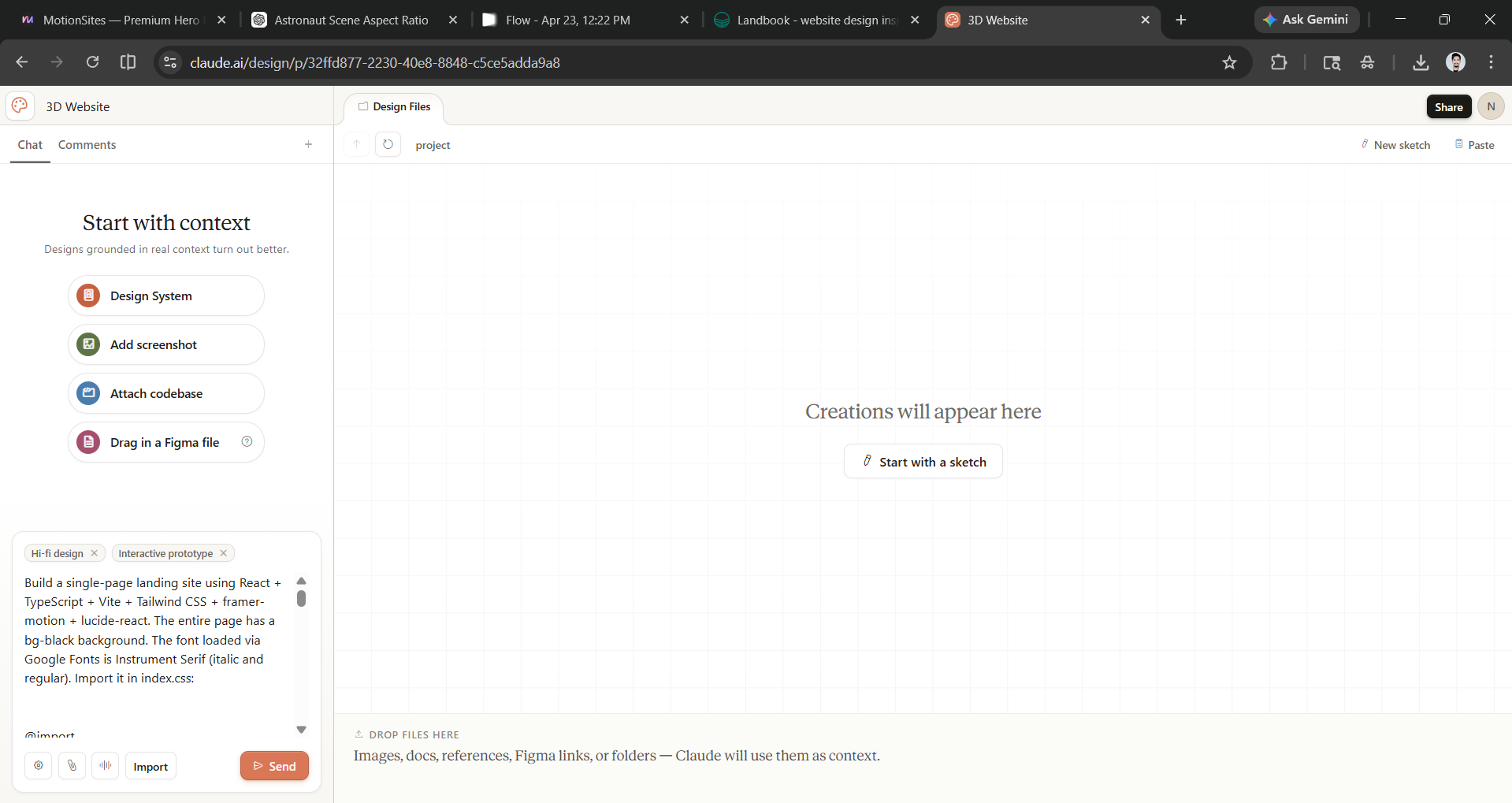
Step 2: As you may have noticed, the looping videos on the 3D website may not be the ones you want on your website. This is where you'll use ChatGPT Image 2.0 to generate images (if you don't have any) and the Runway to animate those images into videos.
- Generate an image using ChatGPT Image 2.0.
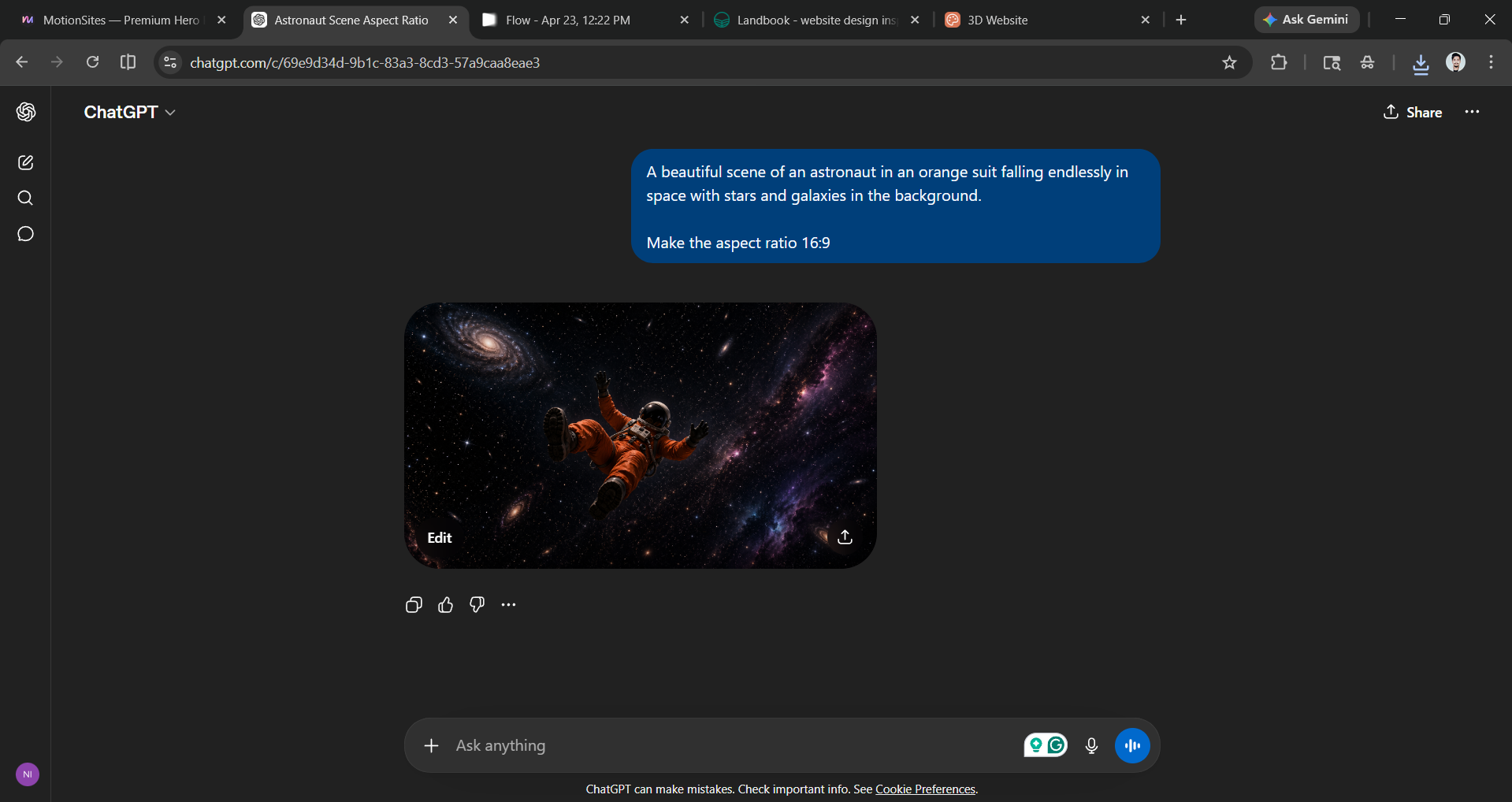
- Upload that image to Runway (it's free) and prompt it to animate the image into a video however you want.
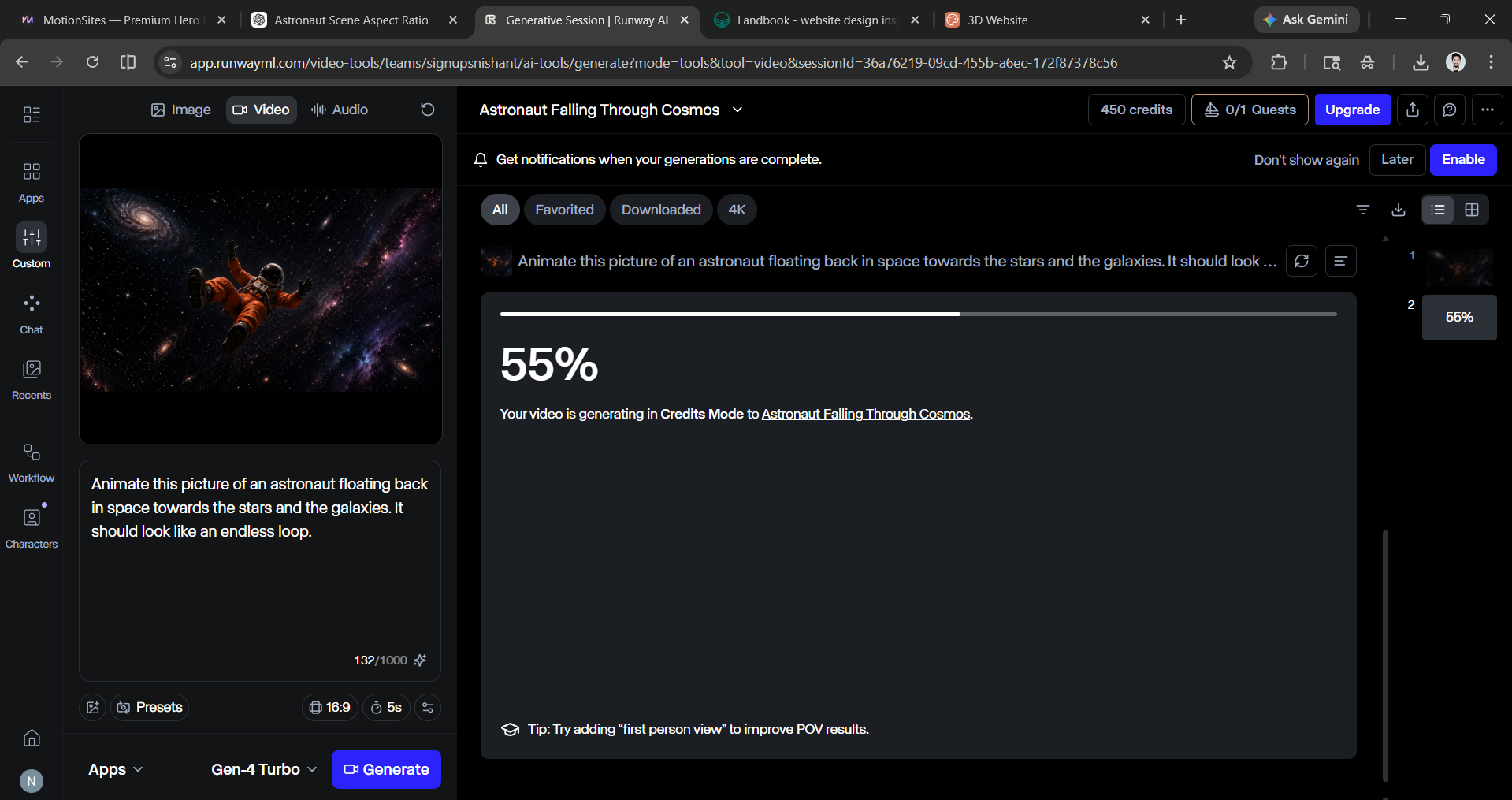
- Open that video in a new tab and copy its link.
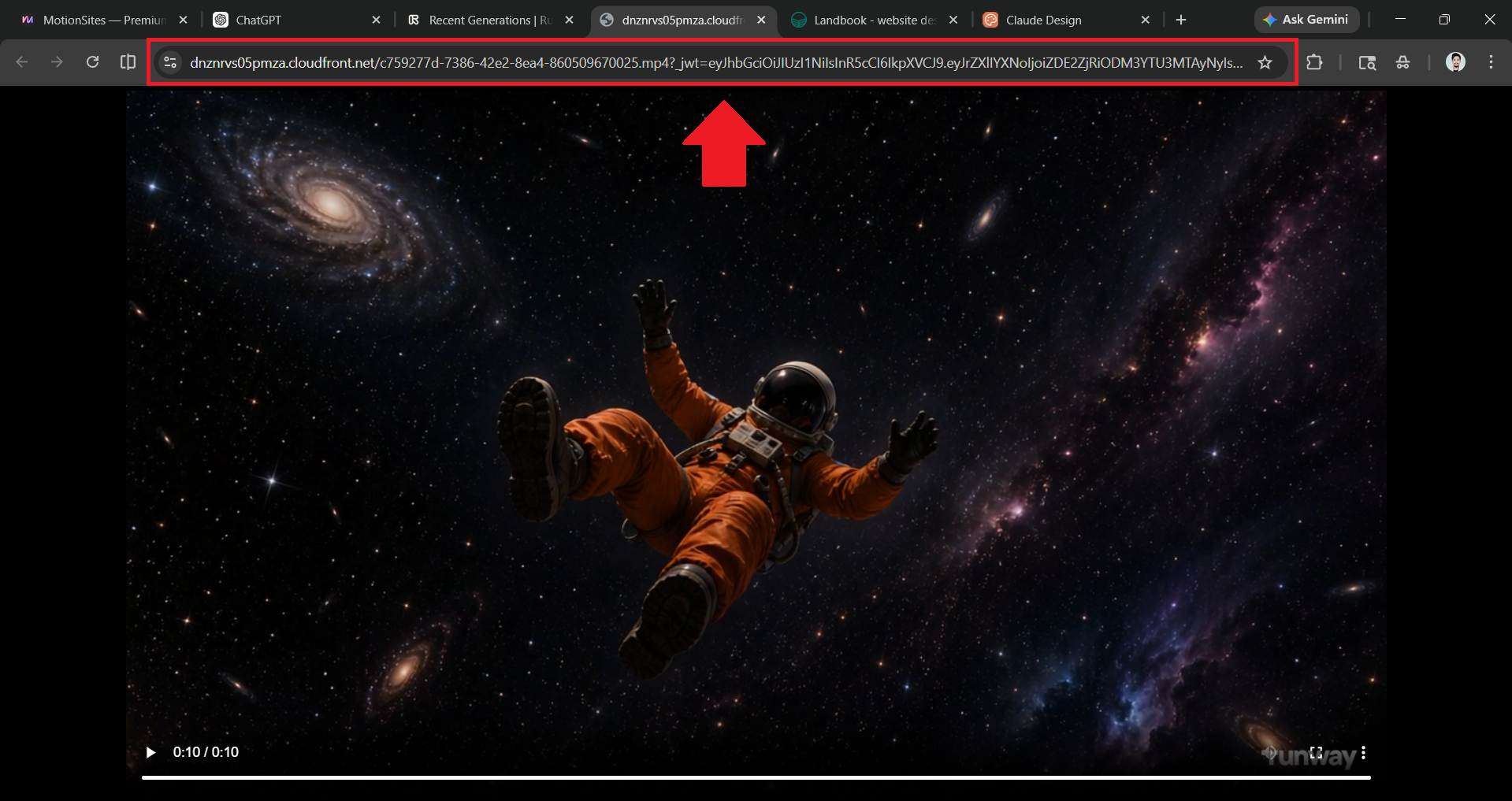
Step 3: Paste the copied video link in the URL section of the prompt you pasted earlier in Claude Design.
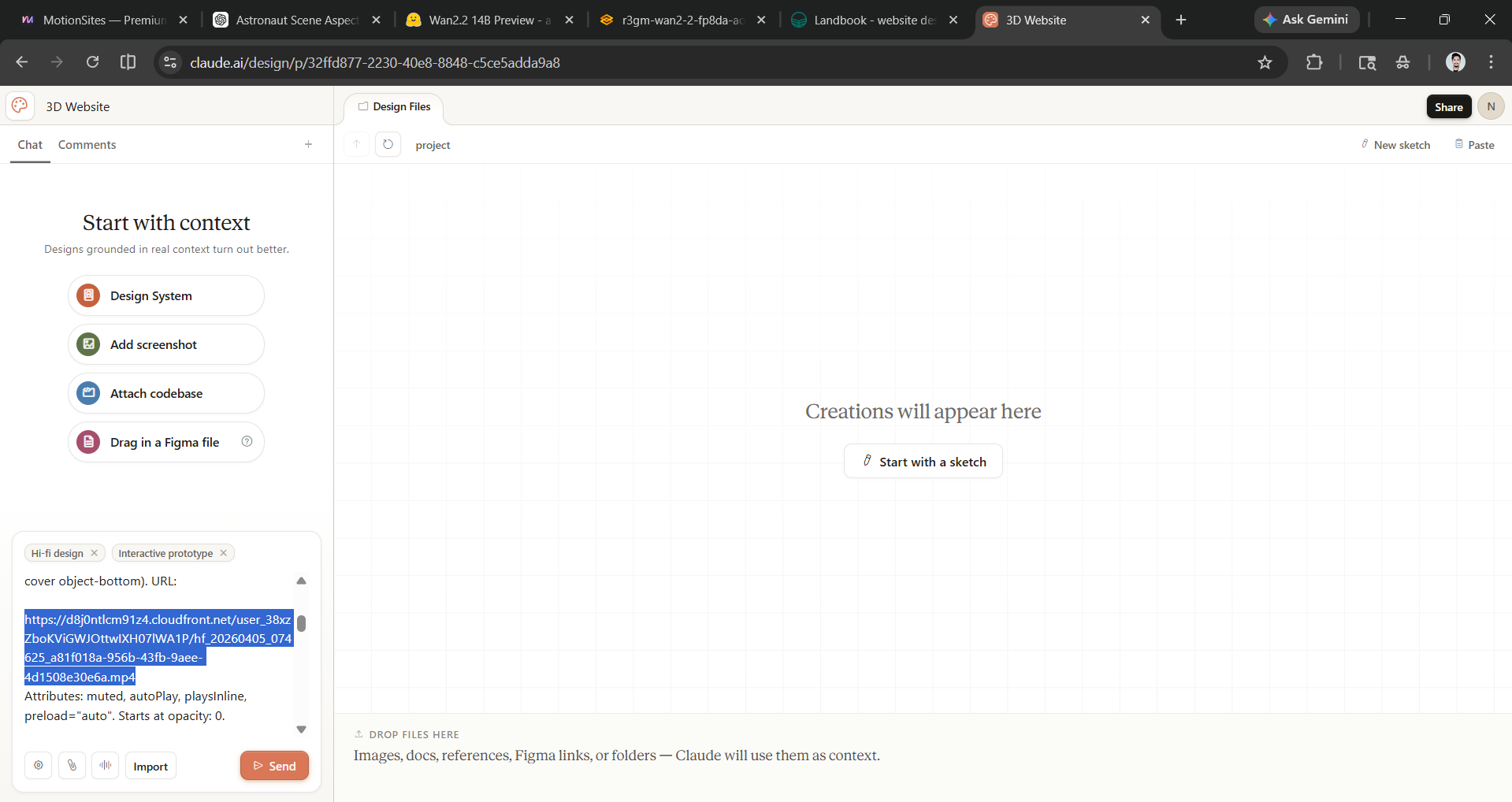
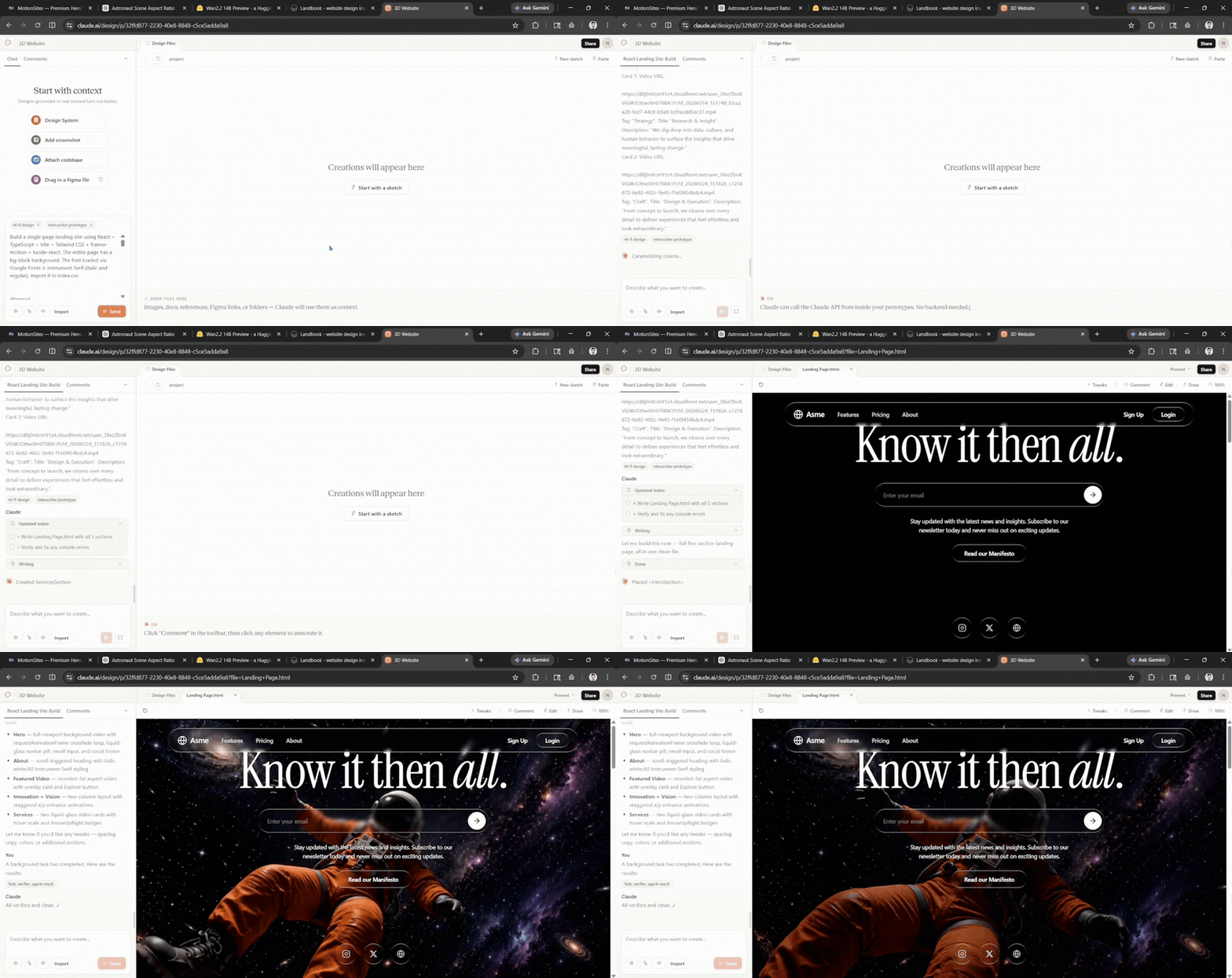
Then hit send and let Claude Design bring your website to life.
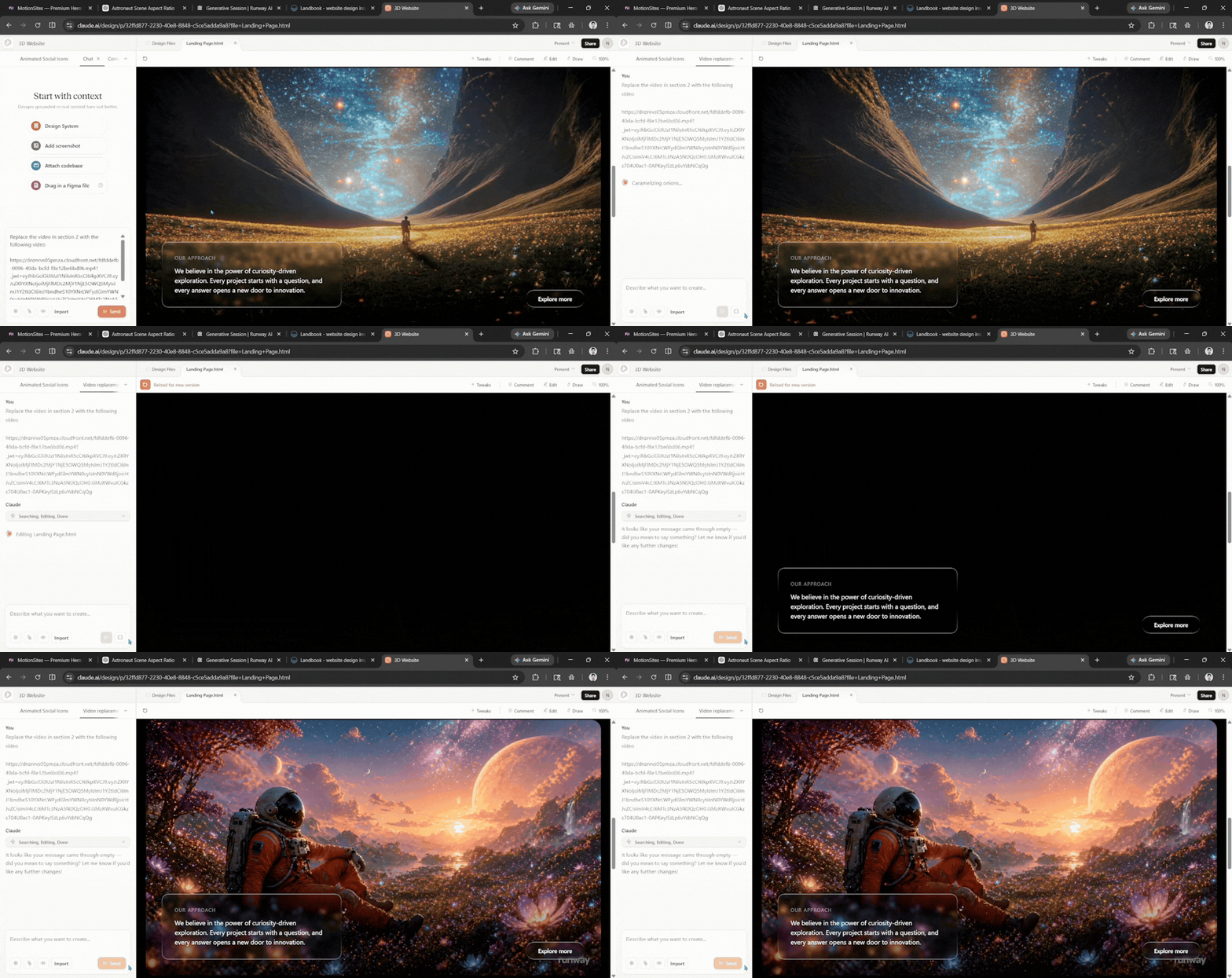
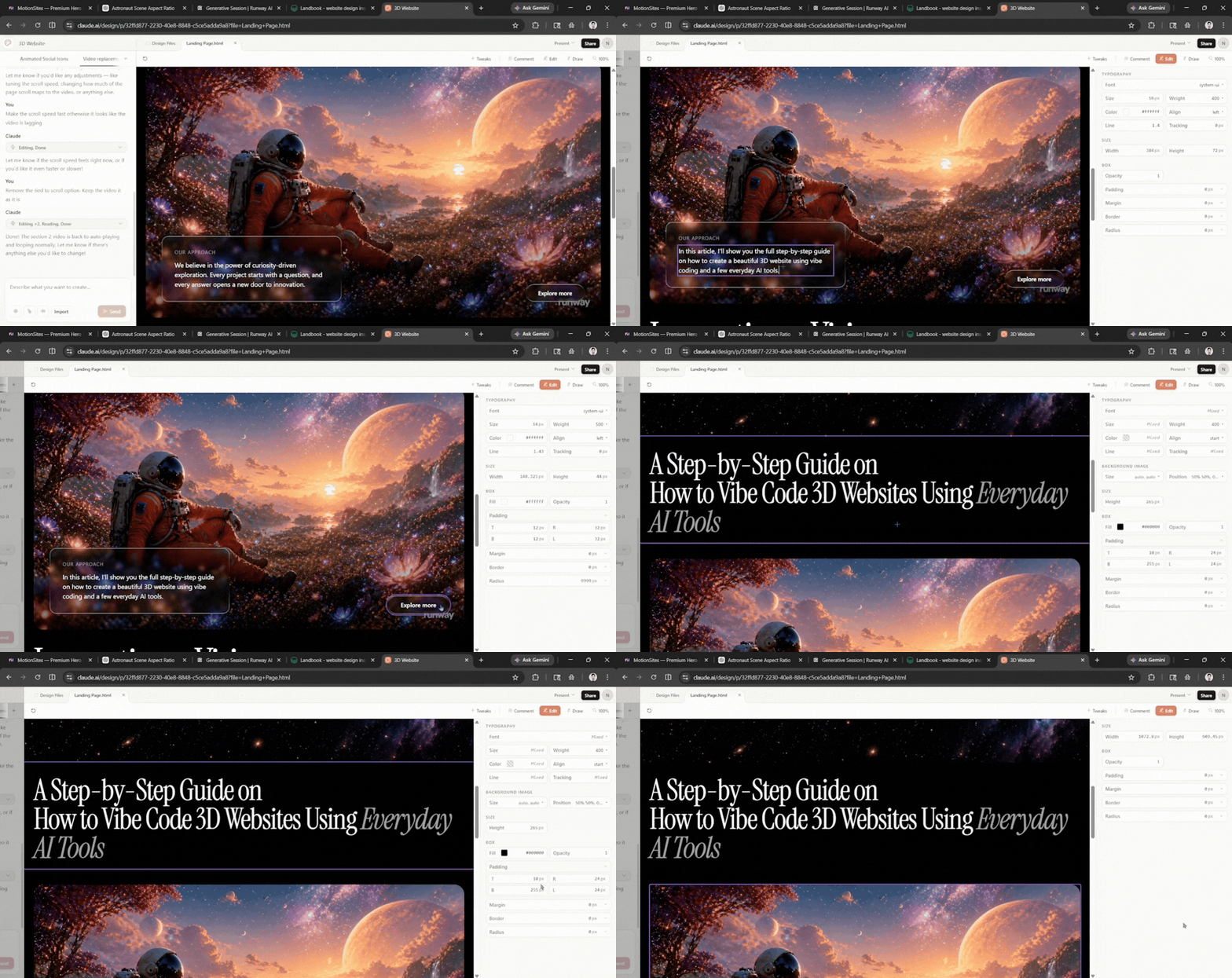
Step 4: Now it's time to start refining the website. You can change the animated videos and text on the website using simple prompts like change this to that.
- There is an edit option in the top bar that will allow you to edit and every minor detail manually.
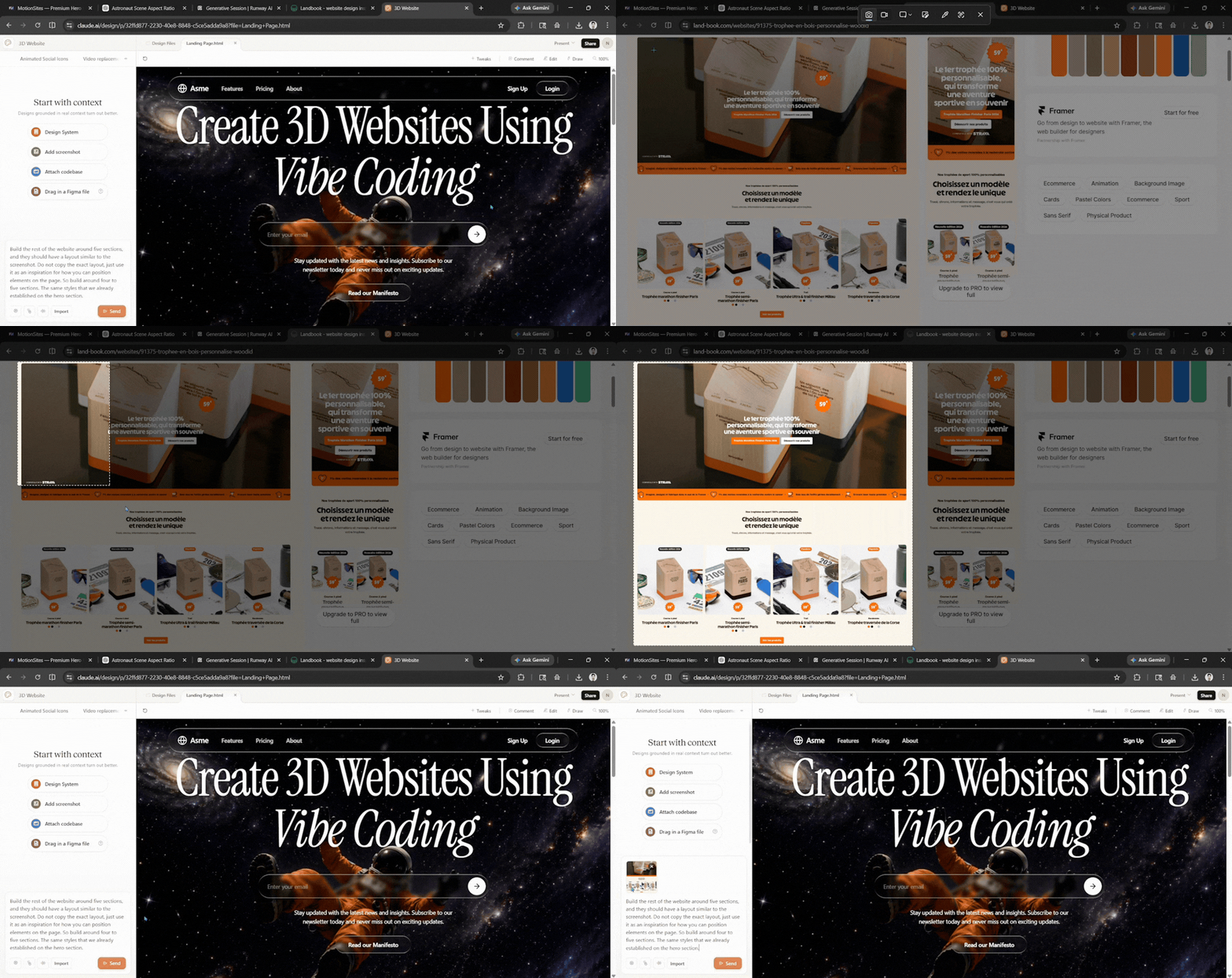
Step 5: If you want to change the sections, you can use Landbook. Just take a screenshot of the UI and prompt Claude Design to build the rest of the website around however many sections you want. Ask it to keep the layout similar to the screenshot (you can ask it to either keep or change the layout), using the screenshot as inspiration for how to position elements on the page. Also, you can ask it to keep the same styles that you have already established on the hero section.
Prompt example: Build the rest of the website around (number of sections), and they should have a layout similar to the screenshot. Do not copy the exact layout, just use it as an inspiration for how you can position elements on the page. So build around (number of sections). Keep the same styles that we already established on the hero section.
(I haven't used the 5th step as the original layout and section suited the vibe I was aiming for.)
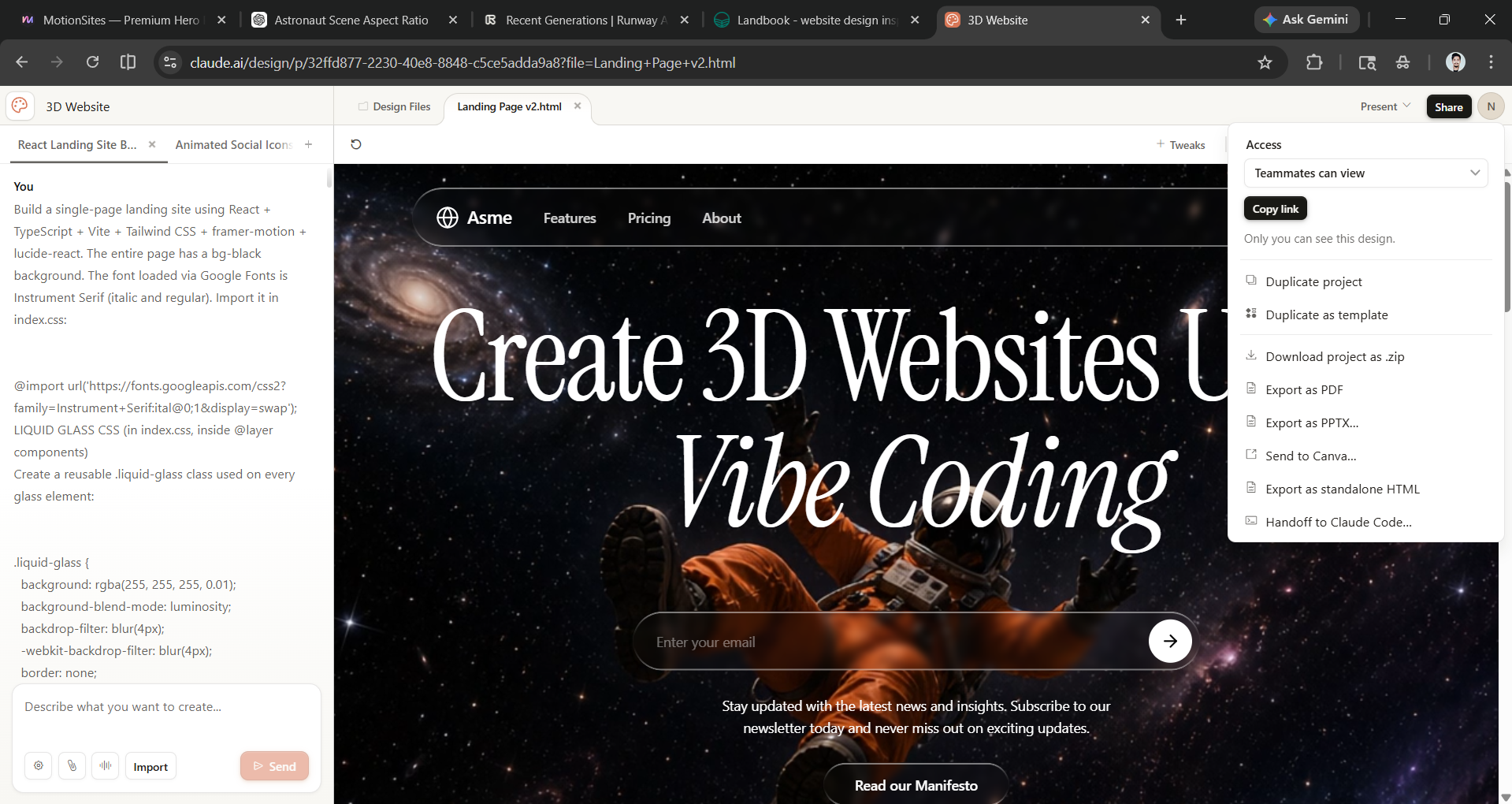
Step 6: Once you think your project is ready, click on Share to export it as a standalone HTML or hand it off to Claude Code.
Editor's note:
Artificial intelligence (AI) has made it super easy for anyone to create something new and interesting. You can start with something basic and move to a more complex project. For this article, I used five different AI tools.
- Claude Design is to create a prototype.
- ChatGPT to create AI images.
- Runway to animate those AI images and turn them into videos.
- MotionSites to get a prompt for a 3D website.
- Landbook to find section inspiration.
You can get started with these everyday AI tools for free. If you have a Claude Pro or Max subscription, you can use Claude Design for free; however, if you don't have a Claude Pro or Max subscription, you can use Google AI Studio. ChatGPT allows you to create AI images for free. Runway gives you free credits to get started. Some MotionSites' prompts are behind a paywall, but there are plenty of free ones (I used a free one). Landbook is also mostly free to use.
It may not be like your traditional 3D website, but for most people, these cinematic websites can be a game-changer. What are you waiting for? Create your own 3D website using everyday AI tools.
💡 For Partnership/Promotion on AI Tools Club, please check out our partnership page.
