


Anthropic has launched Claude Design, a new AI tool that can make prototypes, slides, and one-pagers by talking to Claude. Claude Design is powered by Claude Opus 4.7, the company's most capable vision model. The tool is currently available in research preview on the Pro, Max, Team, and Enterprise plans.
Anthropic has made Claude Design simple to use. You just describe what you want, and Claude will build the initial first version, which you can then improve by chatting with Claude, inline comments, direct edits, or custom sliders.
There are several amazing use cases of Claude Design:
- You can create realistic prototypes by turning static mockups into easily shareable interactive prototypes that you can get feedback on.
- If you are a product manager, you can sketch out feature flows and hand them off to Claude Code for implementation, or share them with designers to further improvements.
- Claude Design isn't limited to product designs; you can also go from a rough outline to a complete, on-brand deck in minutes, and then export as a PPTX or send to Canva.
- You don't need any technical skills to use Claude Design. You can easily create landing pages, social media assets, and campaign visuals that can be polished by a designer.
- Anthropic says anyone can build code-powered prototypes with voice, video, shaders, 3D, and built-in AI.
How to use Claude Design: Step by Step
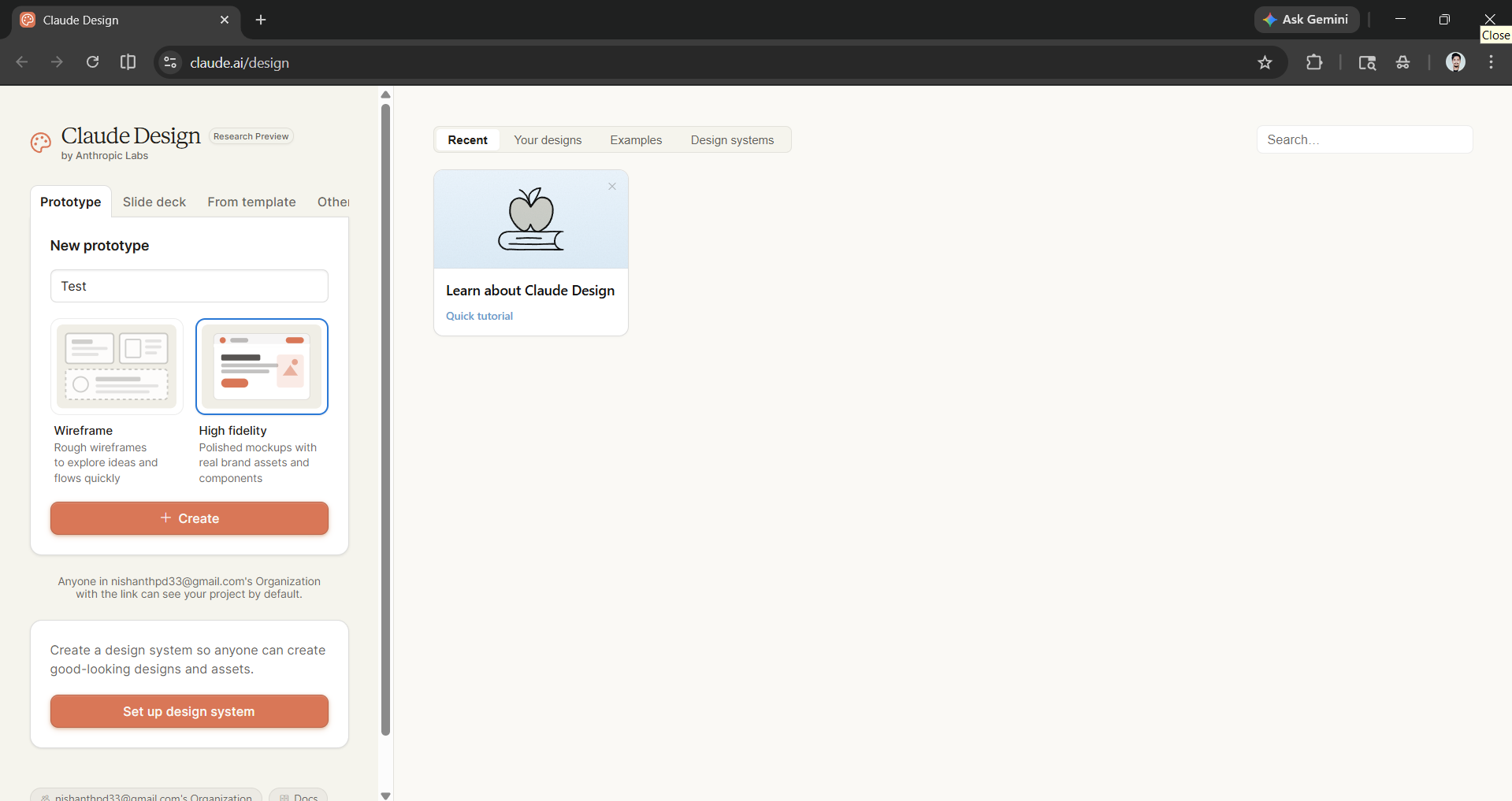
Step 1: Go to Claude Design, which is a separate website from Claude AI and Claude Code. You will at least need a Claude Pro account.
- For this article, we will create a prototype. To do so, first give your project a name and choose whether you want to create a Wireframe or a High Fidelity.
- Finally, click on create.
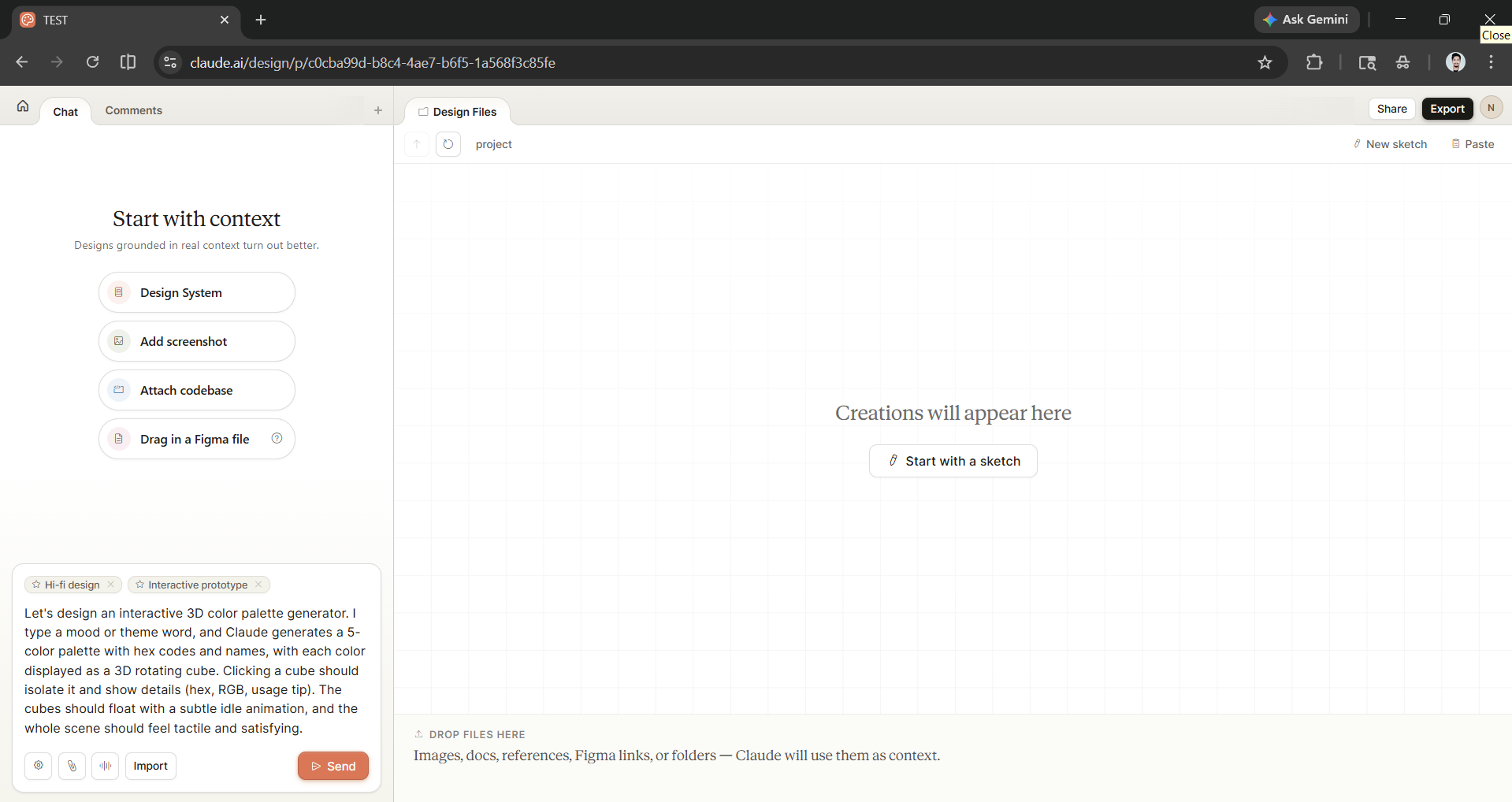
Step 2: Now the fun begins. You are suggested to start with context, as designs grounded in real context turn out better. Your options for adding context include adding a design system, a screenshot, attaching a codebase, or dragging in a Figma file.
- If you are like me and have no context to add, it is fine.
- You can just enter a prompt for what you want to design.
Prompt: Let's design an interactive 3D color palette generator. I type a mood or theme word, and Claude generates a 5-color palette with hex codes and names, with each color displayed as a 3D rotating cube. Clicking a cube should isolate it and show details (hex, RGB, usage tip). The cubes should float with a subtle idle animation, and the whole scene should feel tactile and satisfying.
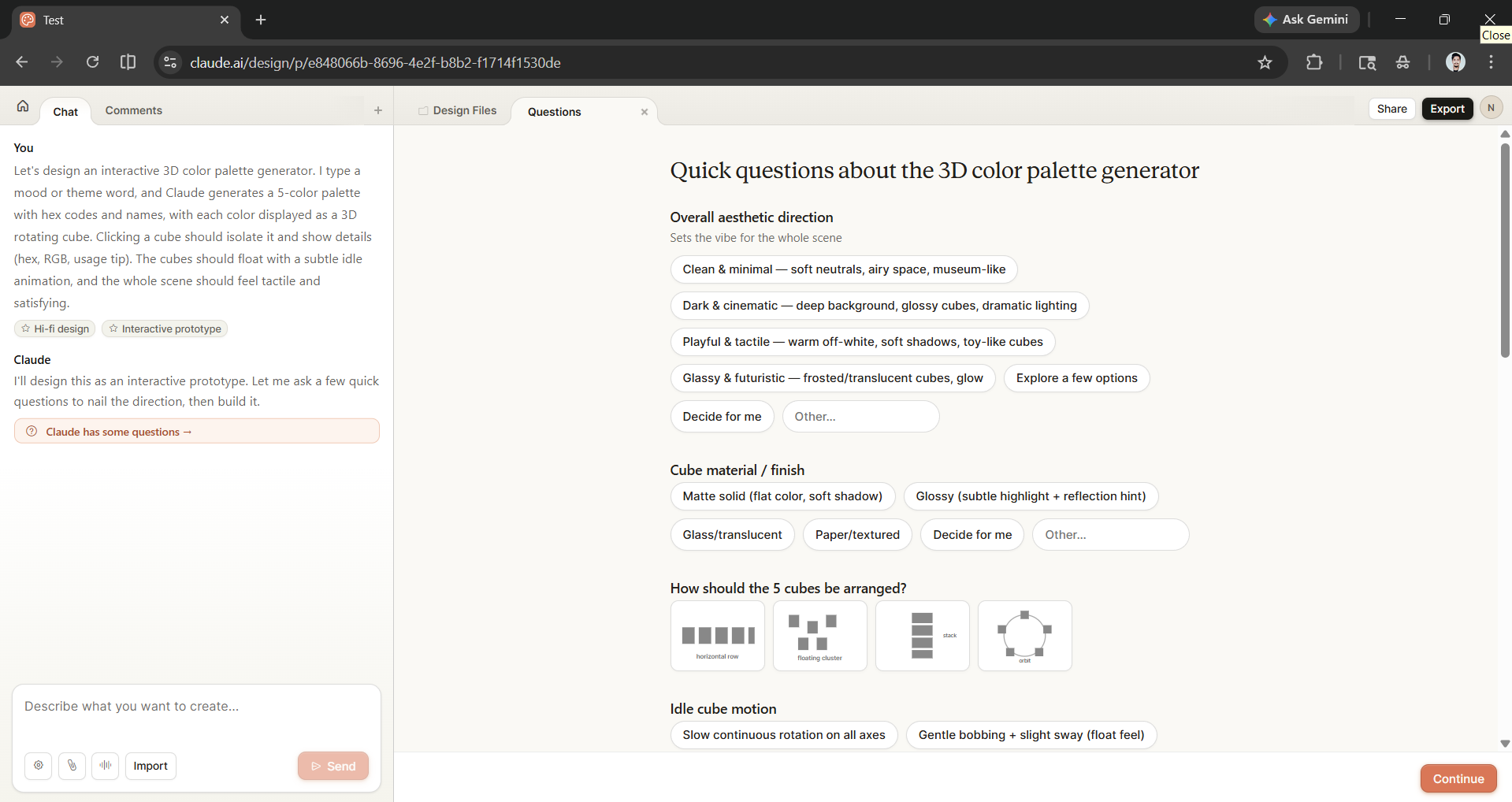
Step 3: Once the prompt has been sent, Claude will then ask you a few questions that you can answer to further improve your design.
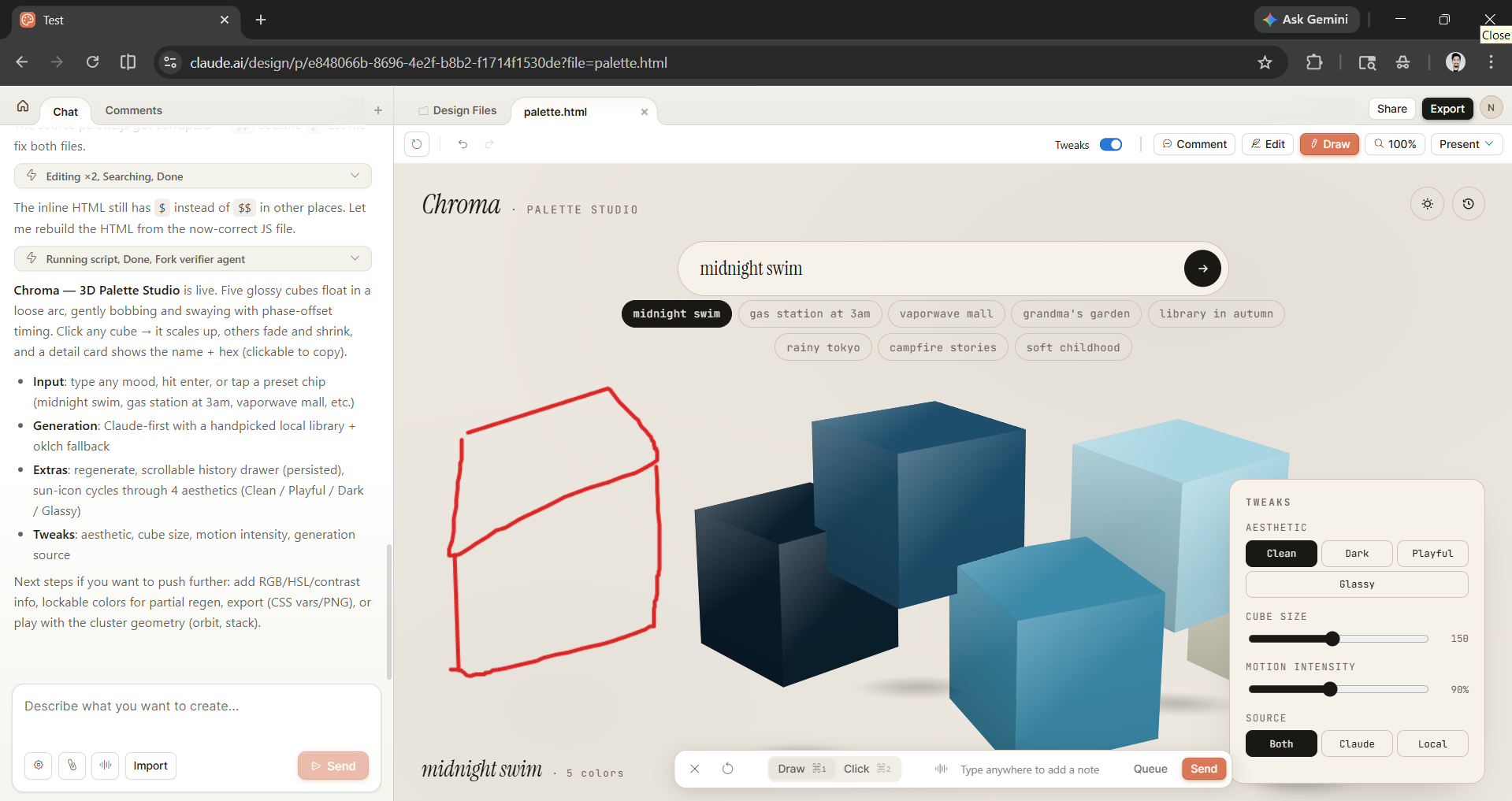
You can further improve and change the design by chatting with Claude Design, or you can also,
- Add Comment
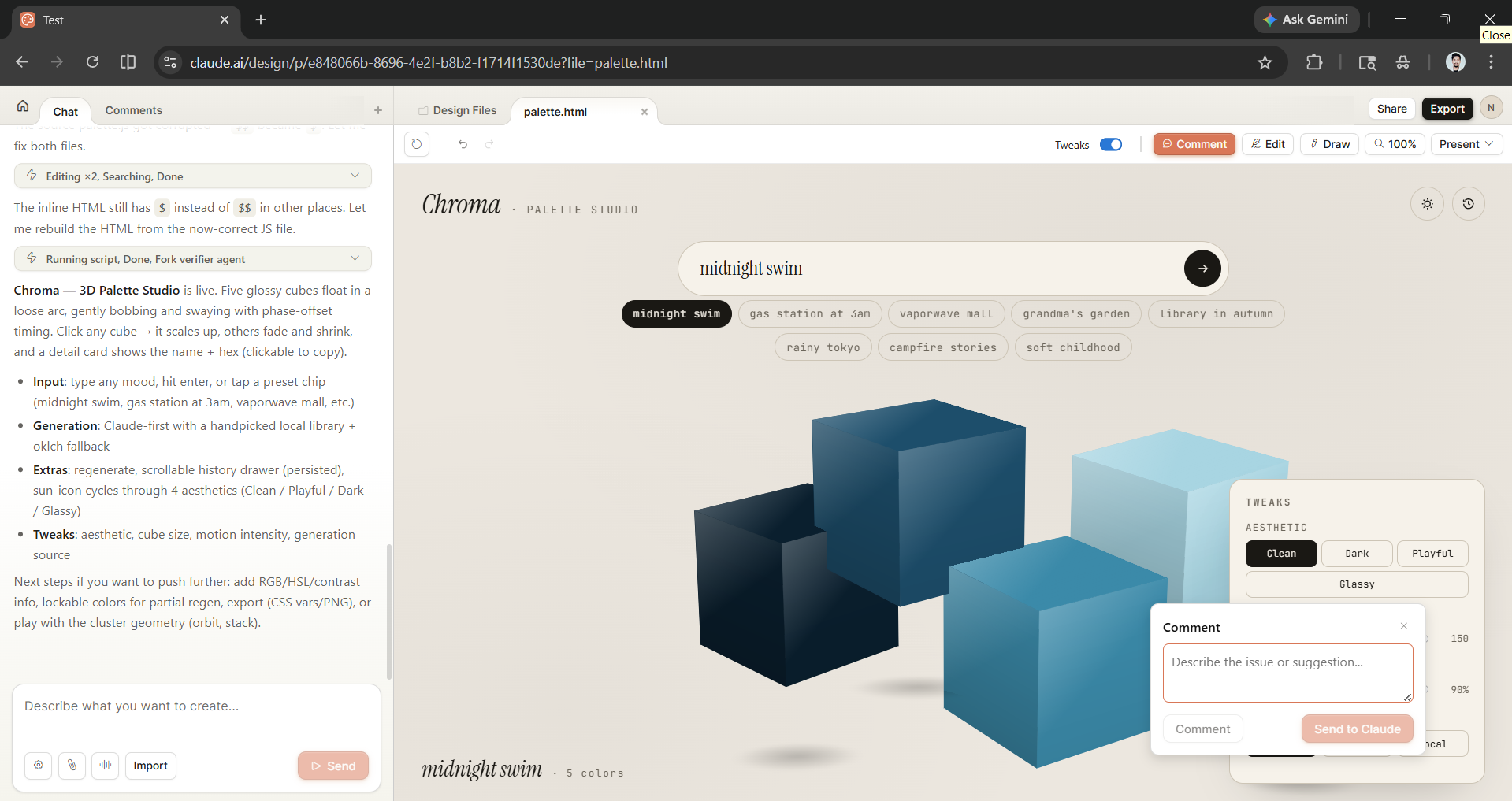
- Edit
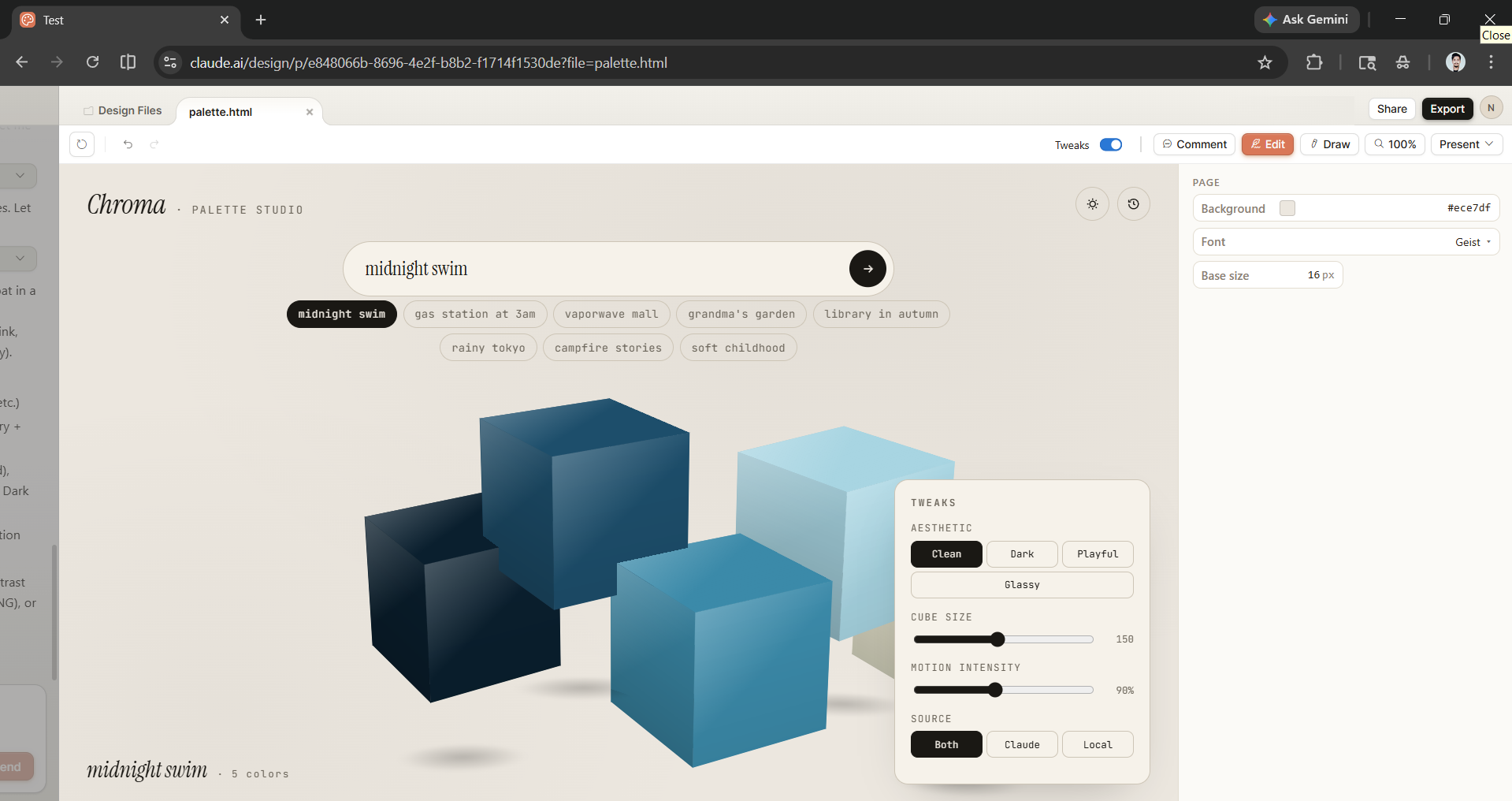
- Draw
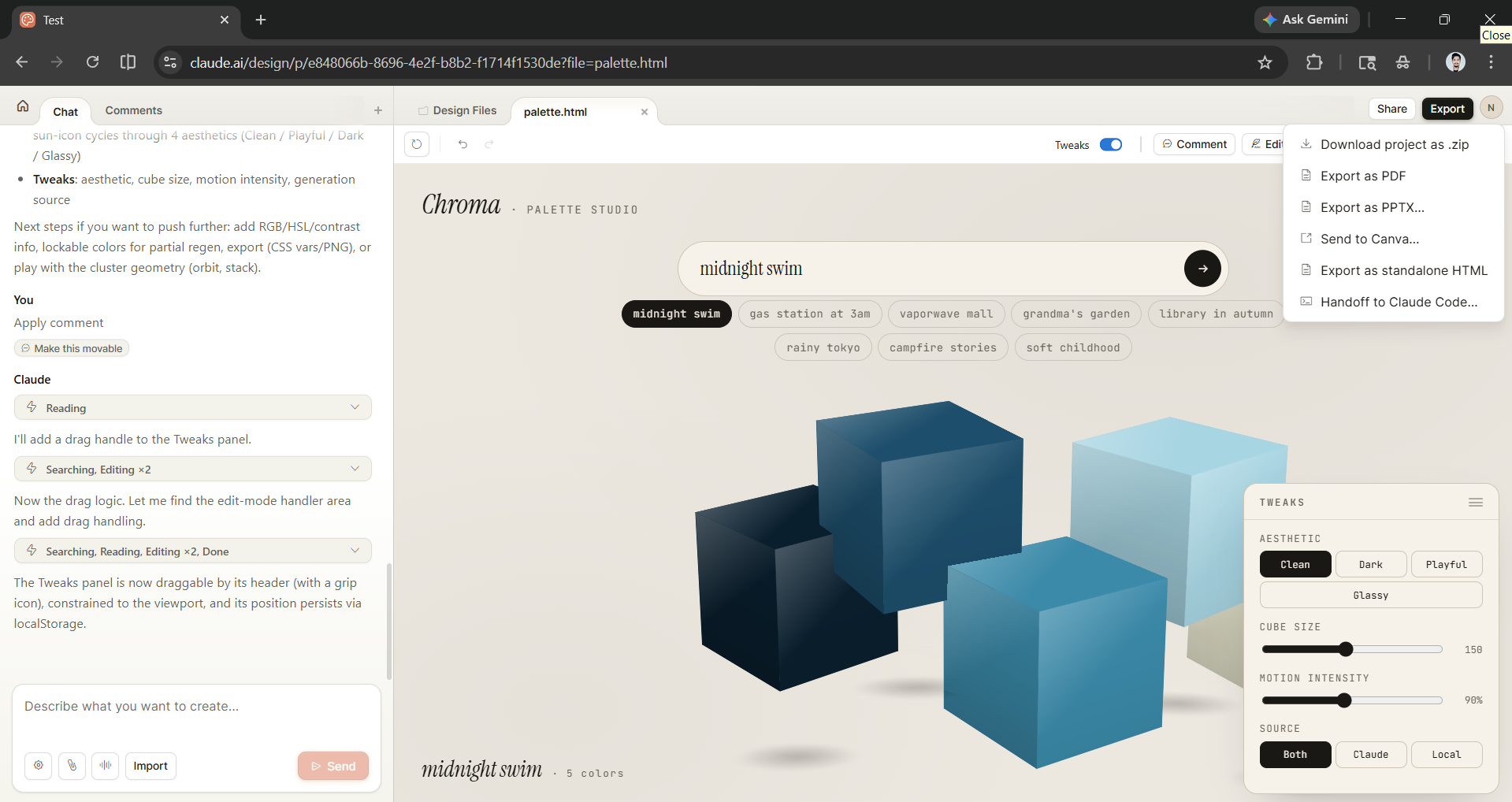
Step 4: Review the final design and export it.
Editor's Note:
Claude Design might be my new favorite AI tool for designing and prototyping. However, only when we put Claude Design against Google Stitch will we know which AI design tool is the ultimate AI tool for designing and prototyping. As for now, I feel confident in Claude Design, as it has done an insane job with the prompt I provided. I am excited to see what you, the reader, will design with Claude Design.
💡 For Partnership/Promotion on AI Tools Club, please check out our partnership page.
