


Claude by Anthropic is known for many things, including strong reasoning capabilities, writing code, analyzing data, and thinking through your hardest work; basically, it is your thinking partner that can help you solve complex challenges. However, it is not known for its ability to generate out-of-the-box creative images, as Gemini can with Nano Banana and ChatGPT can with Images 2.0. But what if I told you Claude can't just generate AI images but also AI videos? That is now possible with Higgsfield AI's brand-new MCP connector.
Higgsfield AI is known for its ability to help users find creative inspiration and try new AI image and video generation tools/models in one place. Now, with the MCP connector, you can connect Higgsfield AI with Claude to generate not just AI images but also AI videos. In this article, we'll show you the entire setup process and how you can use Higgsfield AI inside Claude to generate AI images and videos.
AdCreative.ai: An AI-powered platform that automates the creation of high-performing ad creatives for social media and display campaigns
How to connect Higgsfield AI MCP to Claude AI:
Step 1: Visit higgsfield.ai/mcp to copy the Higgsfield MCP connector URL.
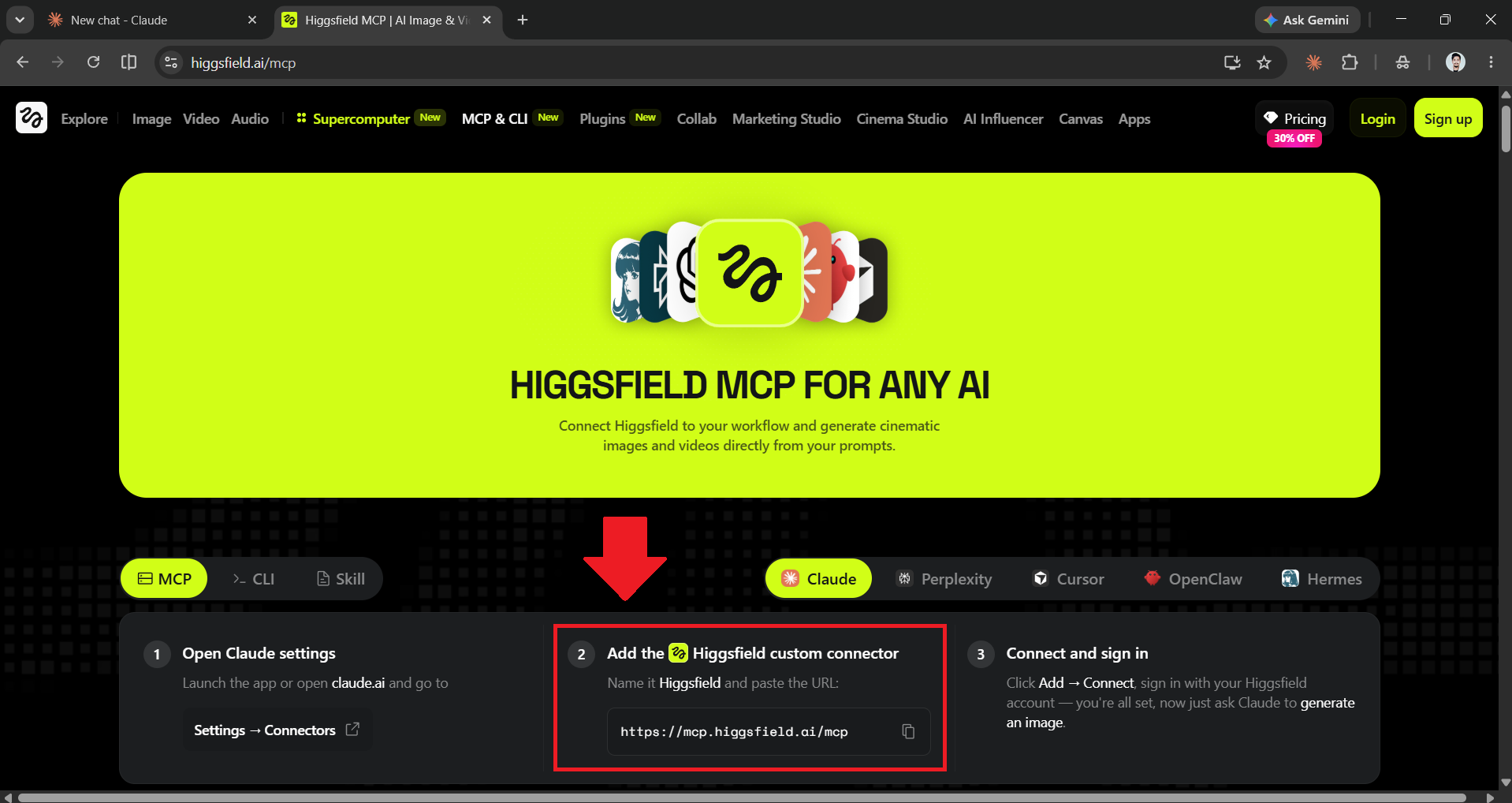
Step 2: Open and go to the Claude Connectors in the Customize option.
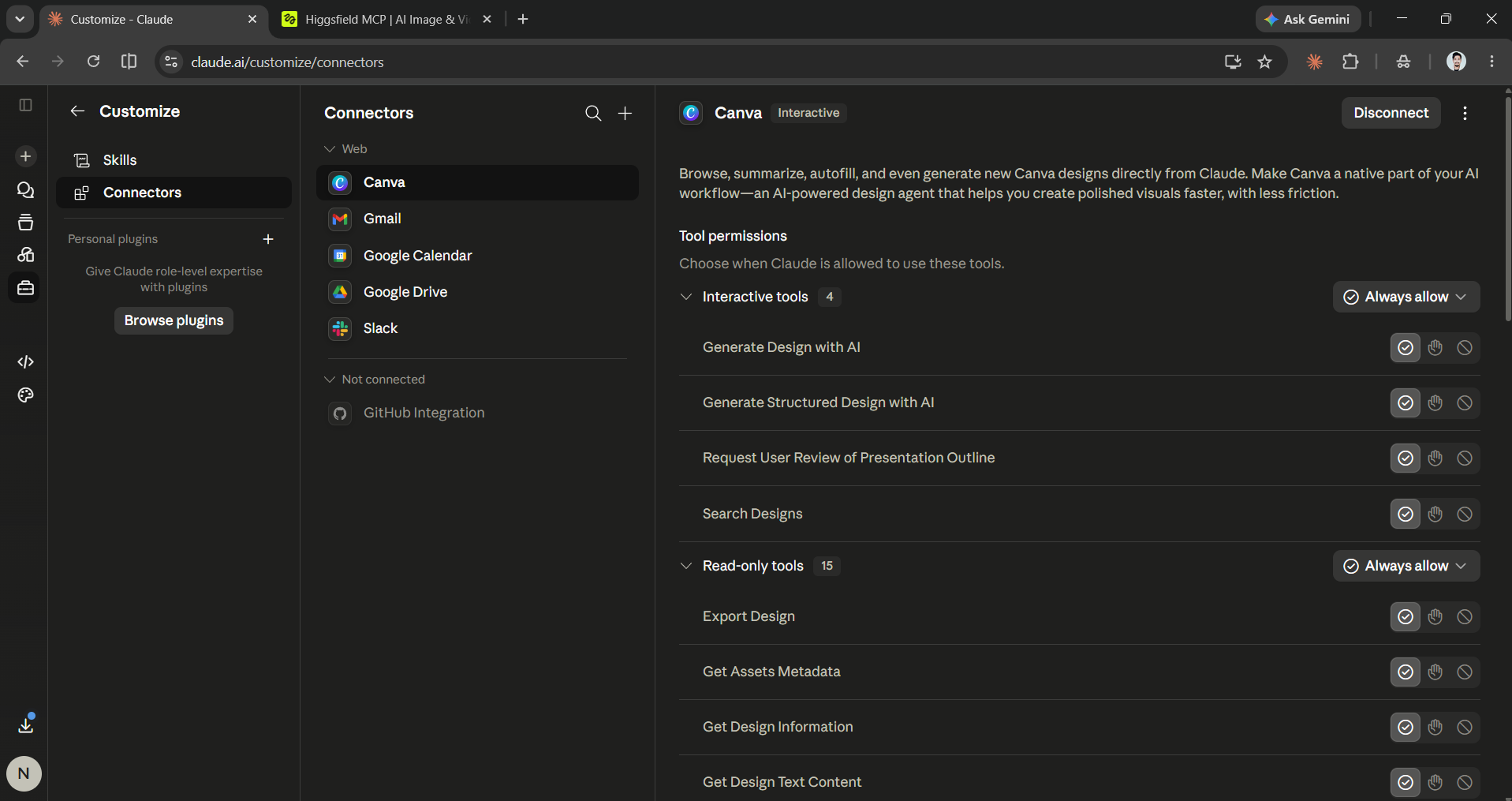
- Click on the (+) icon to add a connector, then choose Add custom connectors.
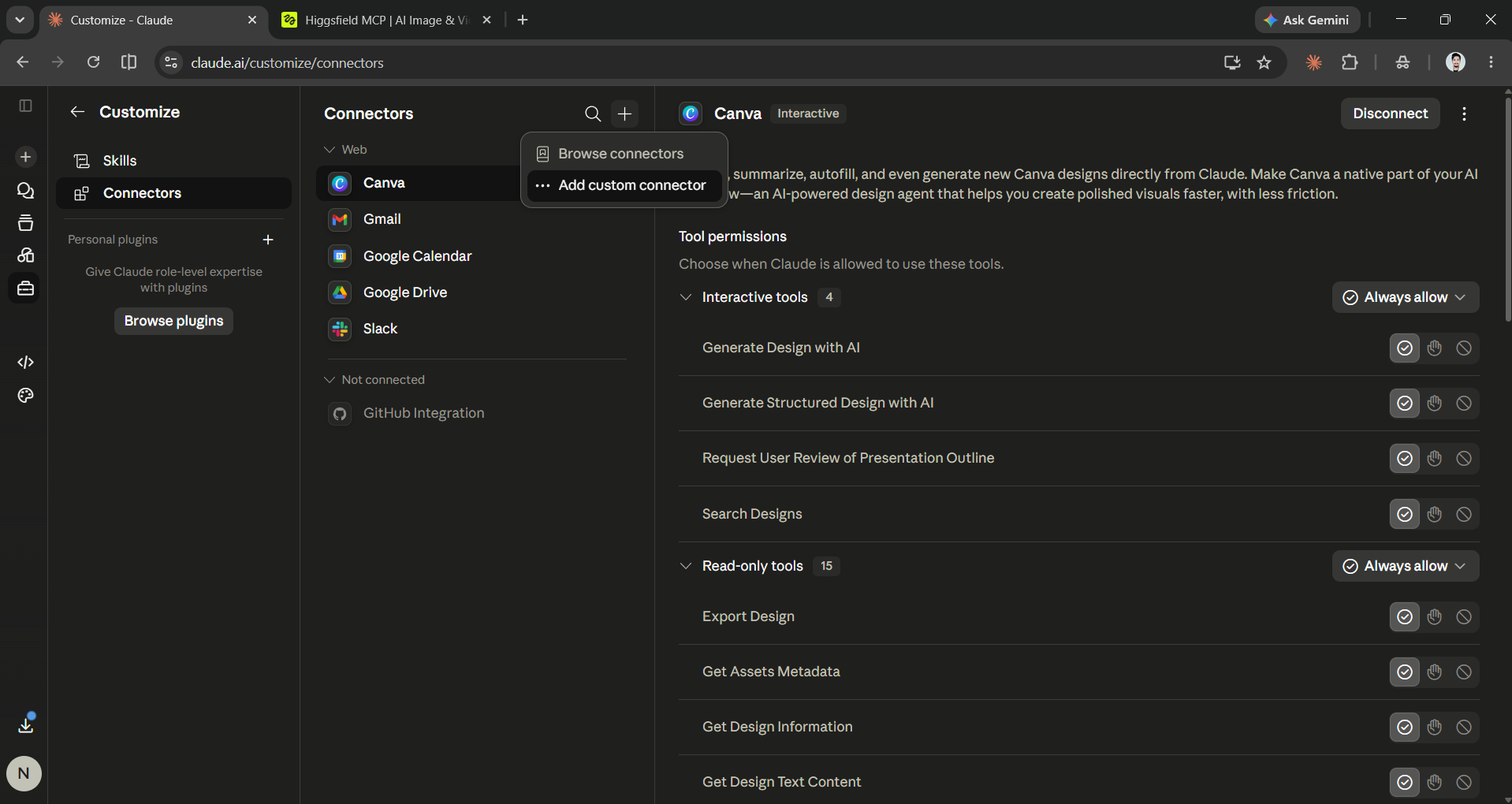
- Add Higgsfield as the connector, then paste the MCP URL below it to add the MCP.
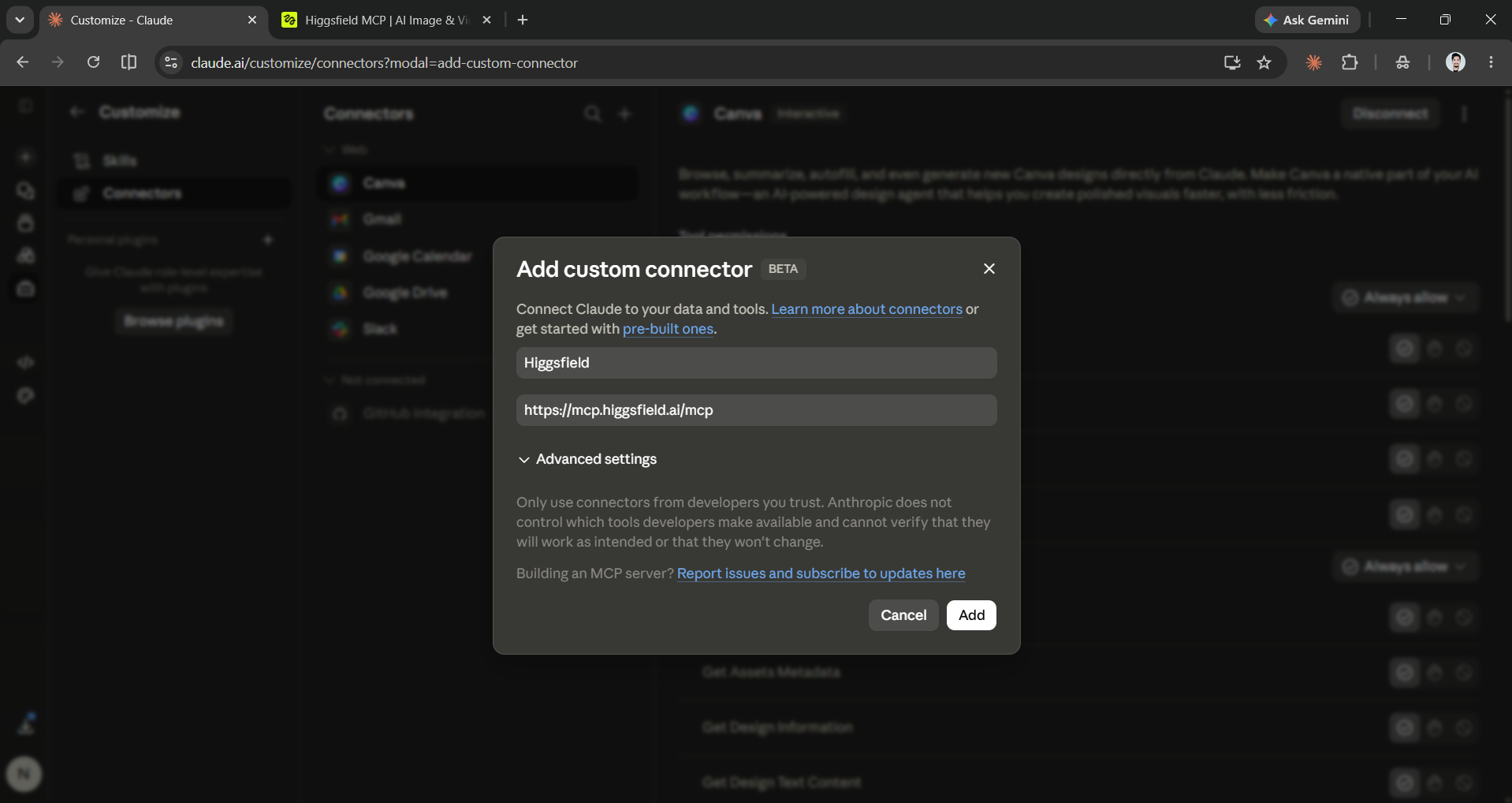
- Finally, connect Claude with your Higgsfield account.
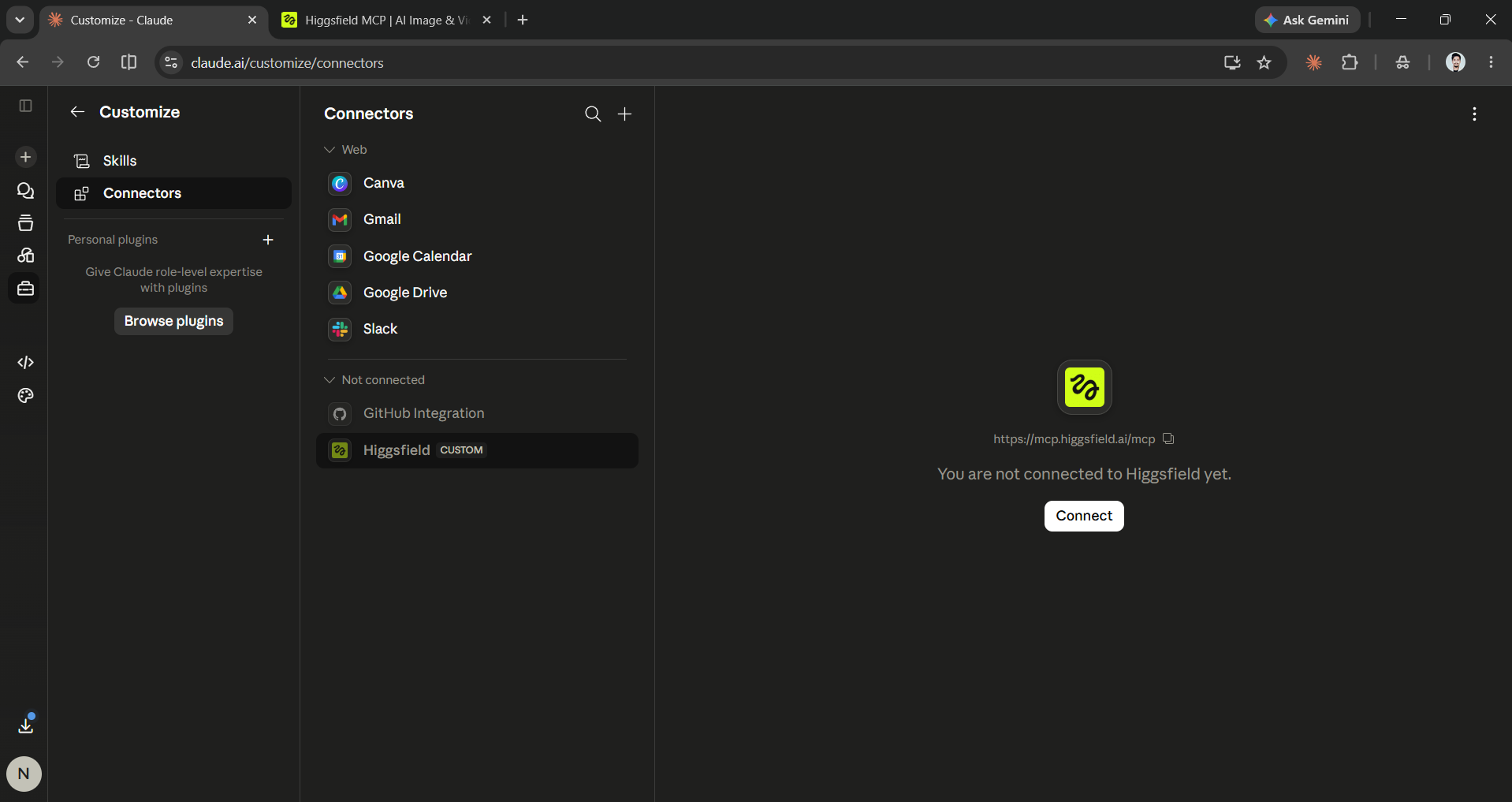
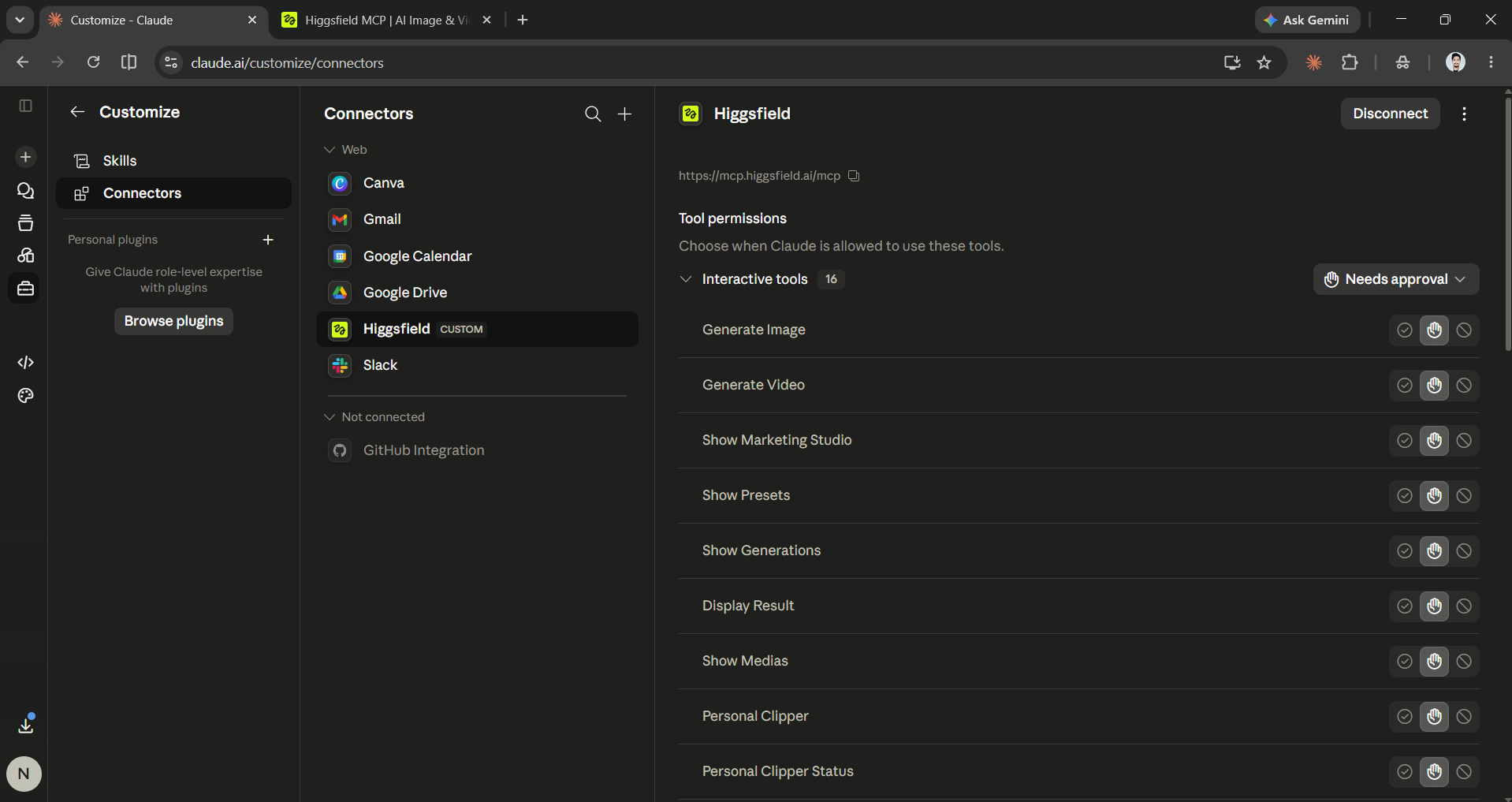
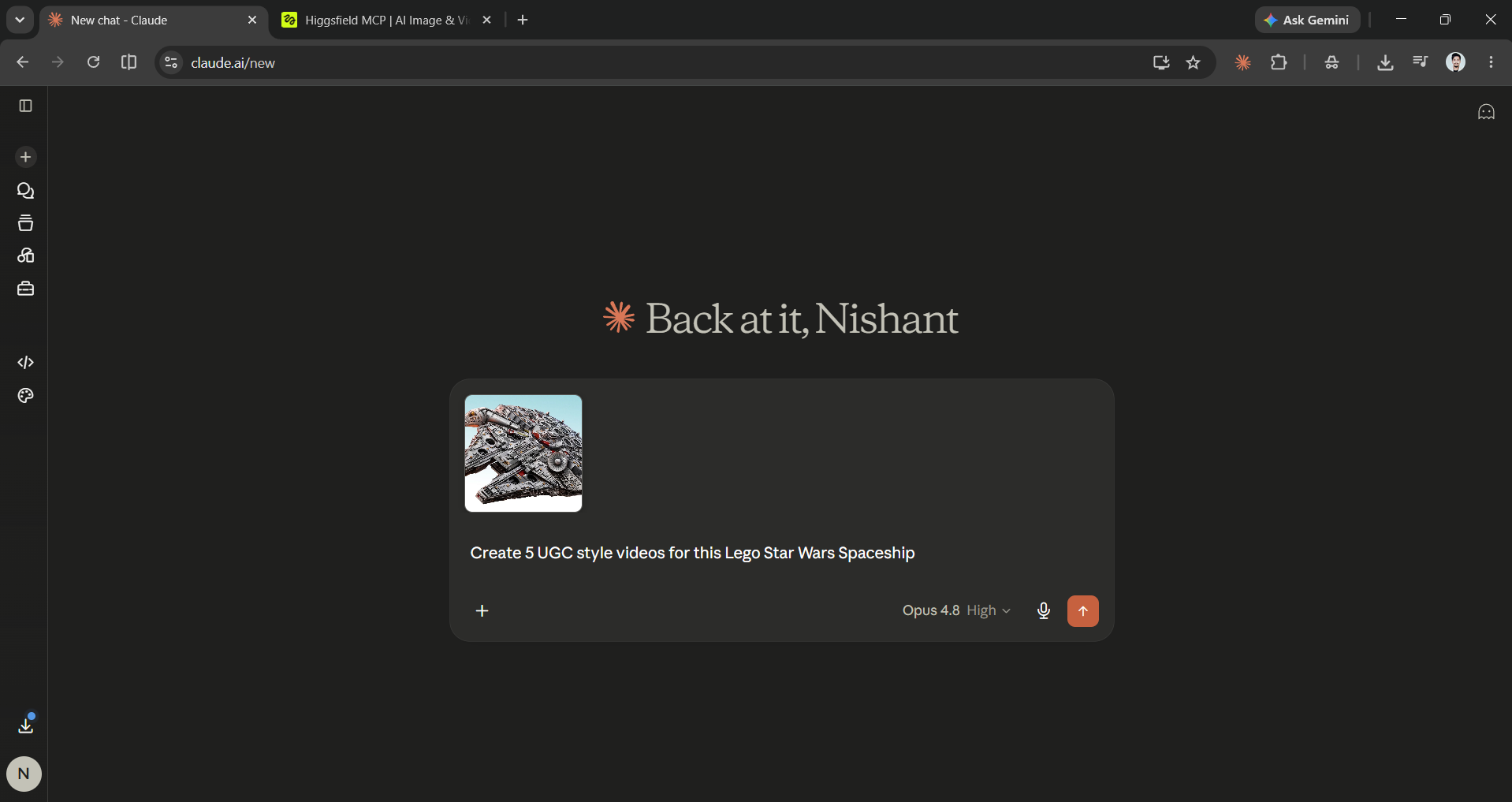
Step 3: Enter your product image and ask Claude to generate marketing ads or UGC-style ads using the Higgsfield MCP connector.
Editor's note:
Claude custom connectors allow you to connect any external third-party apps to Claude. Previously, we showed you how to use the TinyFish AI MCP connector to access free agent mode inside Claude. However, while TinyFish AI was free to use, Higgsfield AI is not. If you want to create an image-to-video, you will at least need a Plus account, which costs $49 per month. If you are a Higgsfield user with a Plus or Ultra account, it is a must-try; however, if you don't have that, you can stick to ChatGPT Image 2.0 or Nano Banana for image generation and Gemini Omni for video generation.
💡 For Partnership/Promotion on AI Tools Club, please check out our partnership page.

