


Microsoft Word has long been the default writing tool for legal teams, financial analysts, and knowledge workers. Now, has just added its generative AI assistant Claude inside one of the world's most popular and most used writing tools.
Anthropic first announced Claude for Excel and PowerPoint, and now it is available in Microsoft Word for Pro and Max users. Claude for Word is in public beta, a sidebar add-in that lets users draft, redline, and negotiate documents without leaving Word. The release completes Anthropic's native integration across Microsoft's classic Office trio (Word, Excel, and PowerPoint). It turns Claude into a serious challenger to Microsoft's own 365 Copilot inside the very application Copilot was built to enhance.
What can Claude for Word do?
Claude for Word is a persistent sidebar inside the document itself, so you are not forced to copy-paste paragraphs back and forth from a chatbot. Claude can read the full structure of your file (text, comments, tracked changes, footnotes, tables, and bookmarks) and propose edits that appear as native Microsoft Word tracked changes, reviewable in Word's standard revision pane.
Anthropic targets working professionals whose careers revolve around document fidelity. Clade for Words is said to be a tool built for legal review, financial memo drafting, and iterative editing. The add-in supports .docx and .docm files on Mac and Windows, and is available on the Microsoft Marketplace.
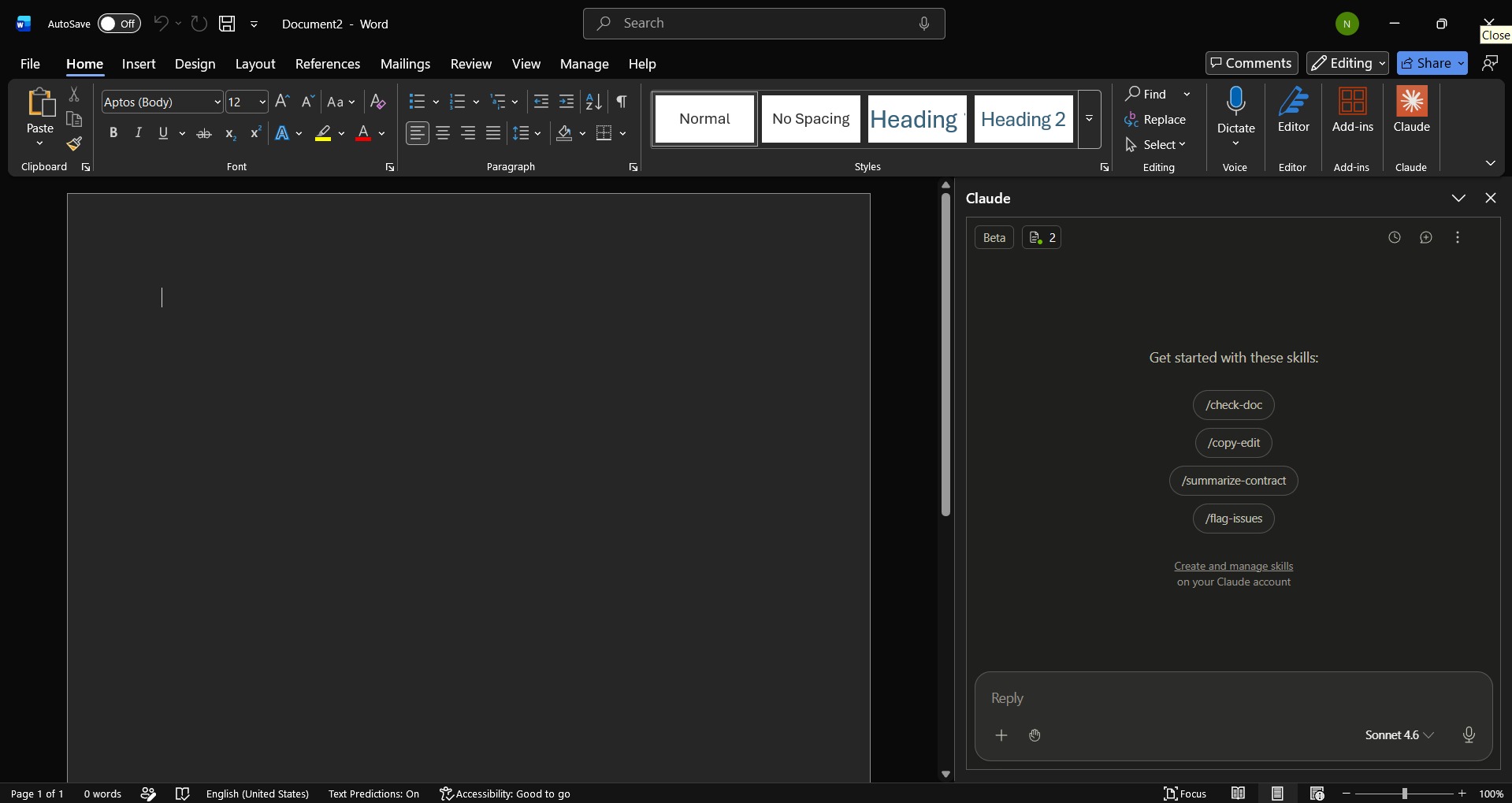
Claude for Word Key Features:
- Tracked-change edits: Every change Claude does propose will come as a native revision you can accept or reject individually in Word's review pane.
- Comment-thread execution: Claude can read reviewer comments, edit the anchored text, and reply in the thread explaining what was changed.
- Format preservation: The model respects heading styles, numbering schemes, bullet formatting, and defined terms, so the edits made by AI don't ruin your template.
- Semantic navigation with citations: You can ask about a clause or concept, and Claude will return clickable citations that jump to the relevant section.
- Cross-app shared context: You can have one conversation that covers Word, Excel, and PowerPoint. This allows you to analyze data in Excel, create slides in PowerPoint, and write the report in Word without needing to explain the context again.
- Reusable Skills: Teams can save workflows such as contract review, status memos, and research briefs as Skills that colleagues can run for consistent output.
In Conclusion:
Claude for Word is in public beta; however, it is available on Pro, Max, Team, and Enterprise plans. You can install Claude for Words directly from the Microsoft Marketplace. Admins can deploy it across an organization through the Microsoft 365 Admin Center or by uploading Anthropic's manifest XML. For enterprises already routing traffic through internal LLM gateways, the add-in connects through Amazon Bedrock, Google Cloud Vertex AI, or Microsoft Azure, the same gateway pattern used by Claude Code, which should ease procurement for regulated industries.
Anthropic had said that chat history does not carry over between sessions. They have advised users to always review tracked changes before accepting them, especially for client-facing documents. The company also cautions against using the add-in on documents from untrusted sources due to the risks associated with AI reading your files.
💡 For Partnership/Promotion on AI Tools Club, please check out our partnership page.

