


Anthropic has expanded its Labs portfolio with Claude Design, a research-preview product that lets you build prototypes, pitch decks, wireframes, and one-pagers by describing what they want in plain language. The tool is powered by Claude Opus 4.7, Anthropic's most capable vision model, and is rolling out to subscribers on the Pro, Max, Team, and Enterprise plans.
Claude Design addresses an important need. Designers often don't have time to create many prototypes, while founders, product managers, and marketers may not have a design background. Claude Design helps both groups quickly turn ideas into shareable products.
How Claude Design Works
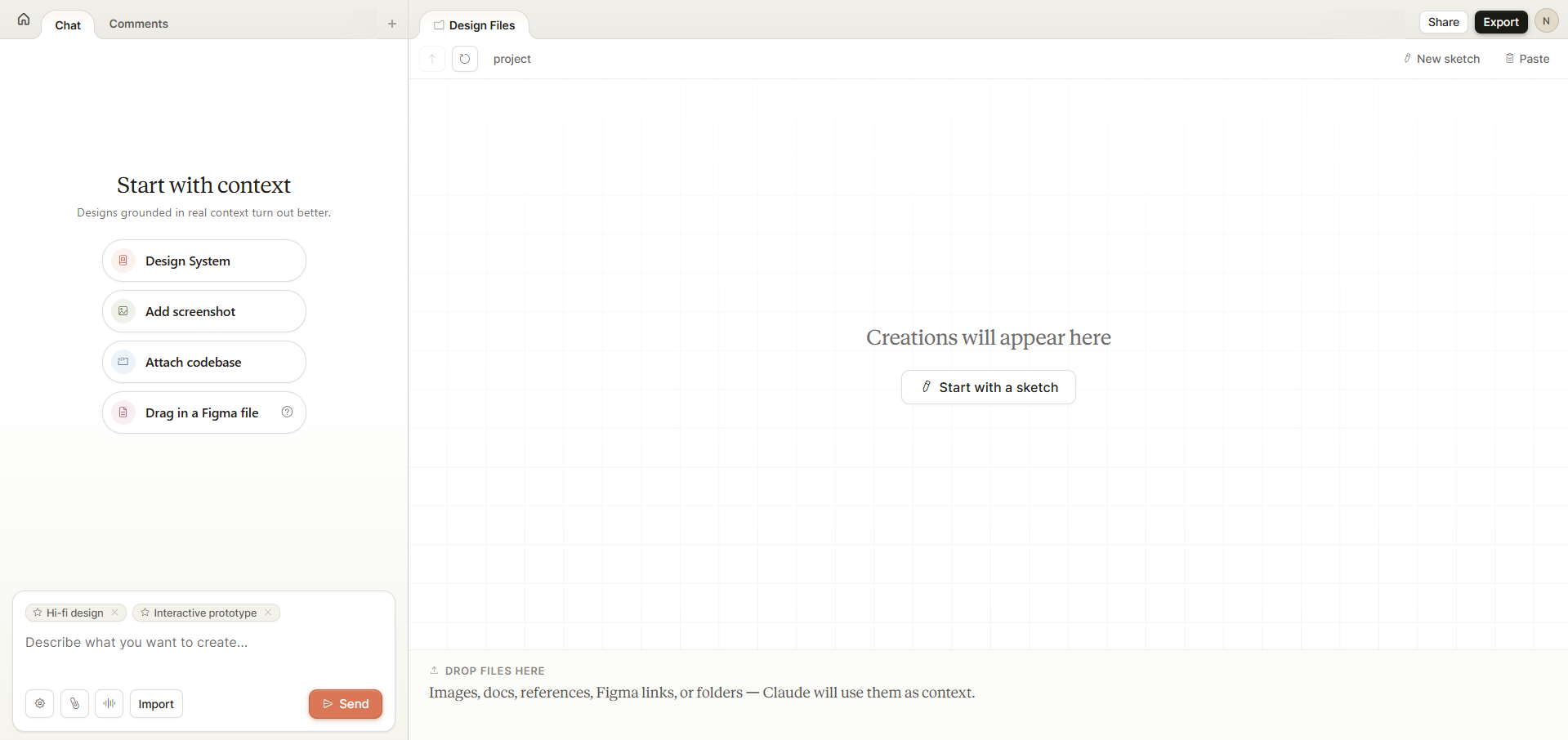
You begin by using Claude Design with a prompt, an uploaded document (DOCX, PPTX, or XLSX), a reference codebase, or a web capture from a live website. Claude will first create an initial version for you, and then chat with the AI to improve. You can add comments on specific elements, edit text directly, or use custom sliders to adjust spacing, color, and layout while Claude makes changes.
Key capabilities at launch include:
- Team design systems built in: During onboarding, Claude will read a team's codebase and design files to extract colors, typography, and components, then apply that system automatically to every subsequent project. Teams can maintain more than one system.
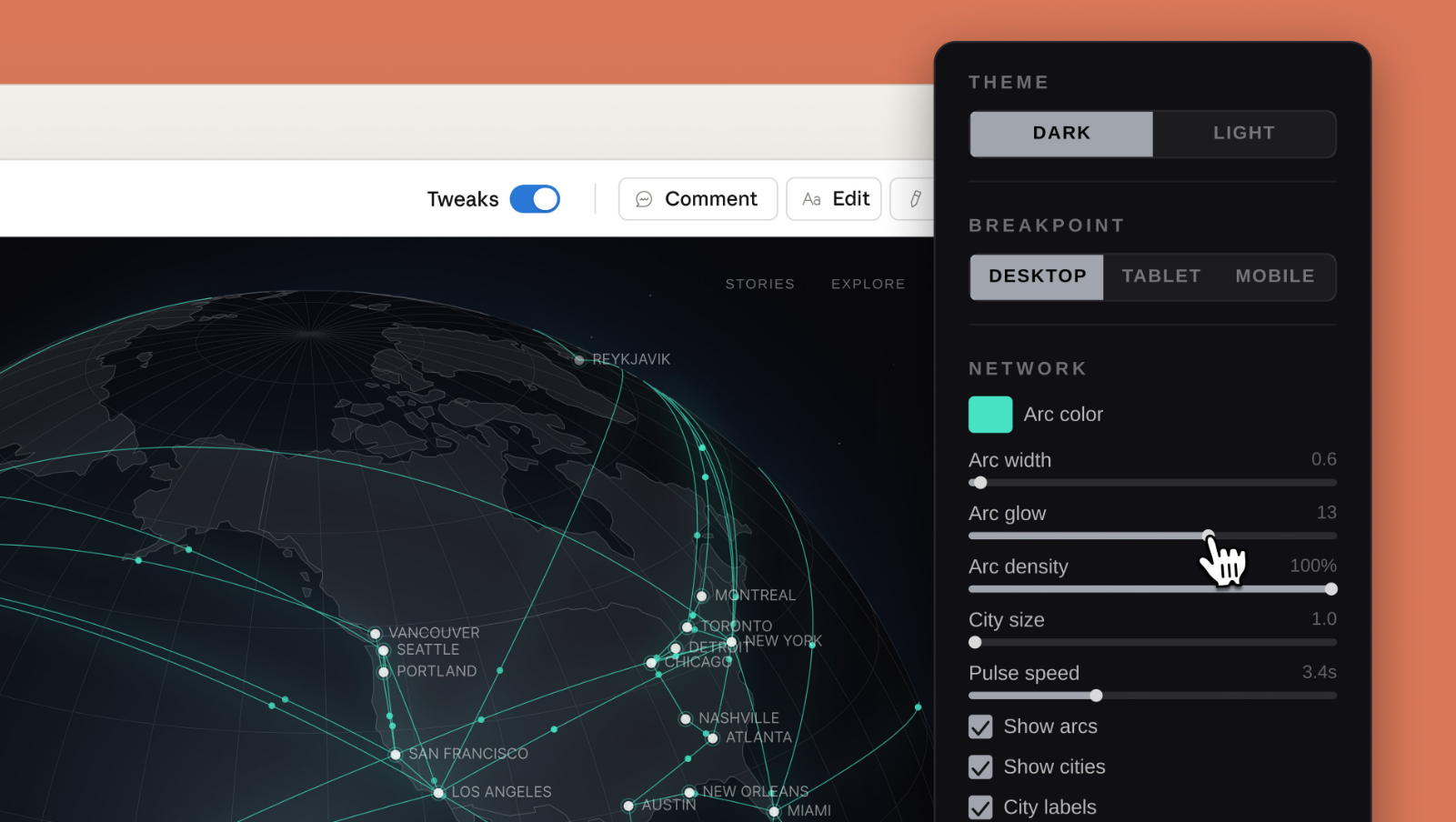
- Improve with Fine-grained controls: You can comment inline on specific elements, make direct text edits, and adjust sliders to tweak spacing, color, and layout live.
- Collaboration: You can keep documents private, share them using an internal URL with view-only access, or grant edit access for collaborative editing with Claude.
- Multi-format export: Designs can be sent to Canva, downloaded as PDF, PPTX, or standalone HTML, saved as a folder, or shared internally.
- Claude Code handoff: When a design is ready to ship, Claude can bundle the design intent and assets into a package that can be passed to Claude Code with a single instruction for implementation.
- Frontier design primitives: In addition to static layouts, Claude Design also supports code-powered prototypes with voice, video, shaders, 3D, and embedded AI.
Who It Is For
Anthropic has highlighted several early-use patterns, including designers generating broad exploratory directions, product managers sketching feature flows before handing them off to engineering, founders and account executives producing on-brand pitch decks in minutes, and marketers drafting landing pages or social assets for designers to polish later.
Early partners like Canva, Brilliant, and Datadog have found that they can finish multi-week design projects in just one conversation. For example, Brilliant reported that creating complex interactive pages, which usually took over 20 prompts in other tools, now takes only about two prompts in Claude Design.
Availability and Access
Claude Design is available to users with Pro, Max, Team, and Enterprise subscriptions. It shares the same usage limits, but you can pay extra if you need to use it more. For Enterprise customers, this feature is off by default and needs to be turned on in the organization settings by an admin. You can access it at claude.ai/design.
Anthropic has said that in the coming weeks, it will make it easier to build integrations with Claude Design so teams can connect it to the tools they already use. This shows that Claude Design is meant to be a central hub rather than just a separate tool. The company is trying to turn Claude into a comprehensive collaborator in creative and engineering tasks.
💡 For Partnership/Promotion on AI Tools Club, please check out our partnership page.

