


Product Hunt has always been the go-to launchpad for discovering tools before they go mainstream, but not every upvoted product deserves a spot in your workflow. I have found three AI product launches that stood out to me for a shared reason: they are all trying to solve real problems in the AI agent and automation space, not just filling up your memory.
I found 3 insane new AI products, and there is something for everyone. There is an autonomous agent to finish long & complex tasks, automate your workflow, and a visual feedback tool for AI agents. It doesn't matter whether you are a technical or non-technical professional; the following three AI platforms might help you solve a problem you've had for a long time.
Here are three insane Product Hunt finds that are worth trying:
1. Aera Browser: A Browser Built for Automation
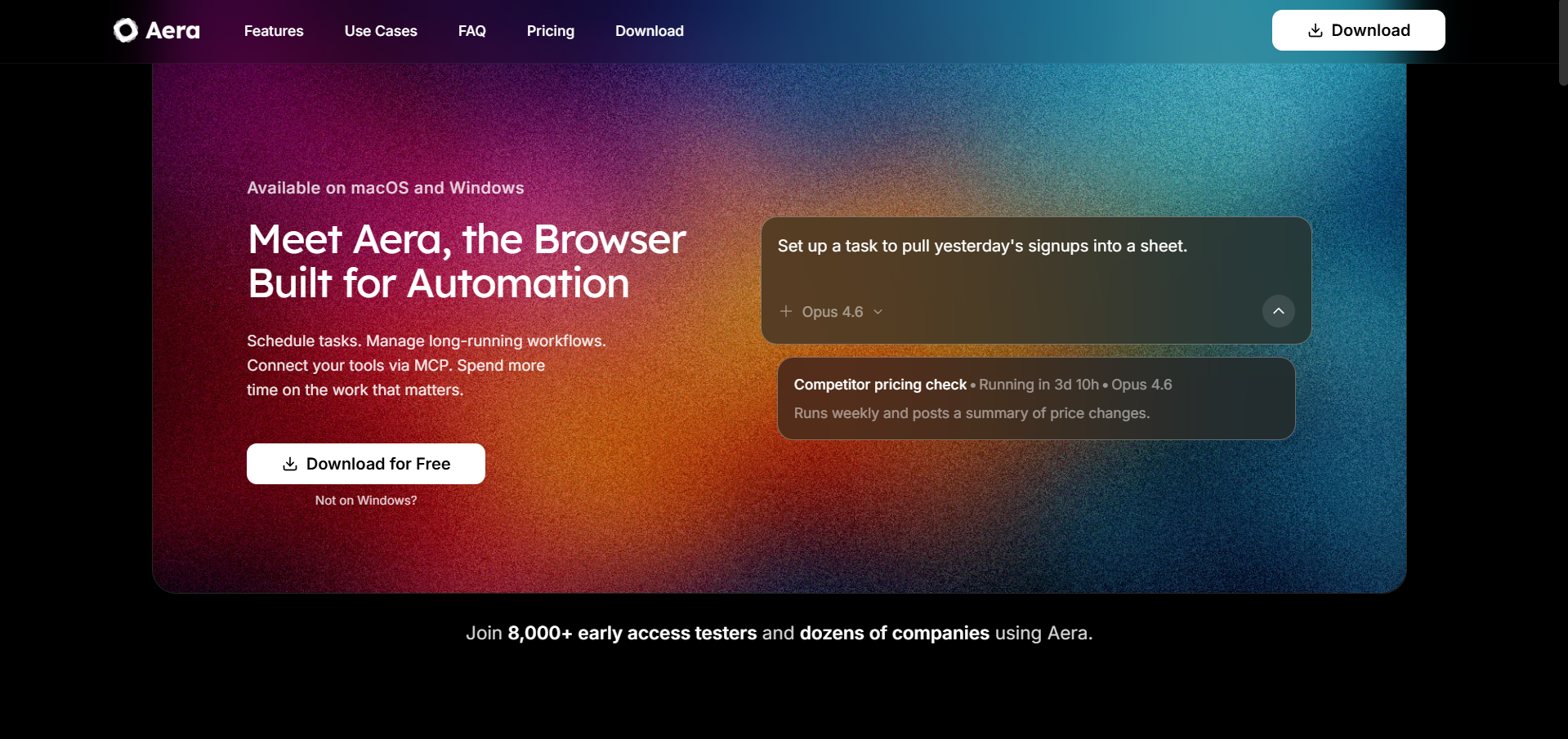
Aera claims that its browser is built for automation. It is a dedicated browser environment, built on Chromium, designed to run full background workflows and not just open tabs, but execute multi-step tasks with context retention, scheduled execution, and automatic reporting.
What makes Aera immediately interesting is its MCP (Model Context Protocol) support. You can connect tools like Cursor, Claude Code, Gemini CLI, and OpenClaw directly so that AI agents not only suggest the next action but also take it. On the privacy side, the browsing and chat history are stored locally, and the inference routes directly through model providers without passing through Aera's servers, and all subscription plans operate under Zero Data Retention (ZDR).
Key highlights:
- Aera schedules and runs complete workflows autonomously in the background once you have created a task.
- For real agentic action, MCP integration is available with Cursor, Claude Code, Gemini CLI, and OpenClaw.
- All browsing and chat history is stored locally; inference never passes through Aera servers.
- Subscription plans covered under Zero Data Retention (ZDR); free tier available.
2. Zeus: A Highly Autonomous AI Colleague
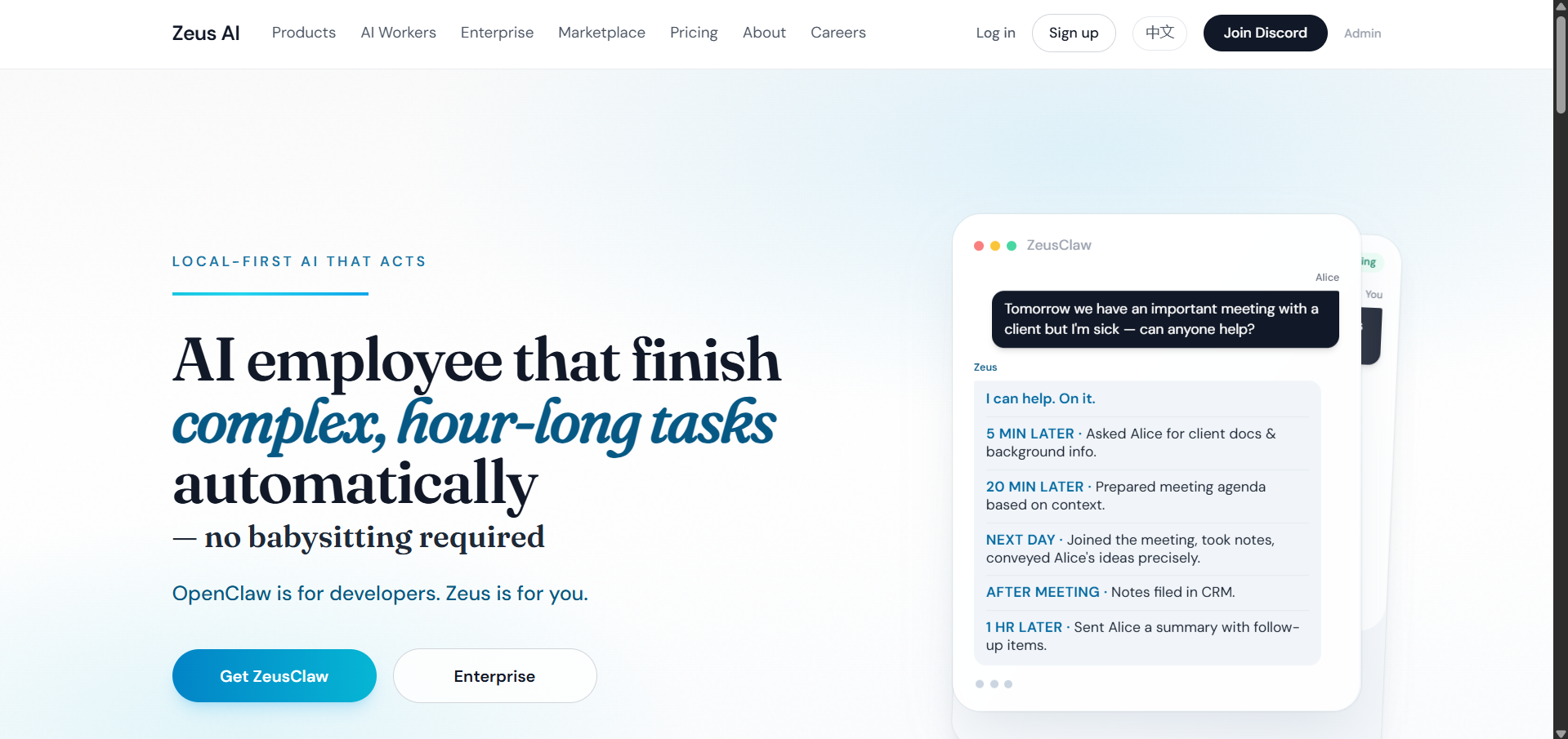
Zeus is currently in early preview, built by Franklin Yao — a former Meta engineer who left a senior role to ship this. Zeus claims itself as an "AI employee" rather than a workflow assistant, designed to handle complex, long-horizon tasks autonomously by deciding its next steps without requiring constant user input.
Zeus can integrate with Slack, Notion, and GitHub, and watch team conversations to build context before acting. The Zeus team is also actively building permission controls and audit logs, though the maker has openly acknowledged that these guardrails are still in progress.
Key highlights:
- Autonomous decision-making across multi-step, long-duration tasks without constant prompting.
- Can integrate with Slack, Notion, and GitHub, and monitor conversations to build context.
- Both the permission controls and audit logging are under active development.
- It does support local LLM models for privacy and zero-cost inference.
- Priced at $1,000/month (bring your own API key) or $2,000/month (fully managed).
3. Agentation: Visual Feedback for AI Coding Agents
Autonomous AI coding agents are very capable, but they are not perfect. If you have ever tried to direct Claude Code or OpenAI Codex to fix a specific UI element, you might know that describing visual context in plain text can be slow, imprecise, and frustrating.
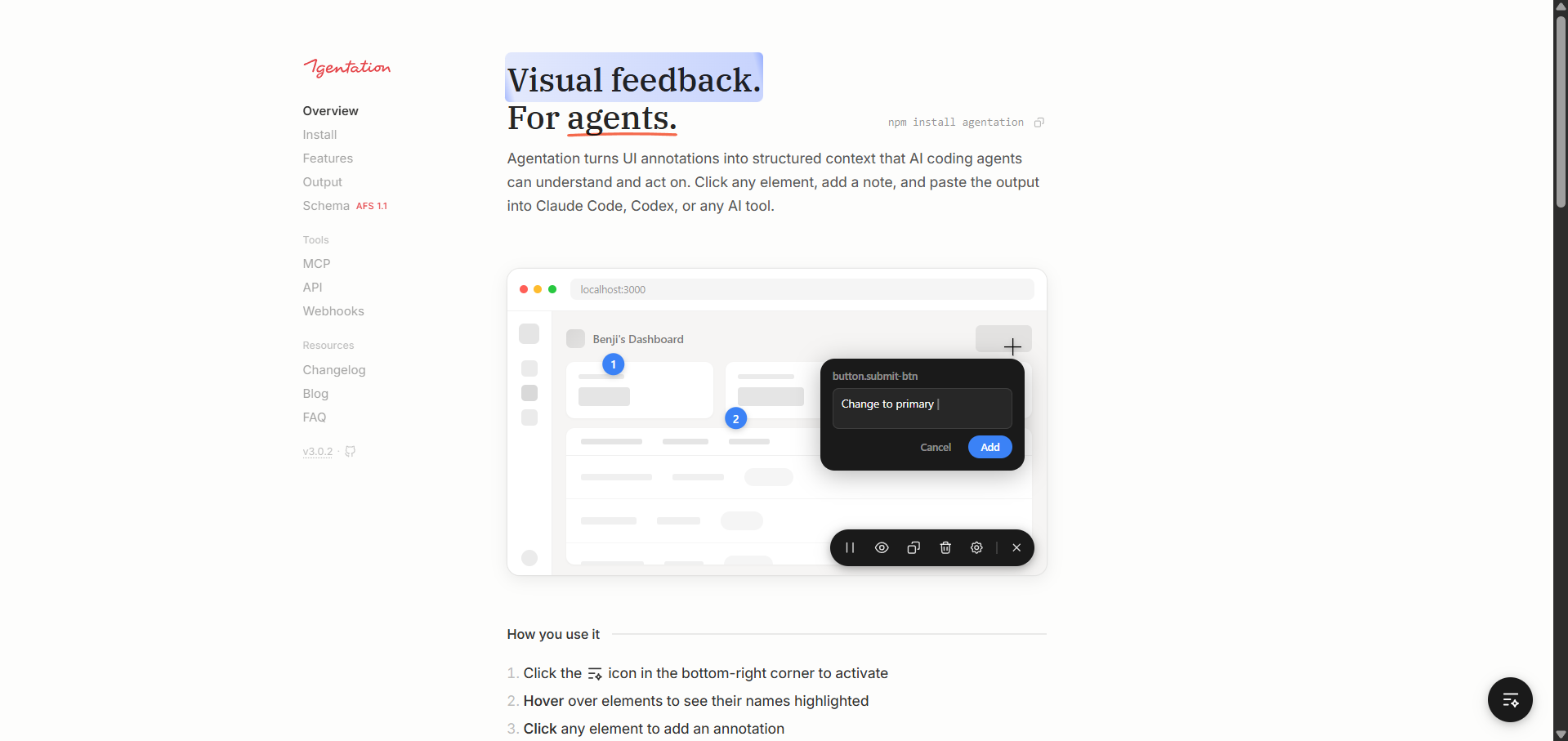
Agentation solves this by letting you annotate your UI directly. You can click any element, add a note, and paste structured, agent-ready output straight into your AI coding agent (Claude Code or Codex) or AI tool.
Key highlights:
- Multiple annotation modes, meaning you can select text, click on elements, multi-select, draw areas, or freeze animations to capture specific UI states.
- Automatically generates grep-friendly selectors so agents can locate the exact element in your codebase.
- React component detection surfaces the full component hierarchy for any annotated element.
- Computed styles display live CSS properties alongside your annotations for precise design specs.
- Layout mode lets you drag 65+ component types onto the page; changes sync to agents in real time via MCP.
- Two-way MCP integration lets AI agents acknowledge, question, or resolve your feedback directly.
🔗 agentation.com | Product Hunt
In Conclusion:
If you are an AI enthusiast or someone who likes to try new AI tools, agents, and platforms, then you can give these three a try. Who knows, one of these three AI platforms might become part of your everyday workflow. Autonomous AI agents aren't like the AI assistants you are used to; they can think, act, observe, and iterate rather than just spilling out words. We can't claim these platforms will boost your productivity for real, since that depends on your work style. However, you can still give them a try and test whether AI agents can be part of your workflow.
💡 For Partnership/Promotion on AI Tools Club, please check out our partnership page.
