


Artificial intelligence (AI) assistants are already very capable in 2026 and can help you be more productive. However, most people still don't know how to actually use or integrate AI into their workflow, or they don't know which AI tool or agent is right for their workflow.
Artificial intelligence (AI) is getting better fast, and even major companies say they can't predict or have a long-term plan just because the technology is progressing at such a fast rate. In such a confusing and actually fast-growing industry, how can consumers and, most importantly, non-technical professionals know how and which AI tool or agent to use?
Honestly, there isn't one right answer. You can learn how to integrate AI into your workflow and which AI tool or agent you should use. But the problem with that is that it is time-consuming, and you might waste more time searching for the right way and tools than actually being productive.
However, I have a solution for that, too. Why not, instead of searching for the best ways to integrate AI and finding the right AI tools or agents yourself, ask a smart AI assistant to do it for you? And not just any smart AI assistant, but one that knows you and your work preferences. Yes, I am talking about Claude AI by Anthropic AI (you can do the same trick using ChatGPT, Gemini, or any other AI assistant of your choice).
How to automate 80% of your work using Claude AI:
People don't work the same way. Even if you and I might work in the same field and have the same role, our ways of completing our tasks will probably be different. No two people are the same, we all know, so no one workflow fits all. What might work for me may not work for you. Hence, you need to get a personalized workflow that suits you and how you work.
If you want to use Claude AI to help you automate your work, you'll have to follow the following steps. Note that Claude can not work directly on your behalf and complete your work for you, although you can work with Claude Cowork or Claude Code.
In this article, we are focusing on how you can use Claude to get suggestions on tasks you can automate in your work using other AI tools and technology.
Step 1: Take one piece of paper and write down things at your work that you think take up most of your time.
Step 2: Take a picture of it and add it to Claude, and prompt it to suggest ways you can automate these tasks.
Prompt: These are the things I do that take up most of my time. Based on the technology that exists today in AI. What are the things that I can automate?
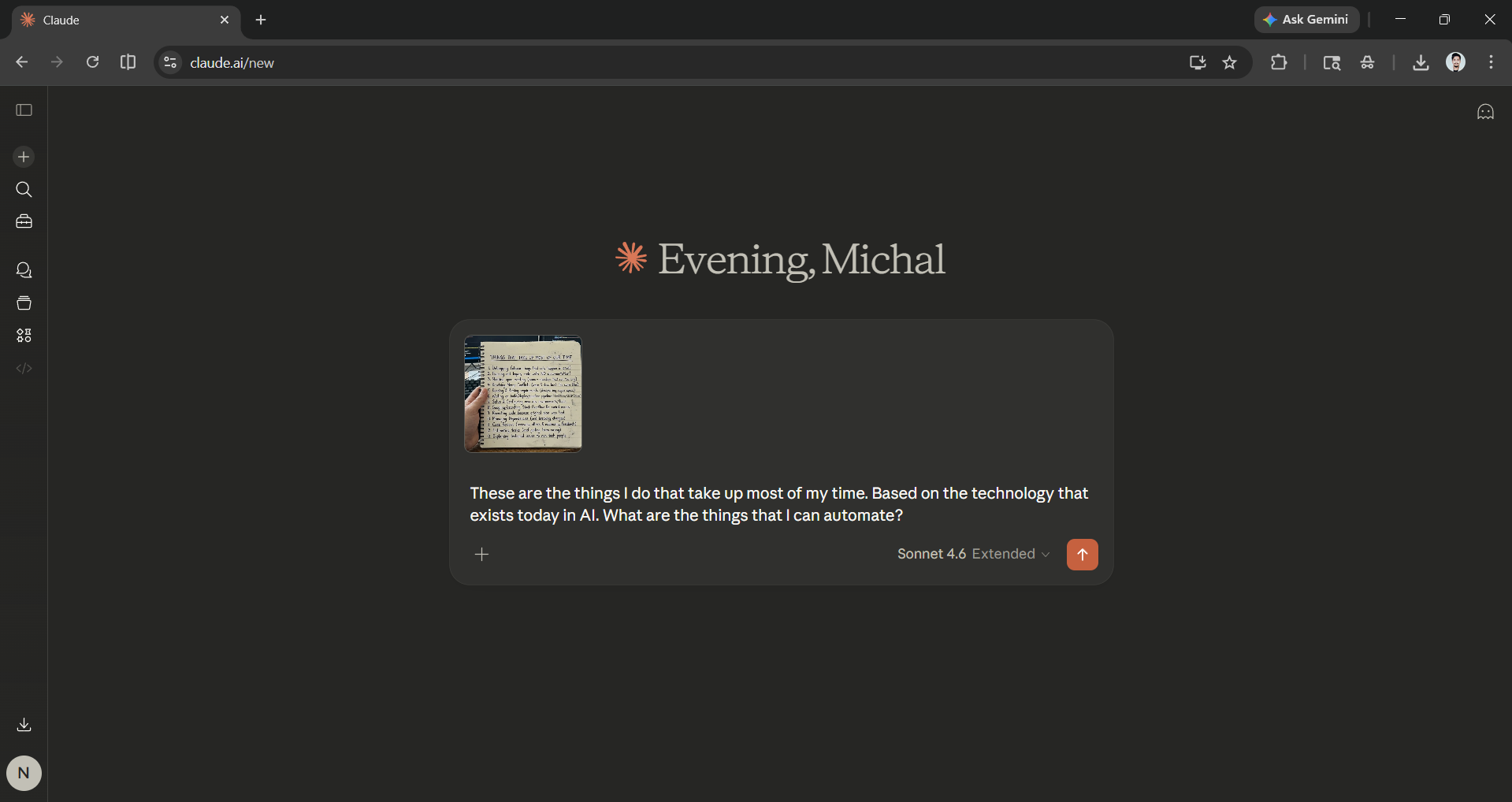
Step 3: Let Claude think and generate ways to automate your workflow using AI technologies available today.
Editor's Note:
You can do this with ChatGPT, Gemini, or even any other AI assistant you prefer over Claude. We can't promise that this will work for you or that you can actually automate 80% your work. However, it is a great starting point for anyone who wants to be more productive without spending a really long time searching for the right AI tools and or agents.
I personally use Claude AI every day, and I am confident in its capabilities, but as we said, no two people are the same, so maybe the AI workflow Claude suggests may or may not work for you. However, give it a try, and maybe you can find the right AI workflow, tools, and agents that suit how you work.
💡 For Partnership/Promotion on AI Tools Club, please check out our partnership page.

