


Vibe coding has gotten better as AI models improve. Every major AI company has been trying to one-up each other by releasing new, more intelligent AI models. We are at a point where it doesn't matter which AI model or assistant you choose for your everyday workflow (ChatGPT, Claude, Gemini); you can expect good results. However, while we know the power is present, there is a need for more creativity. Every AI and tech company likes to boast its high benchmark scores, but high benchmark scores don't translate to creativity or desired output.
Vibe coding is one of the best ways to test which AI model is good at coding while being creative. For which you might think is easy, just give them the same prompt. However, there is one problem: different AI models perceive and process the same prompt differently due to differences in their internal design and training.
For example, if you ask ChatGPT, Claude, and Gemini what one plus one is, they will all say two. Now, although you get the same output, the way these models get to that output might be different. If the question you ask is something complex, you might still get the right answer from all the AI assistants you use, but the process of getting to that answer would be different.
Initially, this article was going to be on how you can turn your rough, hand-drawn sketch into a fully functional web app using Vibe Coding. Without naming the AI model I used for the initial test, the output wasn't great, even after I tried it several times, which led me to try other AI models, and I ended up comparing the output generated by all 3 top AI models (Claude, ChatGPT, Gemini).
So, in this article, you'll see me compare the vibe coding outputs generated by ChatGPT, Claude, and Gemini. I uploaded the same hand-drawn image to all 3 AI assistants and added the same prompt without refining the output. Trust me, you won't expect the final results.
AINews.sh: Stay ahead with the latest AI product releases, in-depth reviews, and news. Compare AI tools, open-source models, and paid platforms.
The hand-drawn image:
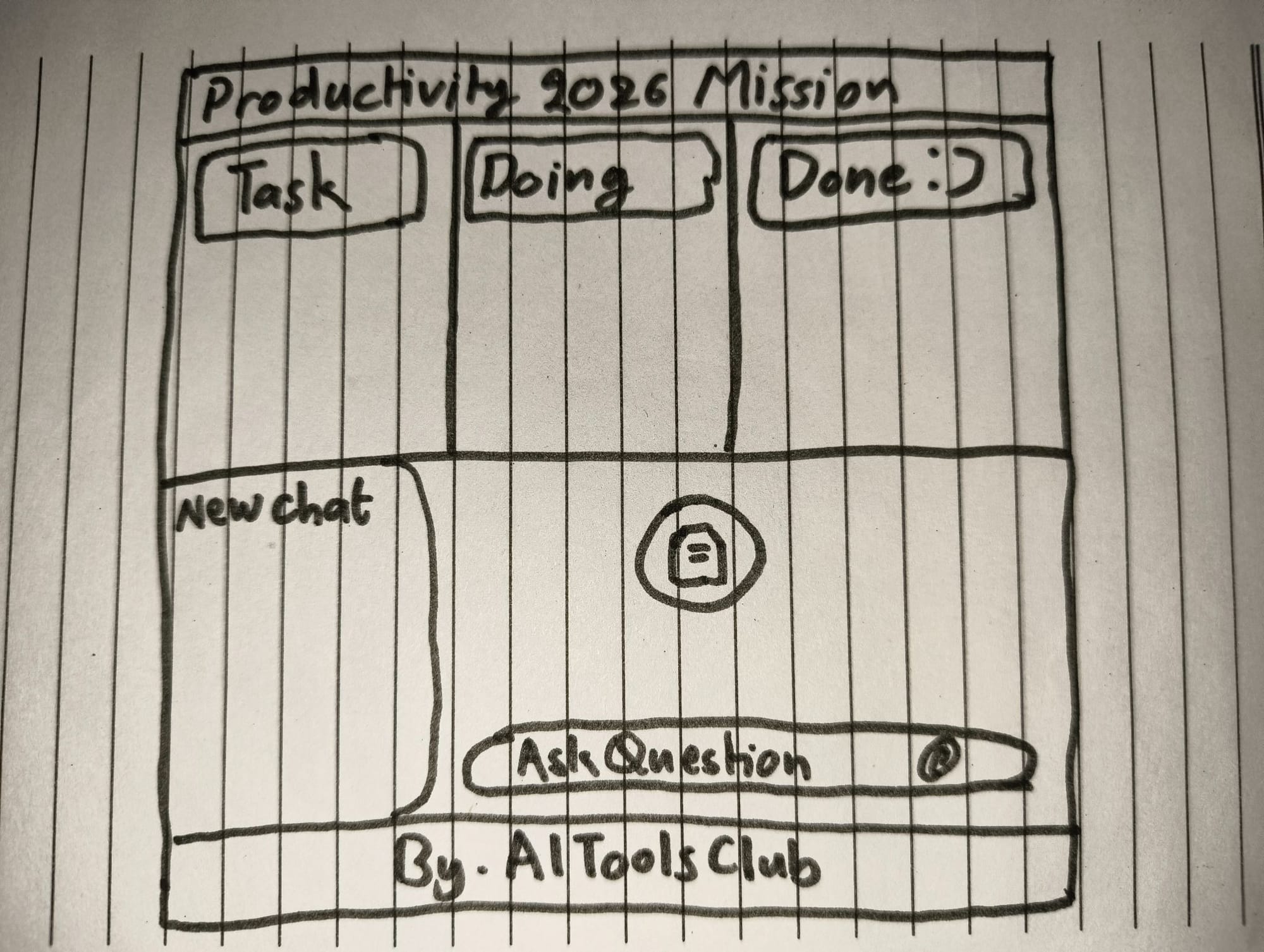
Prompt:
Can you turn this rough sketch of my productivity website app into an enterprise-grade professional app?
- The first part is a work management tool. Use red theme for the "Task" section, blue for "Doing," green for "Done."
- The second party is a research part where users can chat with a PDF and or any other document, and even do brainstroming chatting with AI. Use light purple, pink, and blue themes for this part.
Surprise me, be creative, make it fun and interactive. Add interactive elements, animations, and make it fully responsive.
Testing which AI can turn a sketch into an app: ChatGPT vs Claude vs Gemini
ChatGPT:
For this article, I used the latest GPT-5.4, with Extended Thinking activated. ChatGPT-5.4 spent 22 seconds thinking and generated 757 lines of code.
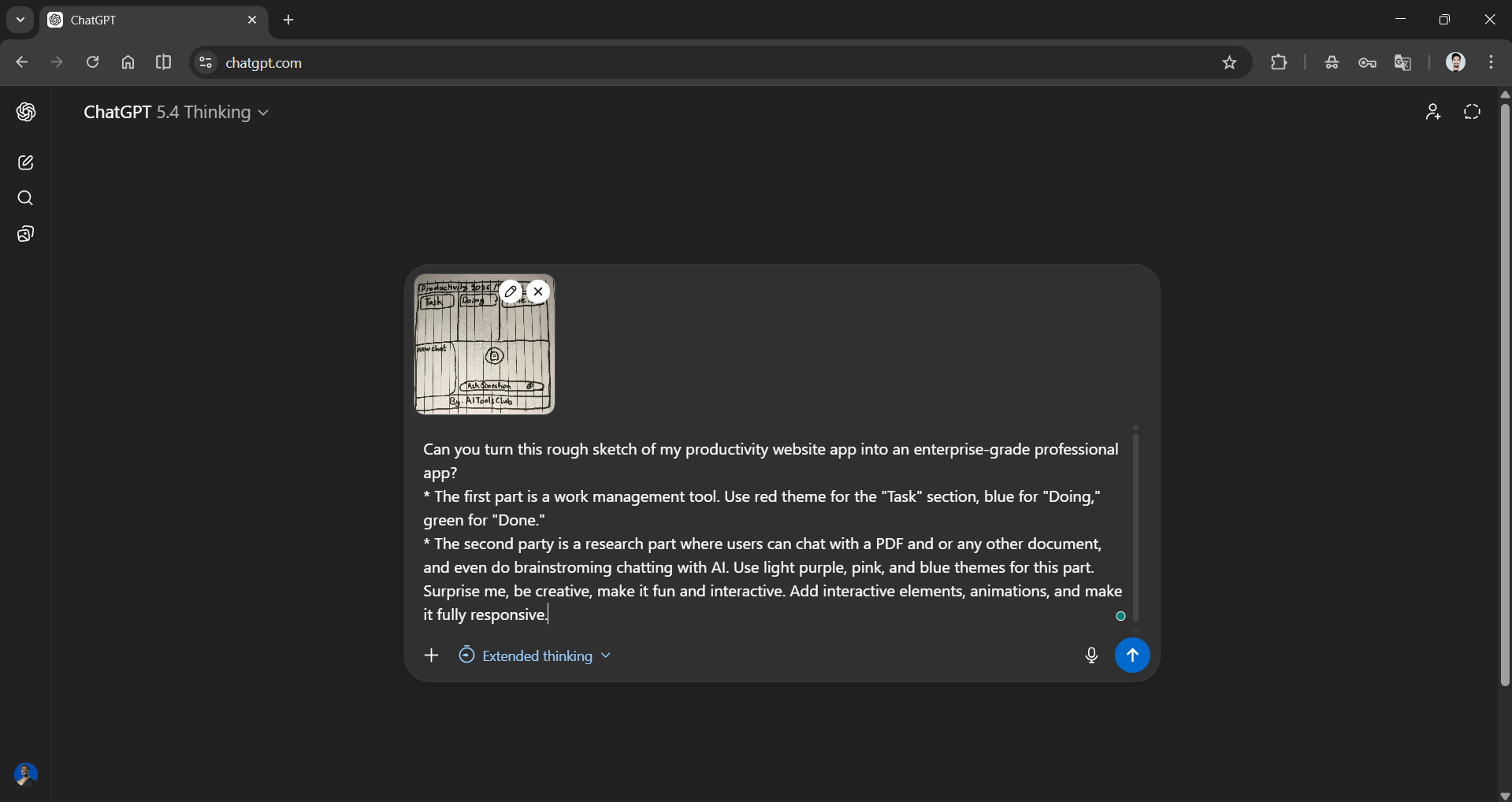
Output:
The output wasn't anything out of the box, and the top bar showed task counts and percentages of completed tasks, which was a great addition but not well executed. The add new task feature didn't work, so you can only move the pre-existing tasks. While the upload PDF and docs feature did work, the chat feature doesn't work as expected and mostly gives the same response.
AdCreative.ai: An AI-powered platform that automates the creation of high-performing ad creatives for social media and display campaigns.
Claude:
I used Claude Sonnet 4.6 with Extended thinking turned on. Claude Sonnet 4.6 wrote 677 lines of code and spent longer than ChatGPT on thinking (unfortunately, Claude doesn't have a timer to count thinking time).
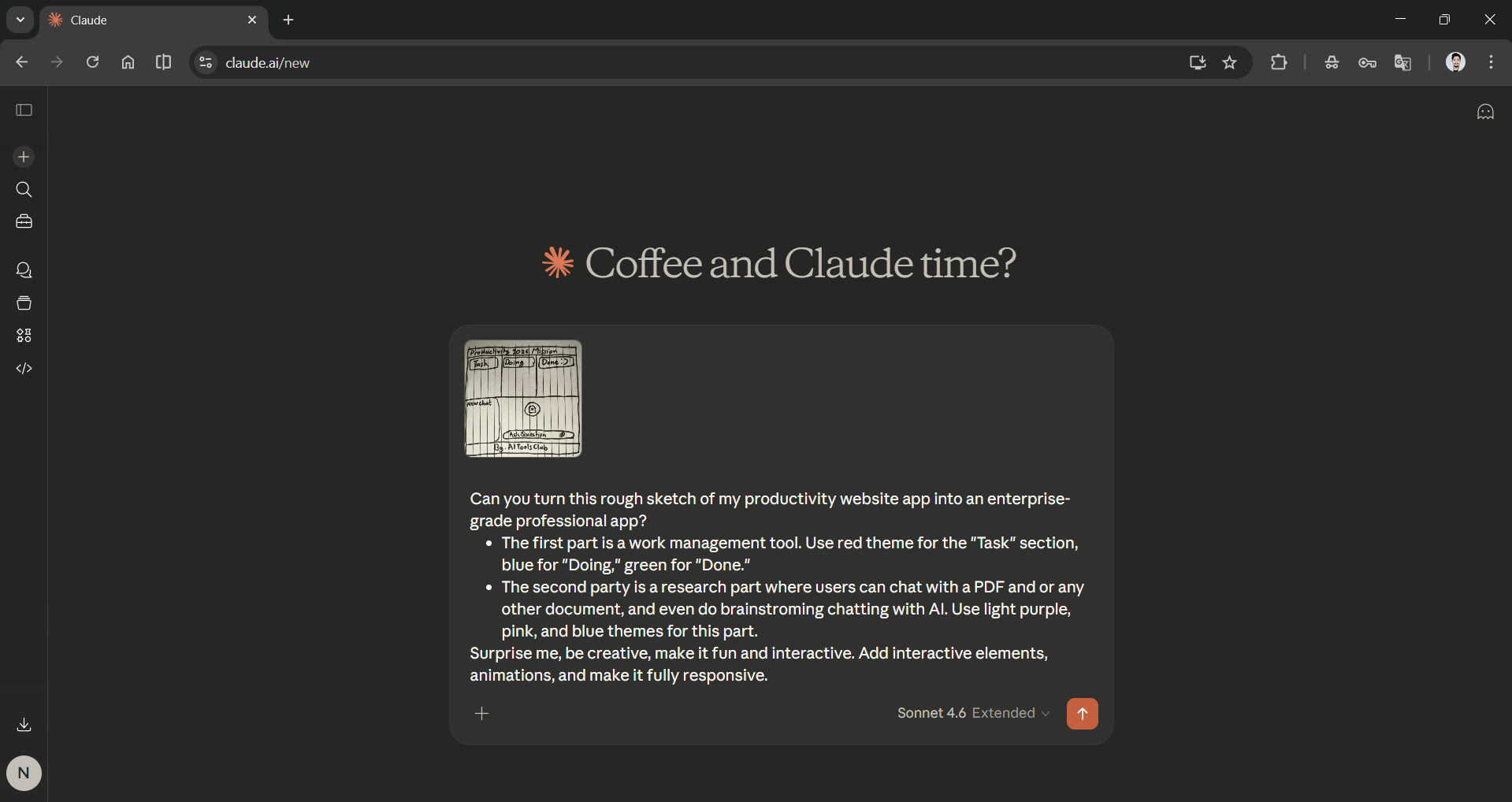
Output:
Claude's output is bold and attractive, exactly what I wanted. The app is smooth, and the features work as they should. You add tasks to the Kanban board and move them smoothly. The only downside is that the research chat interface wasn't on the same page, but still, you can click the AI research icon at the top to start your research, which was smooth.
The chat interface works really well, and you can easily upload documents and start chatting. You can get fairly accurate responses, but it is really slow. Claude also added a Brainstorm mode, which I really liked, and it understands the research context. The downside here was that there is no delete chat option, and once you click on New Chat, you can't go back to your previous chat.
Gemini:
I used Gemini 3.1 Pro, and it took about 3 minutes to think, and it wrote 486 lines of code.
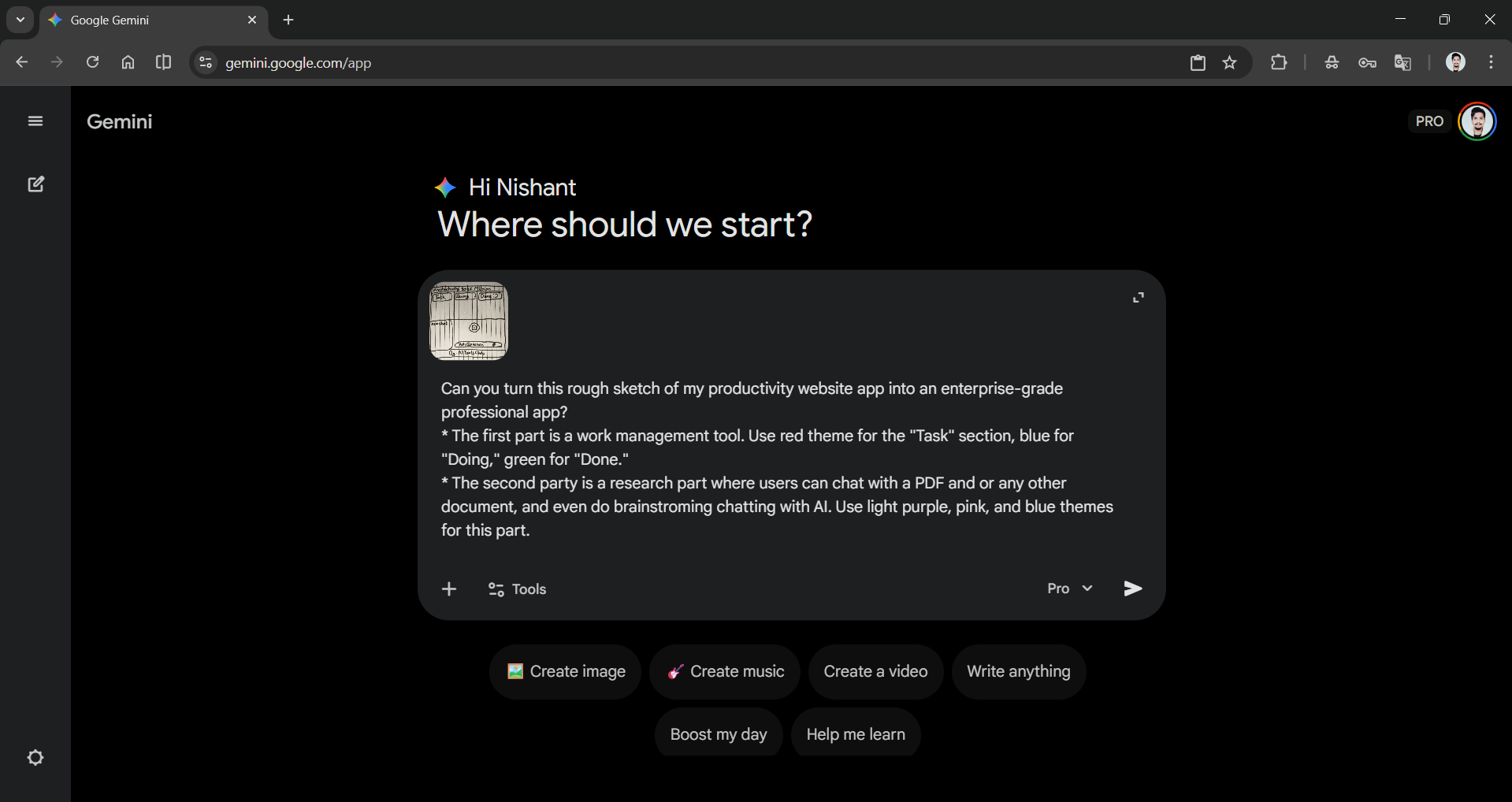
Output:
The output was similar to that of ChatGPT, but with a bold colour logo. The Kanban board worked well, and you can also add tasks to it, which is a plus point. You can also easily move the task from one section to another.
However, the chat section is not good. It gives an option to upload documents, but you cannot upload anything. It will say "Uploaded new reference document," but there is nothing, and no matter what you type in the chatbox, you'll receive an irrelevant response. You can click on old chats, but nothing appears.
In Conclusion:
Well, all the AI models are indeed powerful, and they can, in fact, turn your rough hand-drawn sketch into an app, but they are not perfect. We saw firsthand how different models perceive and process the same prompt differently.
- ChatGPT spent the least amount of time thinking and wrote the most lines of code.
- Claude spent a longer time thinking than ChatGPT, but wrote fewer lines of code and produced better output.
- Gemini spent a decent amount of time thinking and wrote the fewest lines of code.
Claude was the standout AI assistant; I didn't even use Claude Opus, yet the output was smooth, and everything worked as intended, except for not being able to review old chats. I am sure that with some refinements, all these AI assistants can generate a smooth, fully functional app.
💡 For Partnership/Promotion on AI Tools Club, please check out our partnership page.
