


ChatGPT was one of the most popular tools of 2025, introducing new AI models and new agentic features to help its users be more productive and automate tedious user workflows. A few days back, the company launched a capable AI model series called GPT-5.2 for professional work and long-running agents. It is highly expected that ChatGPT will perform well in 2026 with the new ChatGPT-6 AI model. However, to get the most out of the AI assistant, you need to know how to use ChatGPT to automate your workflow in 2026.
ChatGPT is already very capable, and in this article, we'll show you ChatGPT prompts and features you can use to automate your workflow in 2026. We'll show you useful prompts and features you can use to get the most out of this very capable AI assistant by OpenAI.
AdCreative.ai: An AI-powered platform that automates the creation of high-performing ad creatives for social media and display campaigns.
Here's how you can use ChatGPT to automate your workflow in 2026:
1. Deep Research:
Instead of searching for an answer on Google for hours, you can use ChatGPT's deep research agent to find accurate information and let the AI tool do a tedious research task on your behalf. ChatGPT's deep research is available to all users and provides a comprehensive executive brief with key findings, statistics, and emerging trends.
2. ChatGPT Agent Mode:
ChatGPT Agent Mode was one of the most significant new features of 2025, where many people got firsthand experience of an AI agent that can perform tasks on their behalf. OpenAI will improve ChatGPT Agent Mode in 2026, making it more capable and safe to use. The features allow ChatGPT interact with websites and comprehend large contexts and articles.

3. Vibe Coding
While vibe coding isn't perfect and is in its early stages, we can use it to create prototypes and MVPs. ChatGPT allows you to vibe code apps, and the newer models are already very capable when it comes to coding. OpenAI gave massive significance to vibe coding when the GPT-5 model was introduced, and the current and future models are expected to be even better.
Prompt: Generate an enterprise-grade professional [add business idea] landing page. Add interactive elements, animations, and make it fully responsive. Surprise me, be creative, do this step by step.

4. Presentation/ Slide Decks:
OpenAI introduced a new feature a few months ago that allows users to run apps in ChatGPT. This feature lets you use websites like Booking.com, Canva, and more directly in ChatGPT. Using apps within ChatGPT makes it easier for users to find information they need without needing open multiple tabs. You can attach a document and call Canva with "@canva" to request a presentation, which you can then edit easily.
5. Learning with ChatGPT:
ChatGPT is already a very intelligent and capable tool. While it feeds on the information we provide it to give better responses, it can also help us learn and understand the topic better. The ChatGPT study and learn feature helps you learn learn solutions to complex questions step-by-step. It is an interactive way to learn new things using an intelligent AI tool.
Notion AI: Notion's AI features can enhance your workflow by helping you write, summarize, brainstorm, and automate tasks with simple prompts.
6. Long-Form Content Creation:
It is very well known that ChatGPT can be used to write blog and video scripts. However, most people don't do it right, making their content sound like AI has definitely written it. To create long-form content that doesn't sound generic and dull, you need to give ChatGPT more context about your work and audience.
Prompt: You are an expert long-form writer. Write a [format] on [topic].
- Requirements: Compelling hook, original insights, specific examples, and actionable takeaways.
- Specification: Length [word count], Structure: [listing/ narrative/ how-to/ analysis], and SEO keywords: [if any], Voice: [conversational/ storytelling].
- Include subheadings, meta description, and pull quotes or standout stats.
7. Competitive Intelligence:
If you are running a business, it is not only important for you to perform better than last quarter, but it is also important for you to keep an eye on your competition and outperform them. You can use ChatGPT or even the deep research feature to conduct a market assessment to see what your competitors are doing and how you can improve your positioning.
Prompt: You are a competitive intelligence analyst. Analyze [competitor] vs [your product].
- Research areas: Product features, pricing strategy, marketing channels, and customer pain points.
- Deliverable: SWOT analysis and 3 tactical moves we should make.
8. Group Chats in ChatGPT:
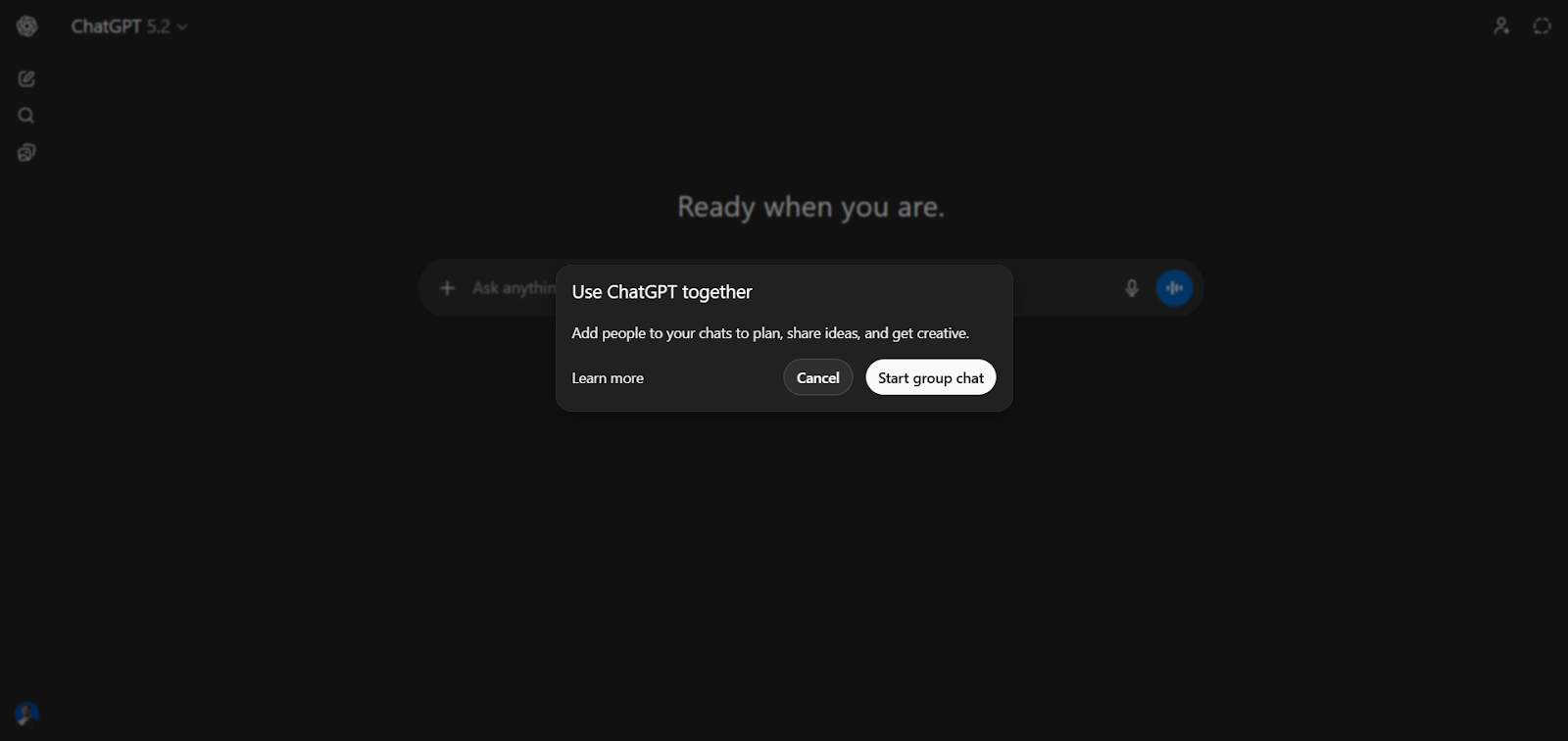
Group chats in ChatGPT are a fairly new feature that allows you to invite other ChatGPT users and share an entire chat/ context/ history with them. This new feature made team/group collaboration and coordination much easier. Rather than you sharing individual bits of the conversation back and forth, now you and your team can chat with ChatGPT at once without losing context and worrying about getting different results for the same question.
9. Shopping Research:
While it may not seem like a major feature, ChatGPT shopping is an underrated tool that can help you find deals. If you are running a business or need to buy something for yourself, you can use ChatGPT's shopping research tool. It is simple to use, just ask for the product you want and answer a few questions to help ChatGPT understand what you need.

10. Custom GPTs:
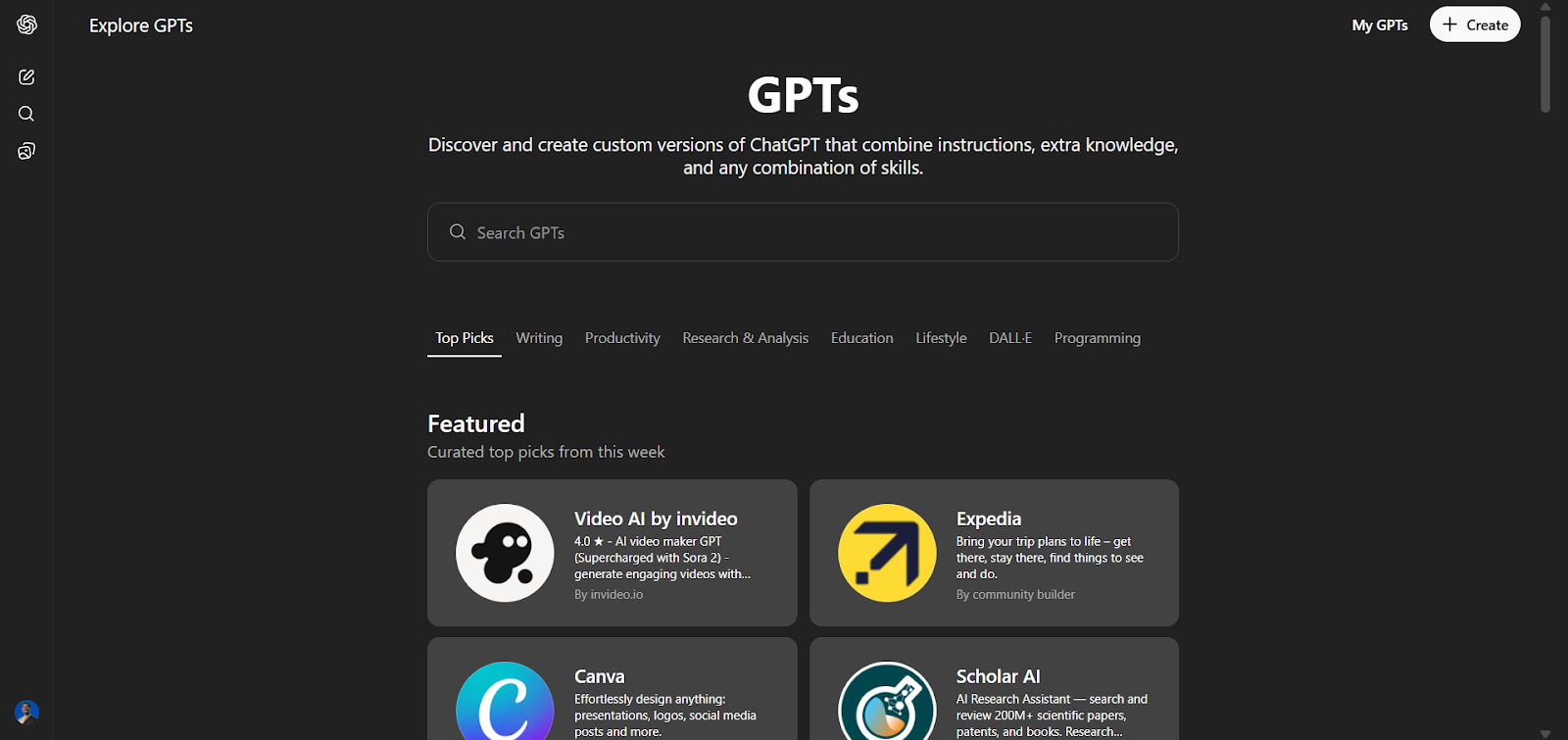
Custom GPTs are the most underrated feature of ChatGPT, which many people haven't fully taken advantage of. The GPTs option lets you use custom GPTs built by others or create your own version of ChatGPT trained on your instructions, knowledge, and any combination of skills. You can build several GPTs and have a team of experts trained by you, ready to use.
In Conclusion:
These features can be a game-changer for you if you are a heavy ChatGPT user or rely on it to get most of your tasks done. Heavy reliance on any AI tool is obviously not ideal in the long term. However, effective use of AI assistants like ChatGPT can help you automate the tedious tasks that take too much time. You can use our article as a guide to learn about the different ChatGPT features and prompts you can use to automate your everyday workflow.
💡 For Partnership/Promotion on AI Tools Club, please check out our partnership page.
