


Spreadsheets are still one of the most used office software across businesses for organizing, analyzing, calculating, and visualizing data using rows and columns. However, it is also one of the technical tools that you need to spend a lot of time learning how to use.
If you are a working professional or even a student, you may have learned about the different formulas and features of Excel. While they are really useful, the real problem is that they are hard to remember. Fortunately, there are already plenty of AI tools out in the market that can help you automate your spreadsheet tasks. You can already use ChatGPT and Claude in Excel, but if you want to try another tool, you can try Griddy.
Griddy is an intelligent Excel assistant built on advanced AI that interprets natural-language prompts and turns them into actions in a spreadsheet. Instead of remembering complicated formulas or searching through menus, you can just type what you need, and Griddy will take care of what action needs to be taken next. This assistant makes it easier to work with complex spreadsheets while still allowing you to use all of Excel's features.
How to automate your Excel tasks using Griddy AI:
Step 1: To get started, visit the Griddy AI website and choose whether you want to install the Microsoft Excel or Google Sheets plugin. For this article, I chose to go with the Excel plugin.
![Griddy AI [AI Tools Club]](https://storage.ghost.io/c/71/a2/71a292cc-6628-490c-8b4c-3e5a55b86af8/content/images/2026/04/data-src-image-8ae8adae-8a5e-471b-9fbe-f0011cb4edf6.png)
Step 2: You can also find it directly in the Microsoft Excel add-ins. Once you have found and added the plugin, you will need to create an account, which is fairly straightforward.
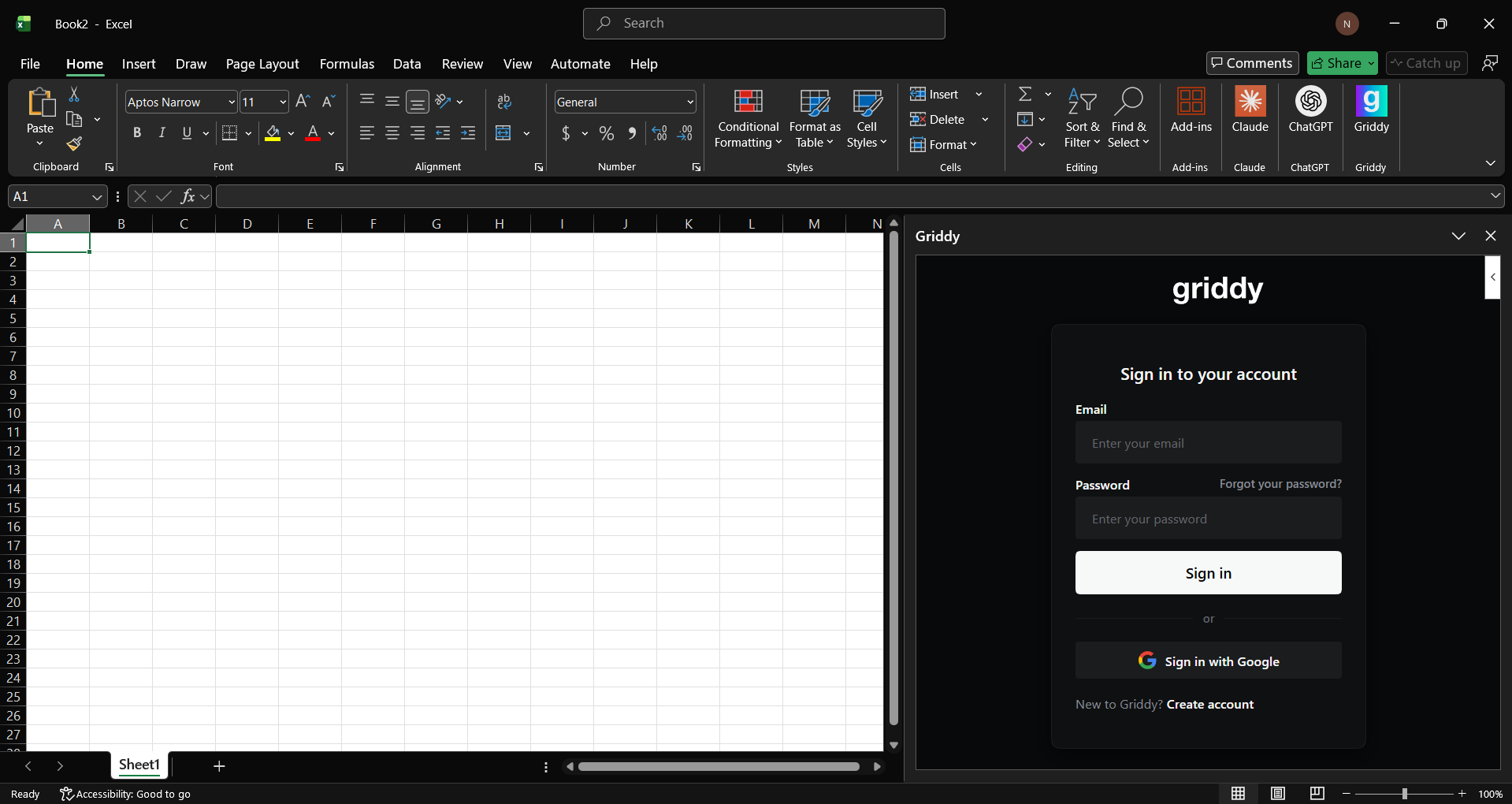
Step 3: Add a prompt for a task you want to automate, and Griddy will complete it for you.
Prompts I used:
- Build me an income statement for Apple and NVIDIA for 2023-2025.
- Create a comparison table and graphs.
In Conclusion:
Griddy AI is a good tool, but there is one downside: you only get 10 free prompts, and after that, you would need to pay monthly to get extra prompts. If you want to use it for free, then you'd need to be smart with how you structure prompts. You can add two queries in one together, and Griddy will only consume one prompt for it. What I really liked about Griddy was that before executing a task, it asked for permission, which is always a plus point for any AI assistant that is or could be executing tasks on critical real-world tasks.
💡 For Partnership/Promotion on AI Tools Club, please check out our partnership page.
