

When Google initially introduced AI Mode in Google Search and Chrome, I was personally not very impressed or happy about it. I thought it was a useless feature that would definitely disappear soon, but I have to admit I was very wrong. I didn't understand how capable the AI mode can be until recently, when I gave it a try, and trust me, it was one of the best decisions I have ever made. I was researching my article's content when I turned to ChatGPT and Claude; the answers I got from them were vague, so I decided to give Google AI mode a try, and not only did it answer my questions, but it also provided a direct citation to the exact information I was looking for.
That was the moment I realised I needed to incorporate it into my research; however, it also made me ask myself a question: what are some other use cases of Google AI search mode? I went on a quest to find more use cases for Google AI search mode, and I found them. In this article, I will share some of the best use cases of Google AI search mode that I have found, and that can actually be helpful to you.
AINews.sh: Stay ahead with the latest AI product releases, in-depth reviews, and news. Compare AI tools, open-source models, and paid platforms.
Here are the best use cases of Google AI Search Mode that I have found most useful:
1. Deep Research Without the Tab Overload
The most immediately useful application of AI Mode is handling complex, multi-part questions. Traditionally, when you search for something complicated, you are forced to break a nuanced question into multiple queries, cross-reference sources manually, and compile findings yourself. AI Mode combines that into a single conversation using a technique called query fan-out that can automatically break down your question into subtopics and run multiple related searches simultaneously.
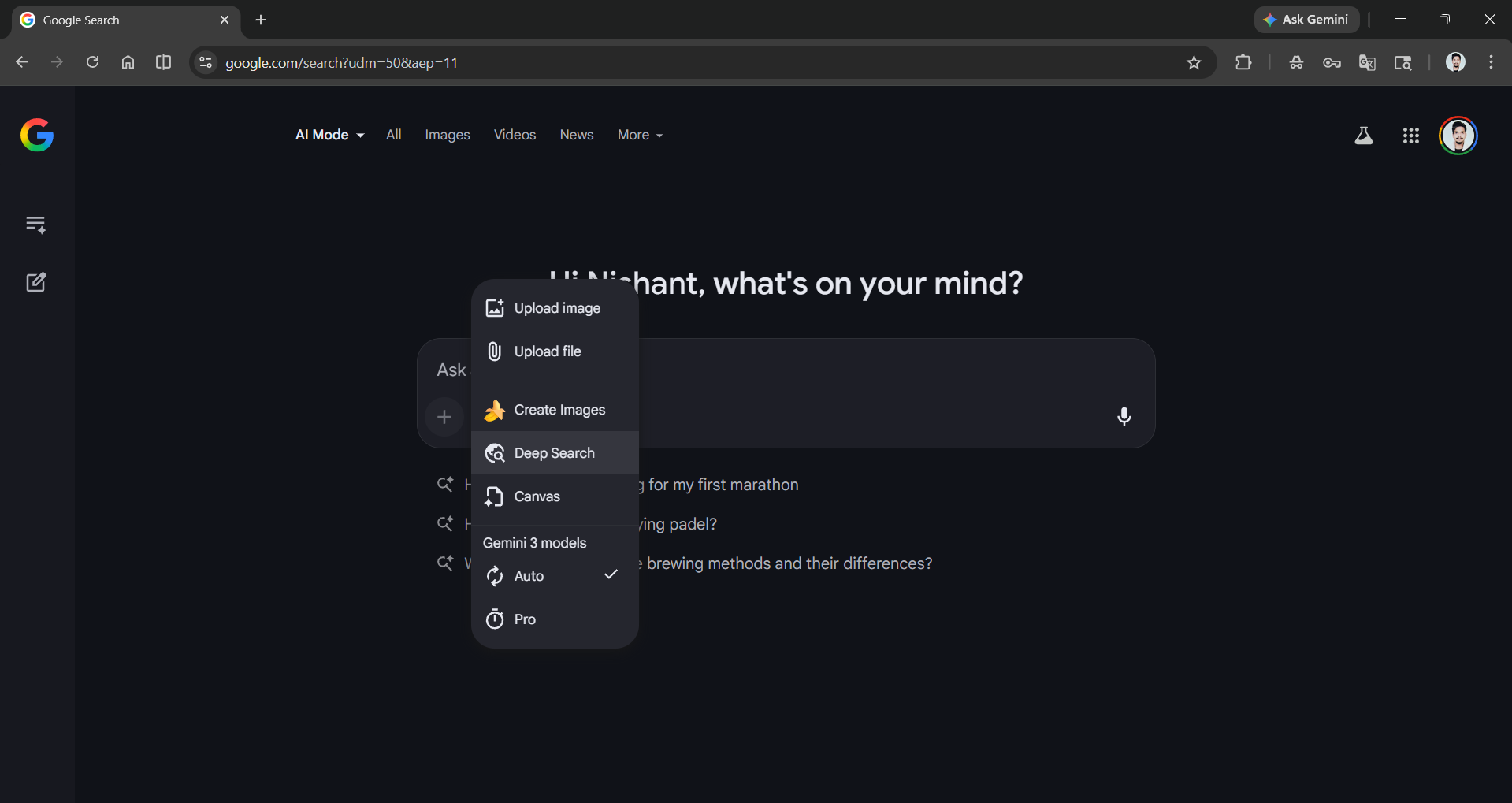
For deeper information, AI Mode also has Deep Search, a feature available to Google AI Pro and Ultra subscribers that runs hundreds of background queries, reasons across different sources, and finally returns a comprehensive, fully cited report in minutes.
Best for:
- Market research and industry analysis.
- Academic topic exploration.
- Comparing technical options (cloud providers, frameworks, architectures).
2. Shopping With Actual Intelligence
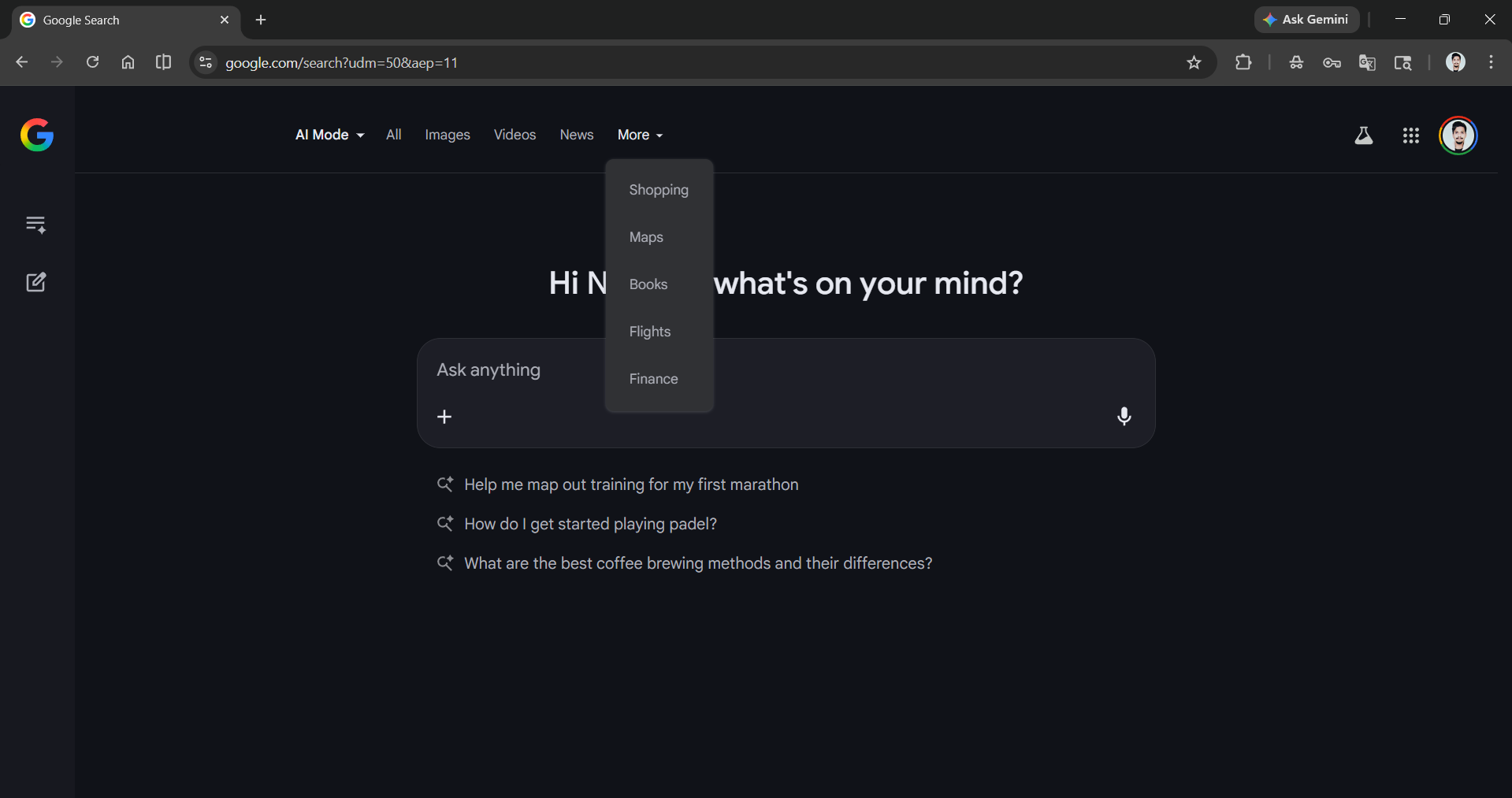
Google's Shopping Graph indexes more than 50 billion product listings, which are refreshed over 2 billion times every hour, and AI Mode intelligently puts that data to work. Instead of filtering through e-commerce results manually, you can describe what you're looking for in words ("a waterproof coat") and get a synthesized, visually organized response with real pricing and availability.
The virtual try-on feature allows anyone to upload a single photo of themselves and see how apparel from billions of listings actually looks on their body using a custom AI model that understands how different fabrics fold, stretch, and drape. When you're ready to buy, the new agentic checkout feature allows Google to track the price, notify you when it drops to your target, and complete the purchase on your behalf via Google Pay with your explicit confirmation first.
Key features:
- Natural language product discovery using the Shopping Graph.
- Virtual try-on via a single uploaded photo (apparel categories).
- Agentic checkout via Google Pay (currently available with merchants like Wayfair, Chewy, Quince, and select Shopify stores in the U.S.).
3. Travel Planning That Thinks Ahead
When you are planning a trip, you know the chaos that comes with it, involving a browser full of open tabs with flights on one, hotels on another, and itineraries pulled from forums. AI Mode can combine this into a single thread. You just need to tell it your dates, destination, and preferences, and it can suggest routes, build day-by-day itineraries, recommend local attractions, and surface relevant information for booking. It can hold context across the conversation, so follow-up questions don't require re-entering your constraints.

AdCreative.ai: An AI-powered platform that automates the creation of high-performing ad creatives for social media and display campaigns.
4. Personal Intelligence: Search That Knows You
One of the biggest recent additions was Personal Intelligence, an opt-in feature that connects AI Mode to your Gmail and other Google apps for a more contextual experience. Currently, it is in early access for Google AI Pro subscribers, which allows:
- Tech troubleshooting using your actual purchase receipts to identify the exact device model you own.
- Shopping suggestions informed by your real purchase history.
- Travel planning that references your actual flight and hotel bookings.
- Personalized recommendations built around your preferences and past searches.
This level of context-awareness has historically required a dedicated AI assistant app. Google is embedding it directly into Search, though it requires opt-in and a paid AI Pro subscription to access.
5. Multimodal Input: Point, Snap, and Ask
AI Mode's multimodal capabilities, handling text, voice, images, and PDFs together, make it unusually versatile. You can just point your camera at an appliance error code, a product label, a foreign-language menu, or a whiteboard diagram, and ask questions about it. Gemini 3 will process visual and text input simultaneously, not as separate events.
6. Conversational Follow-Ups
Unlike AI Overviews, which give a static one-shot summary, AI Mode is built for ongoing back-and-forth dialogue. You can ask for a follow-up, add a constraint, or drill into a sub-topic, and the session retains full context.
7. Generative Dynamic Content
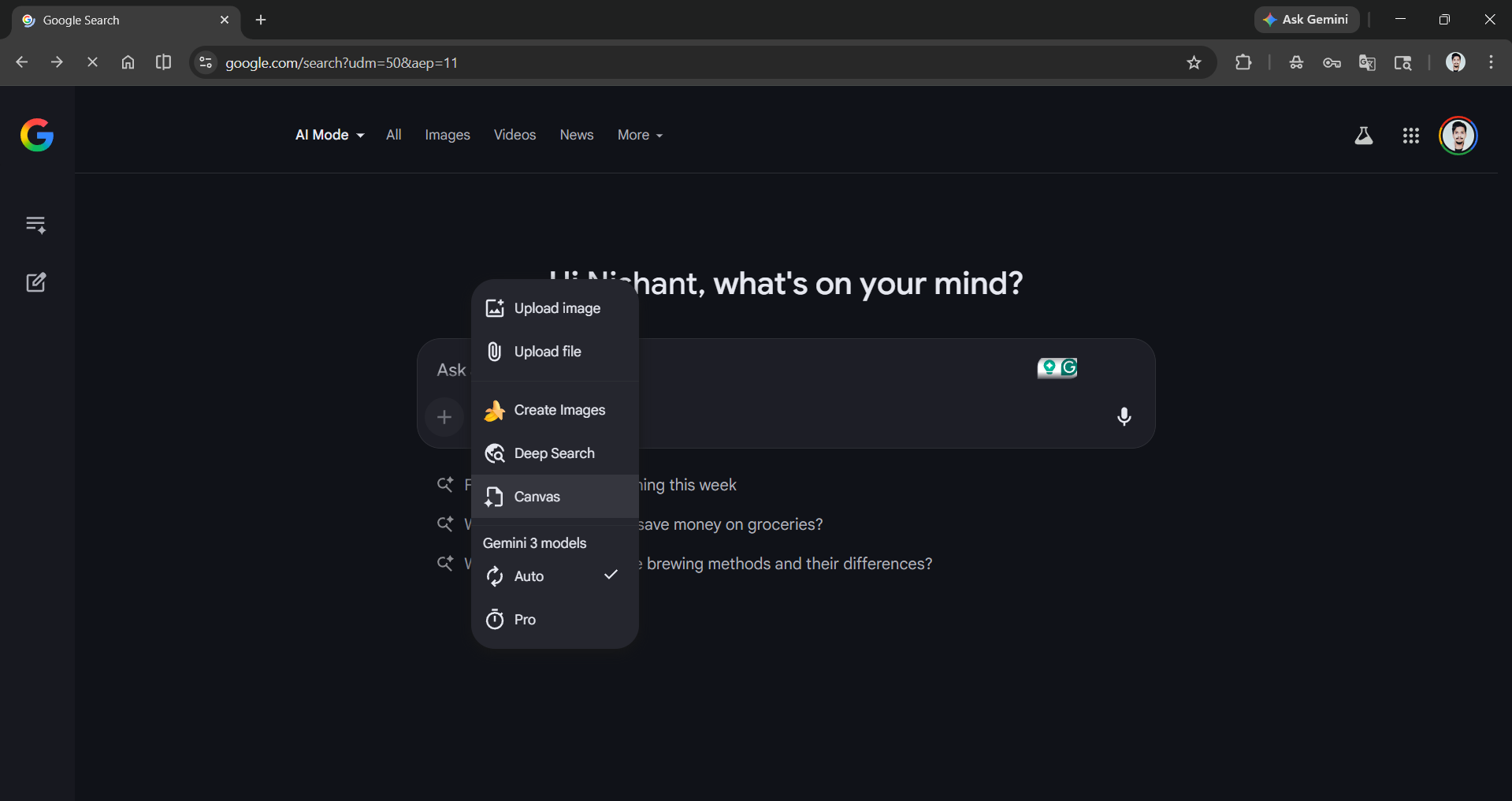
Just like Google Gemini, Google AI Search Mode is powered by Nano Banana and can generate AI images. Not just AI mages, but you can access Canvas in AI mode to create interactive tools, simulations, web pages, and more. Canvas is one of the best features of Google Gemini, and if you have used it before, it is exactly the same; and if you haven't, then you must give it a try.
Editor's Note:
Well, as I said earlier, initially, I didn't think Google AI Mode would be a hit, but Google proved me wrong. Google AI Mode wasn't a cosmetic upgrade, as I thought, but instead it is a genuine, genius rethinking of how search can handle complex, real-world tasks. It might not replace simple lookups (standard search remains faster for those), as it is powered by AI, which can hallucinate. Still, for anything involving research, comparison, shopping, planning, or personalization, it can perform at a level that previously required multiple dedicated tools or significant manual effort.
💡 For Partnership/Promotion on AI Tools Club, please check out our partnership page.
