

OpenAI just solved one of ChatGPT's most annoying daily pain points, and it changes how you work with AI documents forever. If you've ever spent ten minutes scrolling and searching through old ChatGPT conversation history just to find a PDF you uploaded last week, you already understand the problem. Files in ChatGPT have always been ephemeral by design; you upload something, use it once, and if you lose track of the chat, the file is effectively gone.
As AI tools have become central to professional workflows, that limitation has been increasingly hard to ignore. OpenAI's newly launched File Library feature is a direct answer to that frustration, and for paid users, it fundamentally changes what ChatGPT can be as a long-term workspace.
AINews.sh: Stay ahead with the latest AI product releases, in-depth reviews, and news. Compare AI tools, open-source models, and paid platforms.
What Is the ChatGPT Library Feature?
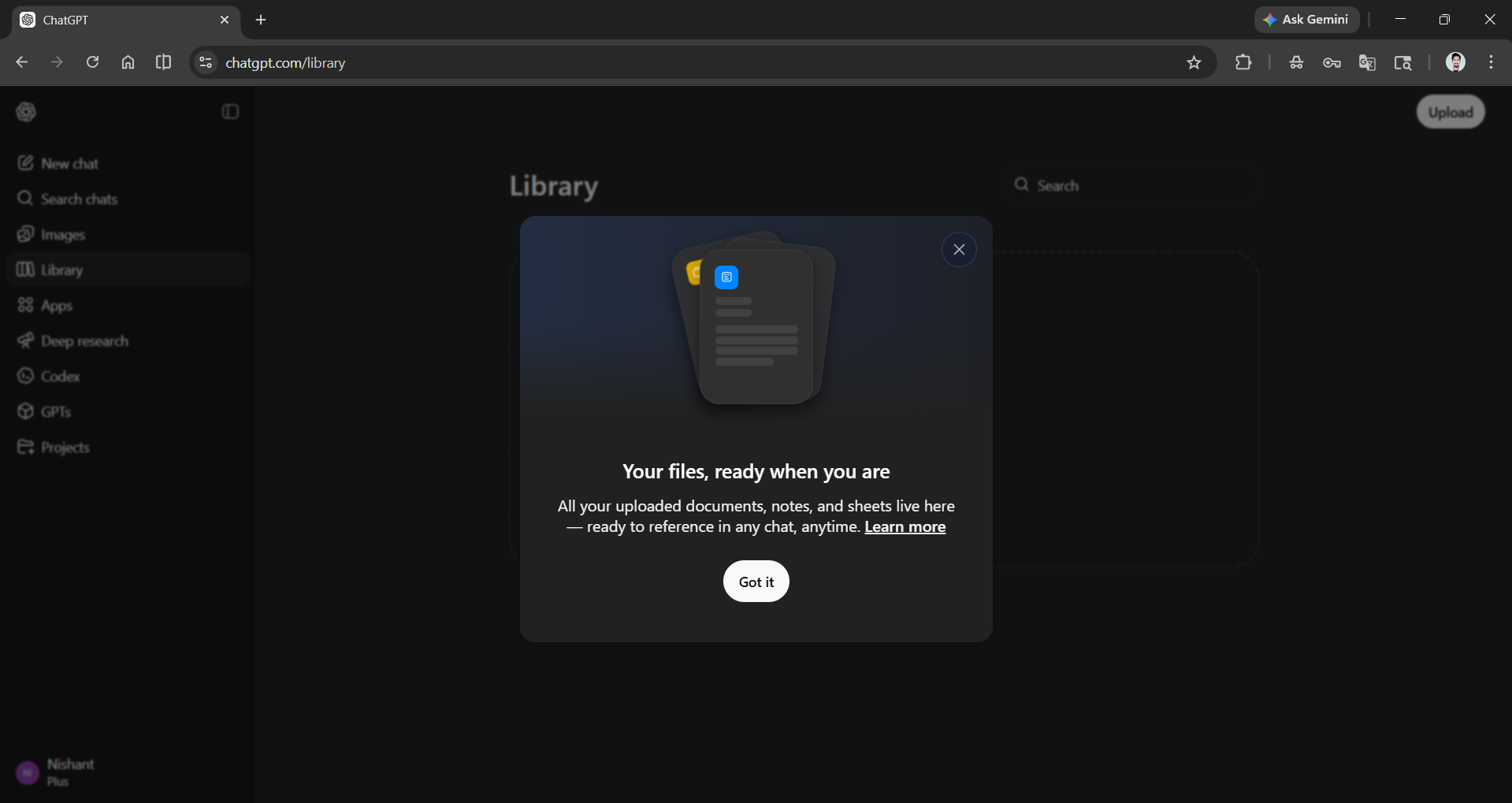
When you upload or create a file, whether it's a PDF, spreadsheet, image, or more, it is now automatically saved to your Library. You can attach files they've already stored to new conversations without needing to re-upload them. The Library has a dedicated tab in the left-hand sidebar of ChatGPT on the web, giving users a clean, centralized hub for everything they've ever shared with the AI.
This is a meaningful change. Previously, files uploaded by users were often "locked" in a specific conversation, requiring them to re-upload when starting a new conversation. That's no longer the case.
Key Features at a Glance
- Automatic Saving: ChatGPT automatically saves uploaded and created files, including documents, spreadsheets, presentations, and images, in a dedicated and secure location so they can be accessed later.
- Quick Reference in Chat: You can quickly reference files in a chat using recent files in the composer, or browse everything you've uploaded in the Library tab in the sidebar.
- Natural Language Retrieval: You can also ask ChatGPT about files you've saved, for example, "What should I know about the document I uploaded yesterday?"
- Filtering and Search: Users can use the search bar and filter results by uploaded or generated files, or by file type.
- Two-Track Organization: User-uploaded files are stored in the Library area, while AI-generated images are categorized under a separate "Images" tab.
- File Limits: The maximum file size is 512 MB.
- Text and document files support up to 2 million tokens per file.
- CSV and Excel spreadsheets are limited to roughly 50 MB.
- Images are capped at 20 MB per file.
- Persistent Until Deleted: Files remain in your Library until you delete them. Files uploaded in Temporary Chat are not saved to your Library.
- Mobile Partial Support: Recent files in the composer and file search are supported on iOS and Android, while the Library is currently available only on the web.
How to use the new file Library feature in ChatGPT:
Open ChatGPT and make sure you are a Plus, Pro, or Business subscriber. On the left-hand side of the main bar, you'll see a Library option. Click on it to find or upload files.
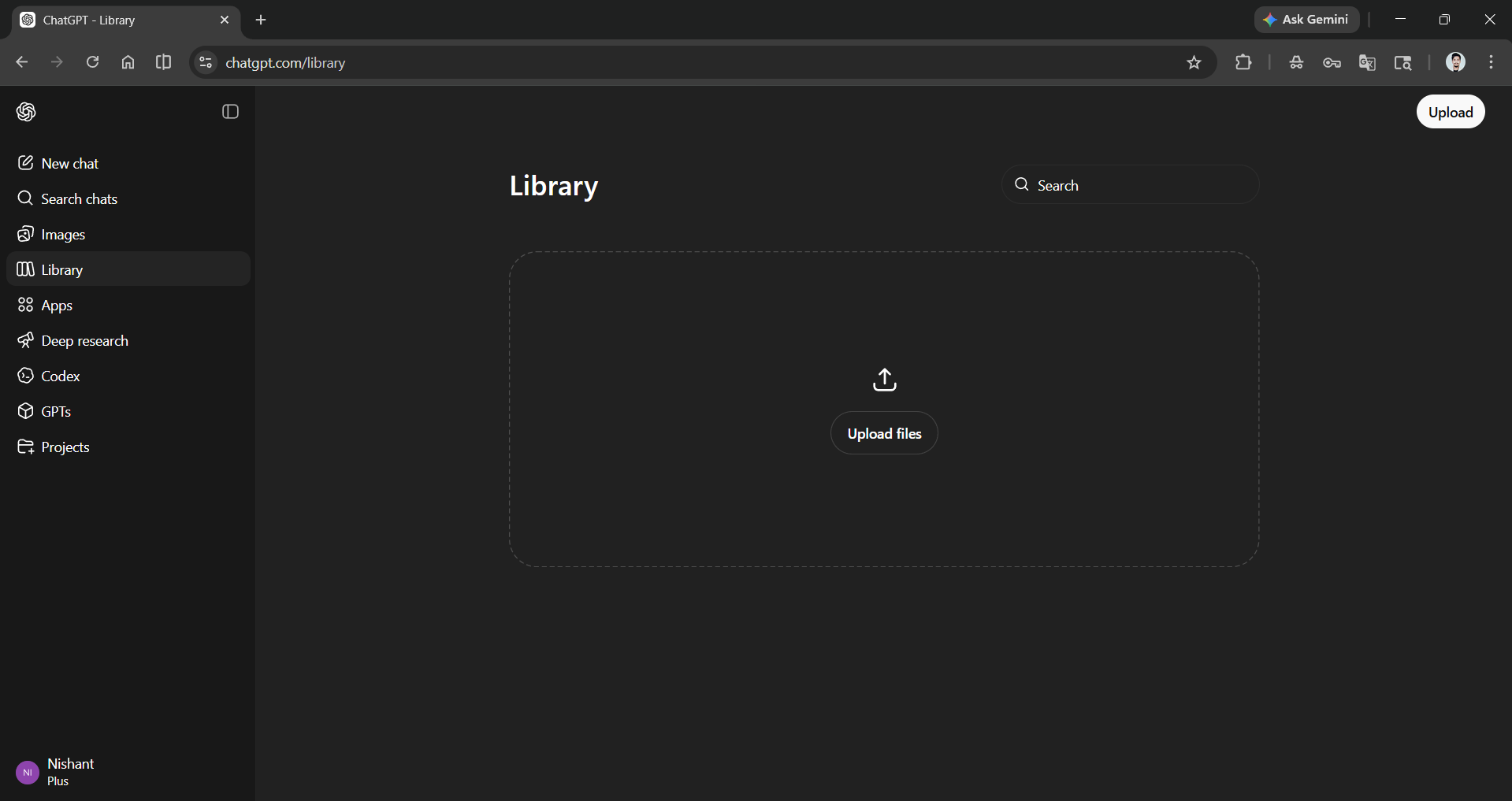
Once a file has been uploaded, you can click on it to start chatting with it.
Who Gets It and When?
The feature is rolling out globally for ChatGPT Plus, Pro, and Business users, coming soon to users in the United Kingdom (UK), European Economic Area (EEA), and Switzerland.
Bottom Line
If you are a researcher, analyst, writer, or business professional who uses ChatGPT as an active work tool rather than a one-off Q&A engine, this new Library feature removes a major daily pain point. You don't need to go through your chat history or restart from scratch each session to iterate on drafts, review reports, or just to find the file(s).
Combined with Projects, Canvas, and Memory, the Library feature shows that OpenAI is deliberately repositioning ChatGPT as a persistent, intelligent workspace and not just a chat interface. Deleting a conversation containing files does not delete those files saved to the Library, which means your knowledge assets now outlive individual conversations.
The practical implication is that your uploads now compound in value over time. A contract you analyzed in January, a dataset you cleaned in February, a presentation deck you iterated on in March, they all sit ready in your Library, reusable across any future session. That's the difference between a tool you use and a workspace you actually build inside of.
💡 For Partnership/Promotion on AI Tools Club, please check out our partnership page.
