


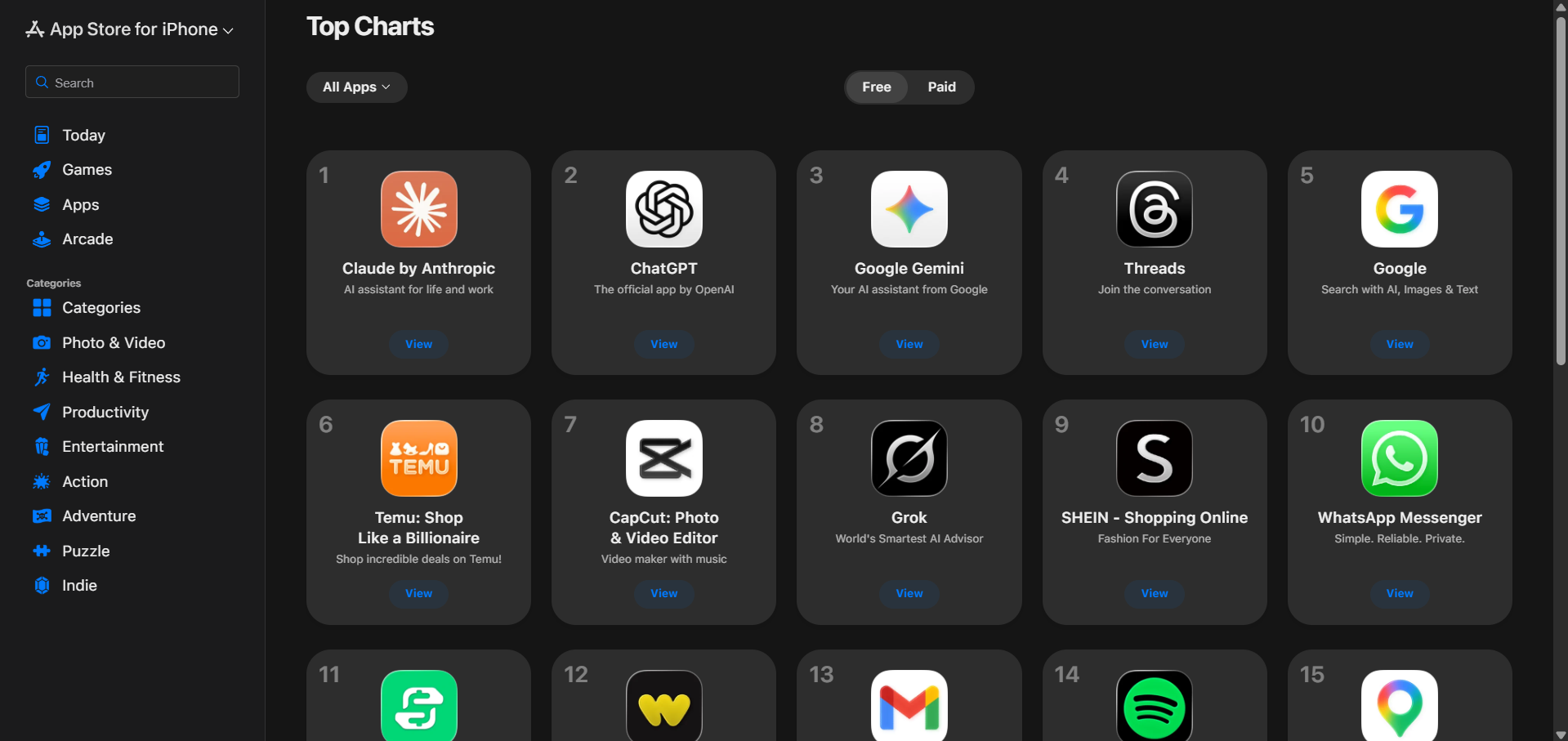
Claude is the number 1 free app in the Apple App Store. Claude AI by Anthropic AI has slowly become a fan favourite among developers, casual users, and business professionals. There are many reasons behind that, but one of the most popular is that Claude AI is powered by one of the best AI model series (Opus, Sonnet, Haiku), making it one of the smartest and most powerful AI available for mass consumers.
For the majority of the world's population, their first real interaction with an artificial intelligence (AI) tool was with ChatGPT by OpenAI. ChatGPT is, in fact, the most popular AI tool across the globe, and people have gotten attached to it. You might have spent a long time training the AI chatbot to understand your tone, your preferences, your projects, and your quirks—but that might also have locked in, as starting over with another AI chatbot is exhausting and can get frustrating.
Fortunately, Anthropic AI has taken a direct step toward this problem with a free feature called Memory Import, which allows easy AI portability and personalization.
AINews.sh: Stay ahead with the latest AI product releases, in-depth reviews, and news. Compare AI tools, open-source models, and paid platforms.
What is Memory Import?
Memory Import is a free feature that lets new users bring their existing AI context from any other provider into Claude in under a minute.
The AI market is full of AI assistants like ChatGPT, Gemini, Copilot, and Claude, all very capable but competing to become the everyday tool for casual users, developers, writers, analysts, and business professionals.
Many users have invested significant time (days, weeks, or even months, in some cases) in personalizing their preferred AI assistant, teaching it their writing style, explaining their job role, setting output preferences, and establishing workflows. That accumulated context is genuinely valuable, and until now, it was essentially non-transferable; however, with Claude's Memory Import, users can easily port from their existing AI provider to Claude by Anthropic.
How to Switch from ChatGPT or Gemini to Claude: 3 Simple Steps
The implementation is refreshingly straightforward, requiring no technical knowledge whatsoever:
Step 1: Copy the following prompt (provided by Claude) and paste it into a new conversation with your current AI assistant (ChatGPT, Gemini, or any other). The prompt is designed to surface all the key preferences and context that the assistant has learned about you.
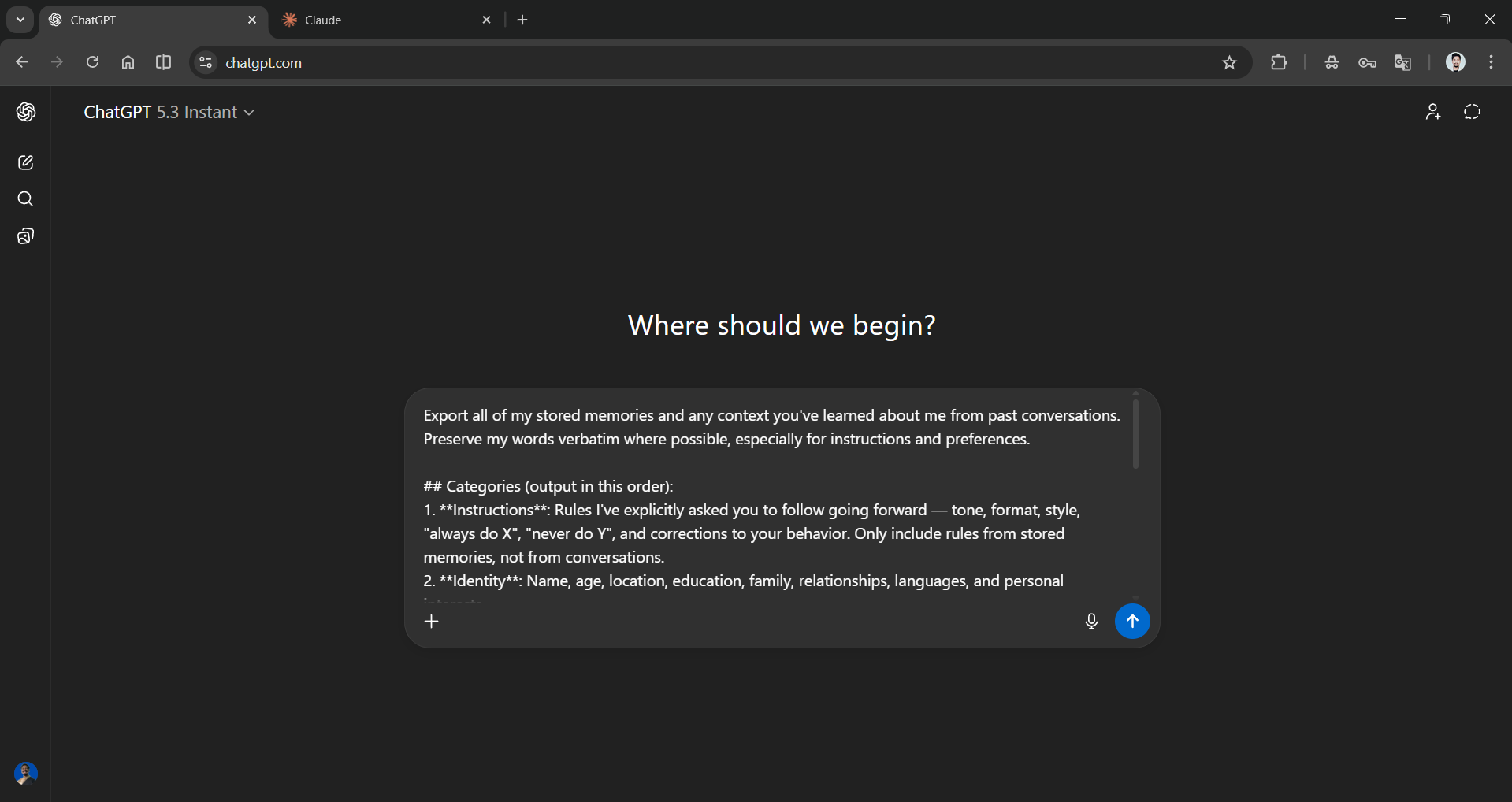
Prompt:
Export all of my stored memories and any context you've learned about me from past conversations. Preserve my words verbatim where possible, especially for instructions and preferences.
Categories (output in this order):
1. Instructions: Rules I've explicitly asked you to follow going forward — tone, format, style, "always do X", "never do Y", and corrections to your behavior. Only include rules from stored memories, not from conversations.
2. Identity: Name, age, location, education, family, relationships, languages, and personal interests.
3. Career: Current and past roles, companies, and general skill areas.
4. Projects: Projects I meaningfully built or committed to. Ideally ONE entry per project. Include what it does, current status, and any key decisions. Use the project name or a short descriptor as the first words of the entry.
5. Preferences: Opinions, tastes, and working-style preferences that apply broadly.
Format:
Use section headers for each category. Within each category, list one entry per line, sorted by oldest date first. Format each line as:
[YYYY-MM-DD] - Entry content here.
If no date is known, use [unknown] instead.
Output:
- Wrap the entire export in a single code block for easy copying.
- After the code block, state whether this is the complete set or if more remain.
AdCreative.ai: An AI-powered platform that automates the creation of high-performing ad creatives for social media and display campaigns.
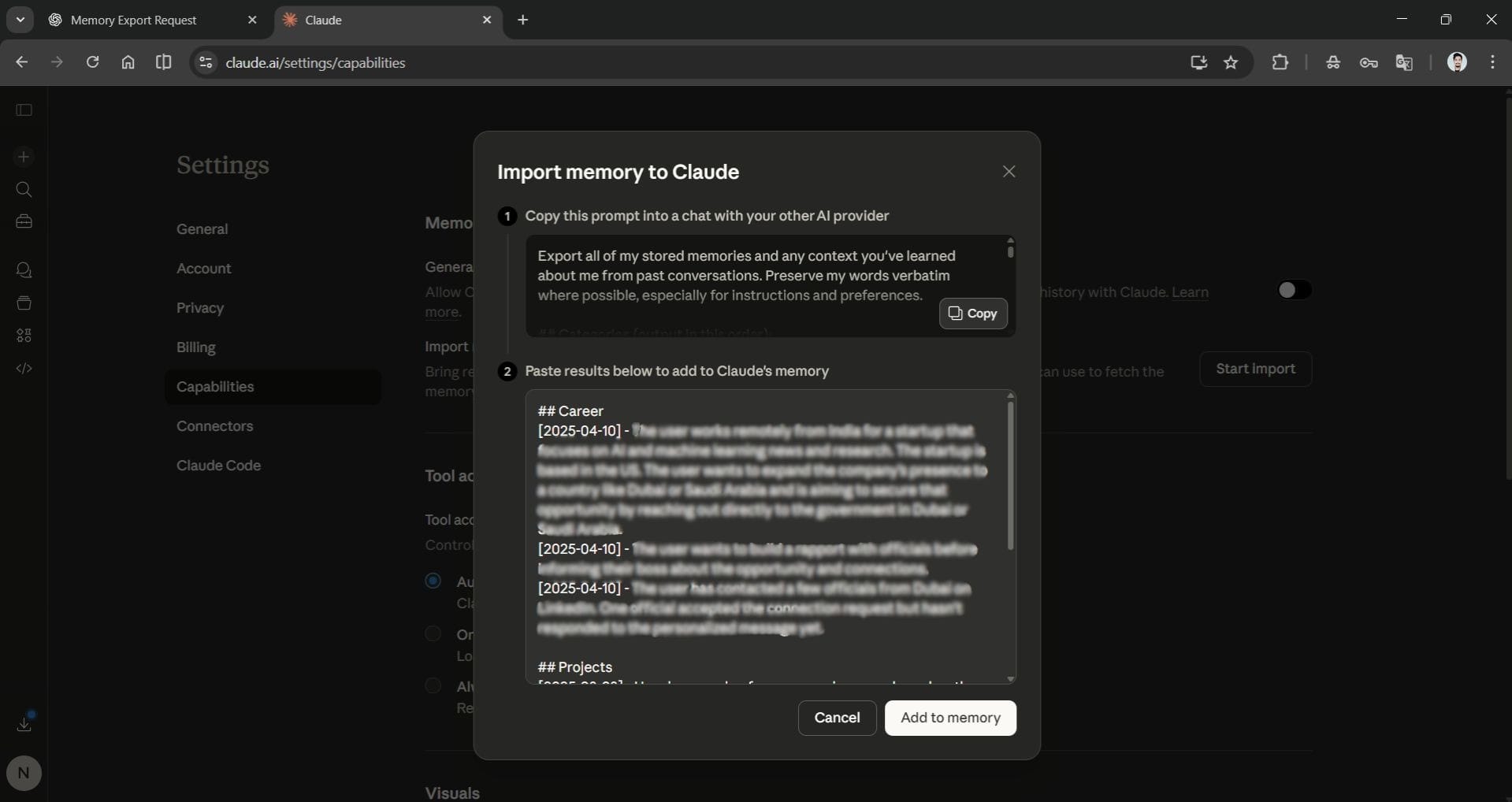
Step 2: Copy the output from that conversation and paste it directly into Claude's memory settings. Claude then reads, processes, and stores those preferences automatically. There are no file uploads, no API tokens, or no developer configurations required. It's genuinely a copy-paste operation.
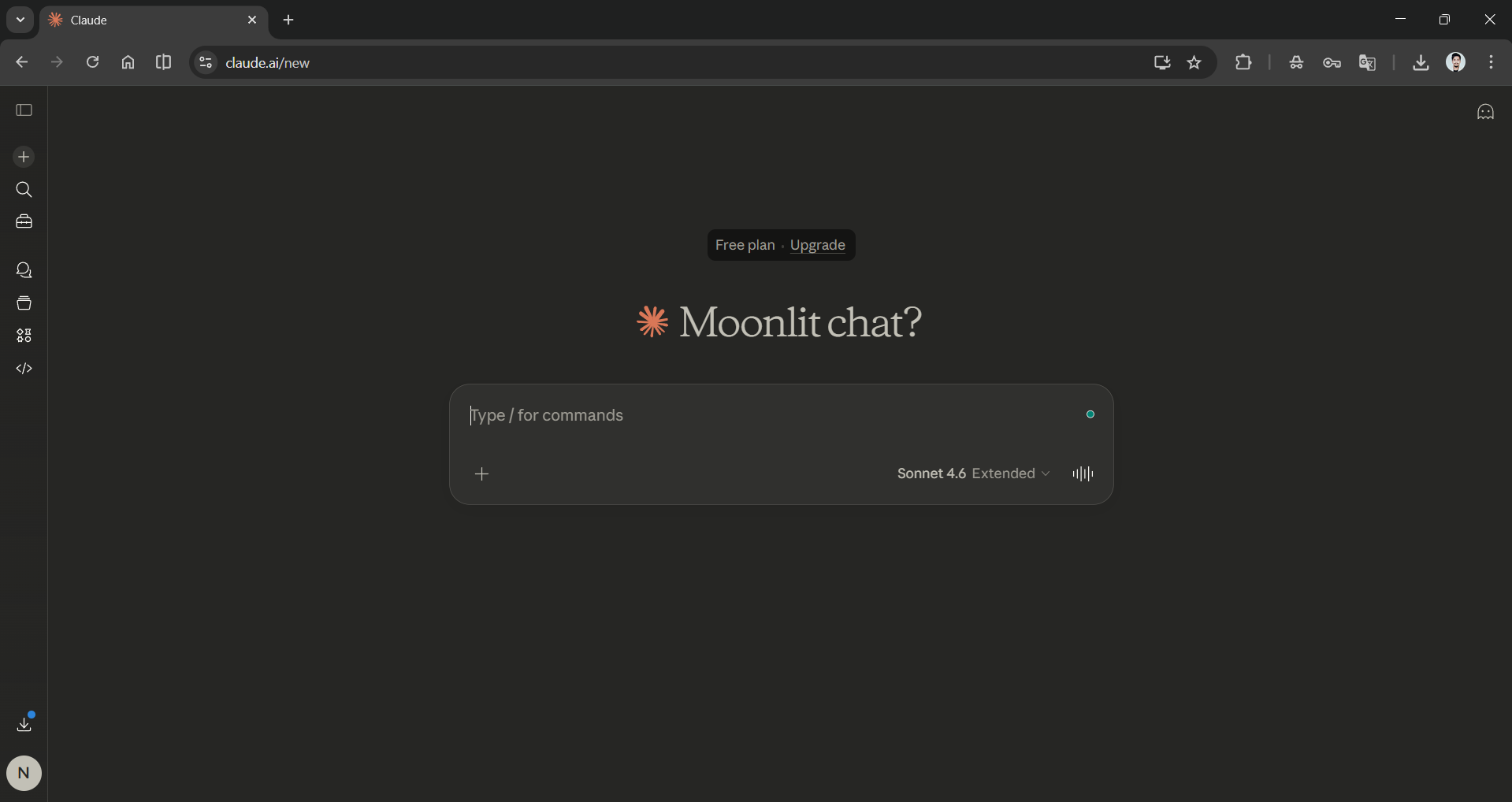
Step 3: Start a new conversation with Claude, and it will pick up with the full context, responding the way your previous provider did, but with the intelligence of Claude AI.
In Conclusion:
Anthropic is taking full advantage of newfound popularity. The Memory Import isn't just about convenience; by allowing memory import and export, Anthropic implicitly argues that the AI context (preferences, habits, and knowledge) you've invested in teaching an AI assistant belongs to you, the users, not the platform you are using. In the artificial intelligence (AI) and technology industries, where data lock-in has often been a growth strategy, a free feature like the Memory Import in Claude is a meaningful addition.
Claude's Memory Import might look like a small quality-of-life feature. In practice, it's a quiet but powerful step toward a more open, user-controlled AI ecosystem.
💡 For Partnership/Promotion on AI Tools Club, please check out our partnership page.

