


The majority of working professionals have experienced the stress of preparing a presentation from scratch. We always start with a big idea, but don't know where to begin, and a blank slide stares back at us, and the deadline approaches. A single presentation, including research, slide design, and revisions, can take anywhere from 8 to 20 hours.
Fortunately, thanks to improvements in artificial intelligence (AI) models and technologies, business professionals are spending less time formatting and designing presentations and more time on the core message, story, and content. There are already many dedicated AI presentation tools on the market; however, the tool I want to show you today isn't a dedicated presentation tool but a feature in the Qwen AI chatbot called Qwen AI Slides.
What is Qwen AI Slides?
Qwen AI Slides is your personal presentation designer that can actually think; being powered by Qwen3 Agent and Qwen-Image 2.0, it can turn data into clear, beautiful presentations.
- The Qwen3 Agent handles the cognitive heavy lifting, such as understanding user input, researching relevant information, and structuring a logical narrative.
- The Qwen-Image 2.0 model then turns that structure into fully rendered, visually polished slides, handling typography, layout, color schemes, and graphics simultaneously in a single generation.
You can either simply prompt your presentation idea or upload a document, and the Qwen search agent researches, organizes, and builds the story structure for you, all in one go.
AINews.sh: Stay ahead with the latest AI product releases, in-depth reviews, and news. Compare AI tools, open-source models, and paid platforms.
Key Features at a Glance
- Agentic research layer: Qwen3 Agent actively formats, organizes, and improves content.
- End-to-end visual generation: Qwen-Image 2.0 renders complete slides, not just placeholders.
- Unified design output: Text, layout, color, and graphics are generated cohesively in one shot.
- Multi-format input support: Plain text, documents, or just a quick idea all work equally well.
- No design expertise required: Qwen AI Slides democratizes high-quality presentation design for everyone, even those without design skills.
How to create stunning presentations using Qwen AI Slides:
Step 1: Visit Qwen AI and sign up if you don't have an account already. It's just like every other AI chatbot you might have used.
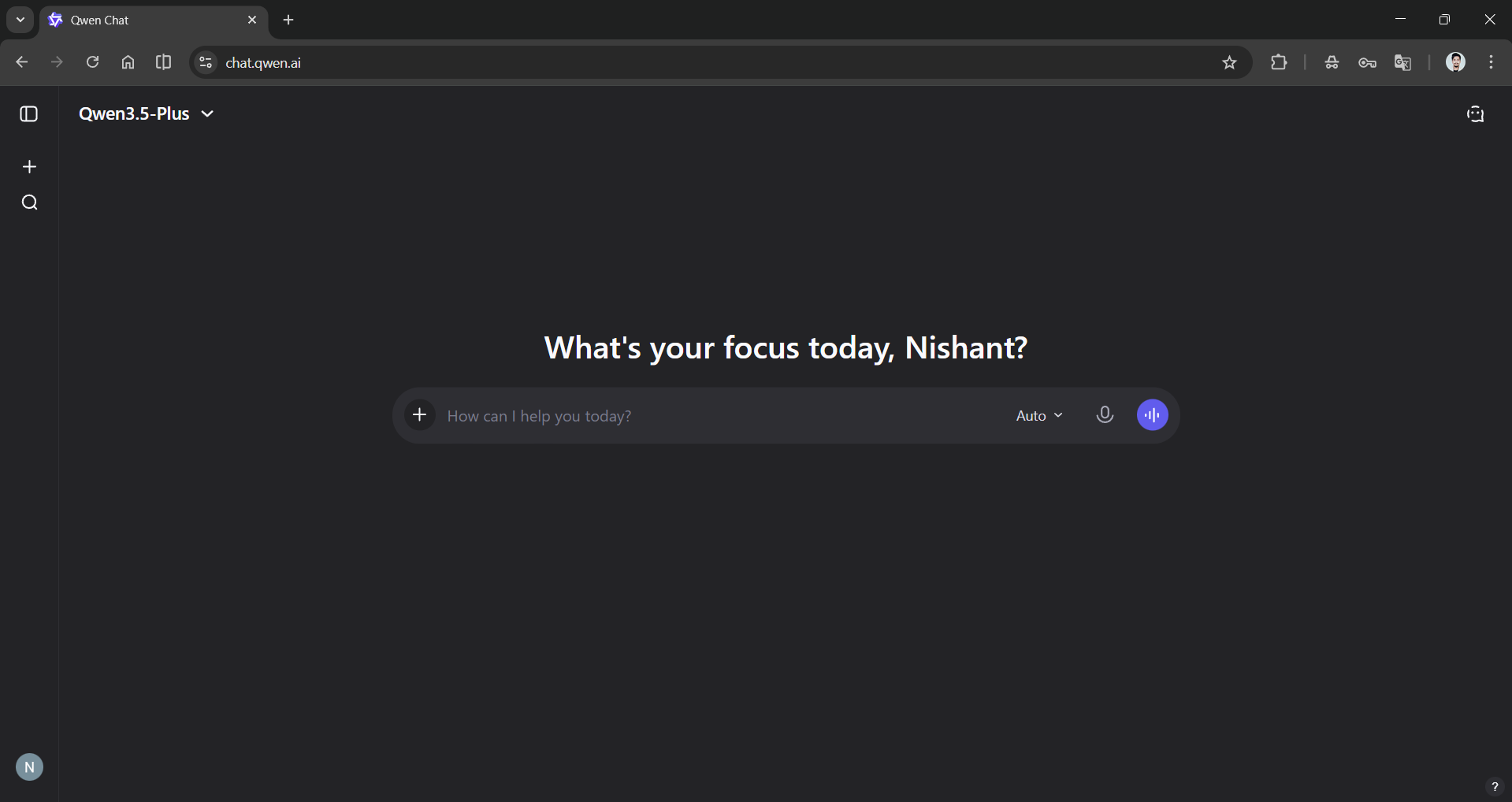
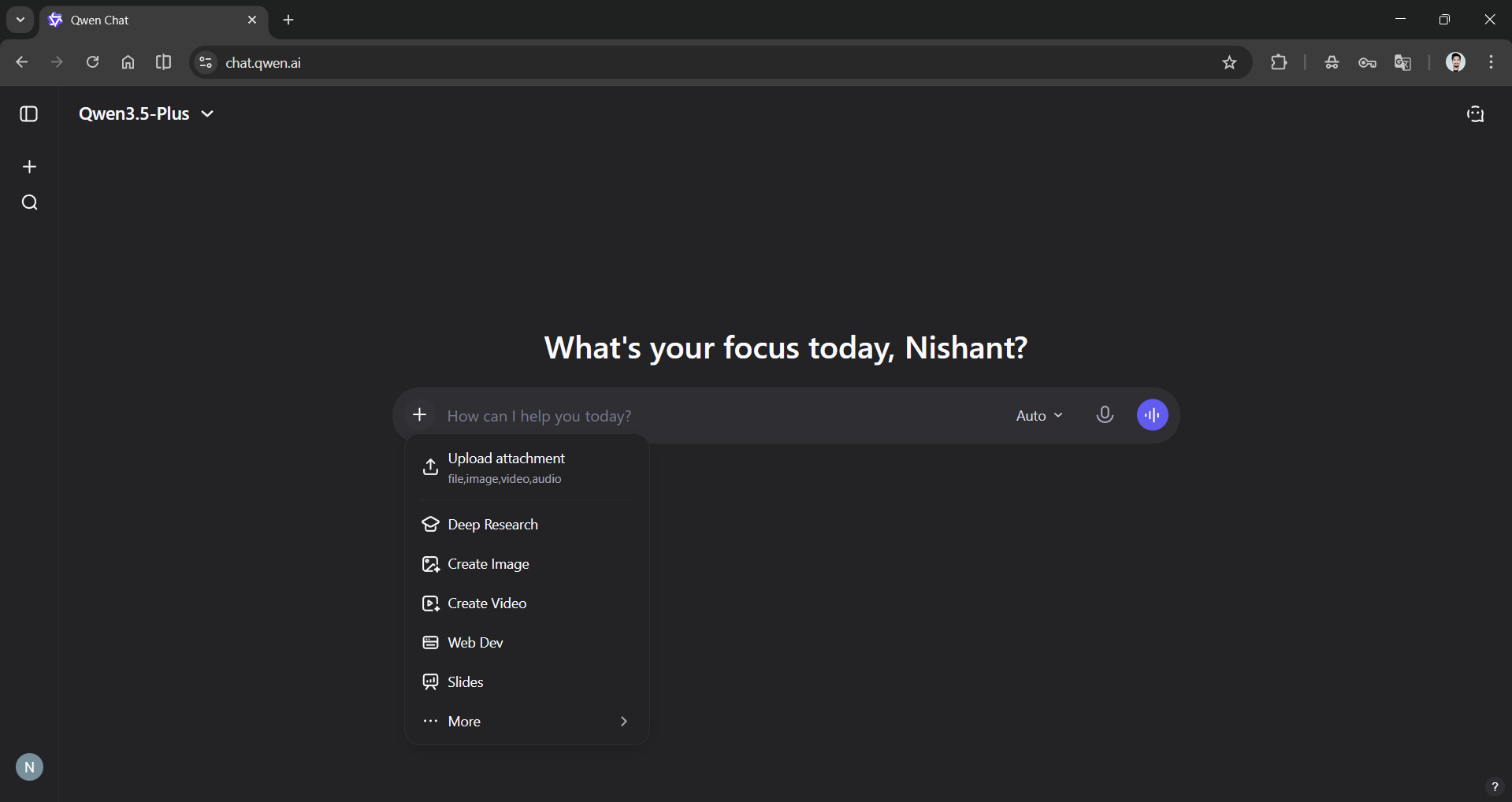
Step 2: Press the ➕ icon in the chat box and choose the slides option.
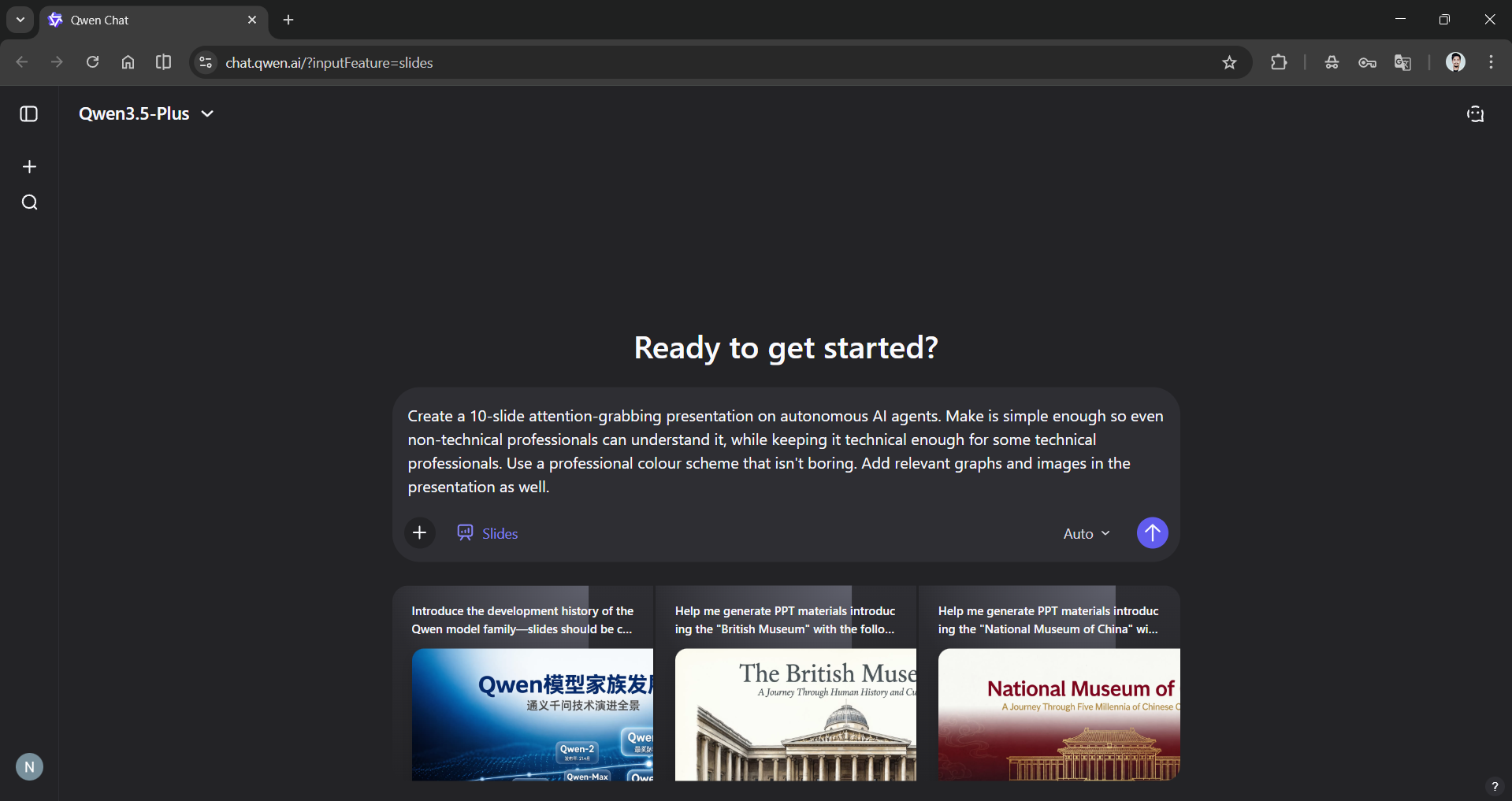
Step 3: If you already have data or a document you want to base the presentation on, you can upload it; otherwise, just enter a prompt on any topic you need to create the presentation.
Prompt: Create a 10-slide attention-grabbing presentation on autonomous AI agents. Make is simple enough so even non-technical professionals can understand it, while keeping it technical enough for some technical professionals. Use a professional colour scheme that isn't boring. Add relevant graphs and images in the presentation as well.
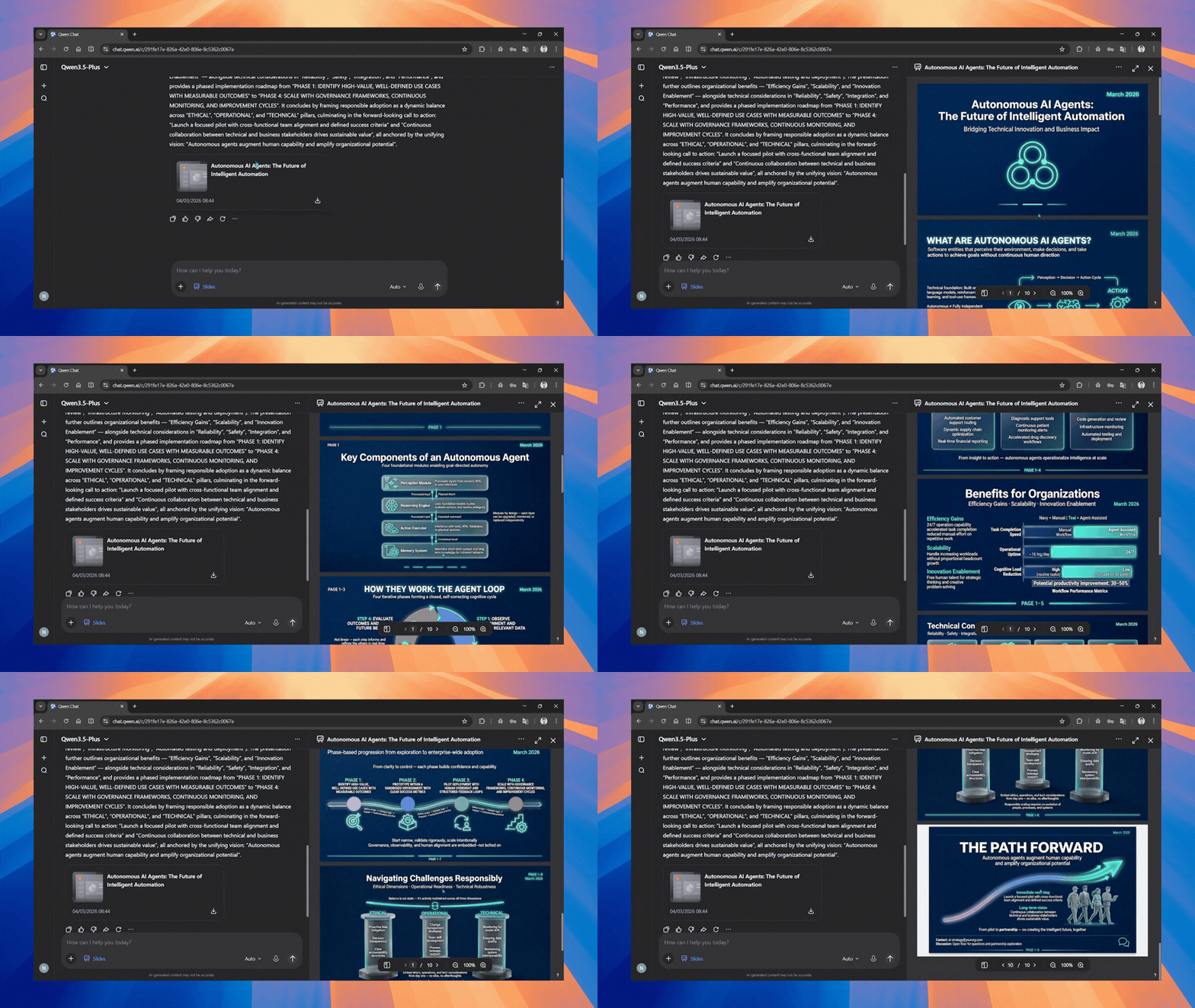
Step 4: It took Qwen AI 5 minutes to research, organize, format, design, and create the entire presentation. You can check it out here!
Editor's note:
The Qwen AI is already powered by one of the most powerful AI model series. I have personally used Qwen AI multiple times, but it was my first time using the Qwen AI Slides feature, and I have to say it lived up to my expectations. Qwen AI Slides can cut the time usually taken for text formatting and design if you already have the data you want to base the presentation on. If you are starting with just a prompt, the time saved is astronomical. The only downside, in my opinion, is that when you try to download the PPT, it's saved as a PDF, so you cannot edit it in Microsoft PowerPoint or Google Slides. Other than that, the Qwen AI Slides feature is a must-try.
💡 For Partnership/Promotion on AI Tools Club, please check out our partnership page.
