


What if your next Google Search didn't just return links but also helped you build something? That's no longer a hypothetical because Google has rolled out Canvas in AI Search Mode (U.S. only), turning one of the world's most-used information tools into an AI-powered workspace where users can write documents, generate code, and prototype interactive apps.
For over two decades, Google Search has operated on one fundamental premise: that users can ask a question, and it retrieves answers in the form of links. Canvas in AI Search Mode challenges that model directly.
- Canvas first appeared inside the standalone Gemini app as early as March 2025, showing Google's intent to bring workspace-style tools into its AI ecosystem.
- By July 2025, an experimental version arrived inside AI Mode as a Search Labs feature.
- Finally, on March 4, 2026, Canvas rolled out as a mainstream offering with newly added support for creative writing and coding tasks that were absent from the earlier Labs trial.
Google made Canvas available to all U.S. users in English with no Search Labs enrollment required. There is no experimental barrier that has previously limited the feature to a smaller pool of early testers. Any U.S. user can now open Canvas directly from the tool menu within AI Mode and start creating.
AINews.sh: Stay ahead with the latest AI product releases, in-depth reviews, and news. Compare AI tools, open-source models, and paid platforms.
What Canvas actually does
Canvas is a persistent side panel within Google's AI Mode that lets users create, iterate, and refine content alongside Gemini. Operating the feature is as straightforward as it is on Gemini.
Key capabilities include:
- Document drafting: Generate and refine full-length written content like blog posts, research summaries, cover letters, and study guides using natural language and use follow-ups to adjust tone, length, or structure.
- Creative writing assistance: Draft fictional narratives, scripts, or other creative pieces with Gemini as an iterative collaborator.
- App and tool prototyping: Describe a custom dashboard, quiz, tracker, or interactive tool in plain language, and Canvas can vibe code a working, testable prototype with no coding experience required.
- Code inspection and editing: Once an app is built, users can toggle to view the underlying code, test its functionality, and improve further through conversation.
- Live web grounding: Unlike AI tools that draw solely from static training data, Canvas pulls real-time information from the web and Google's Knowledge Graph to ensure outputs are grounded in current data.
- Persistent projects: Canvas sessions are saved over time, allowing users to return to a project and pick up where they left off.
How to use Canvas in Google AI Search Mode to Vibe Code and Build Apps:
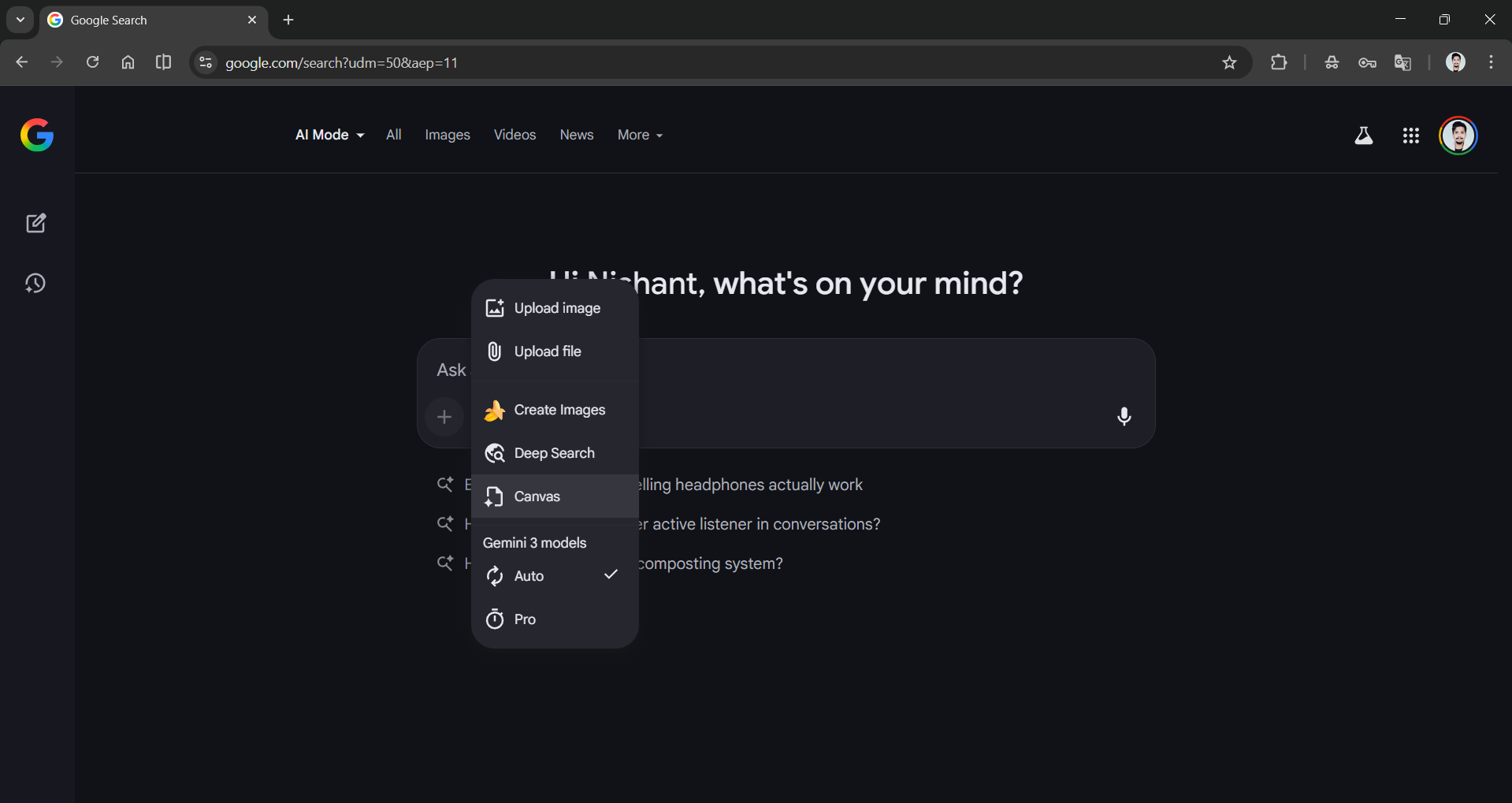
Step 1: Visit the AI Mode and click on the plus (➕) icon to choose Canvas.
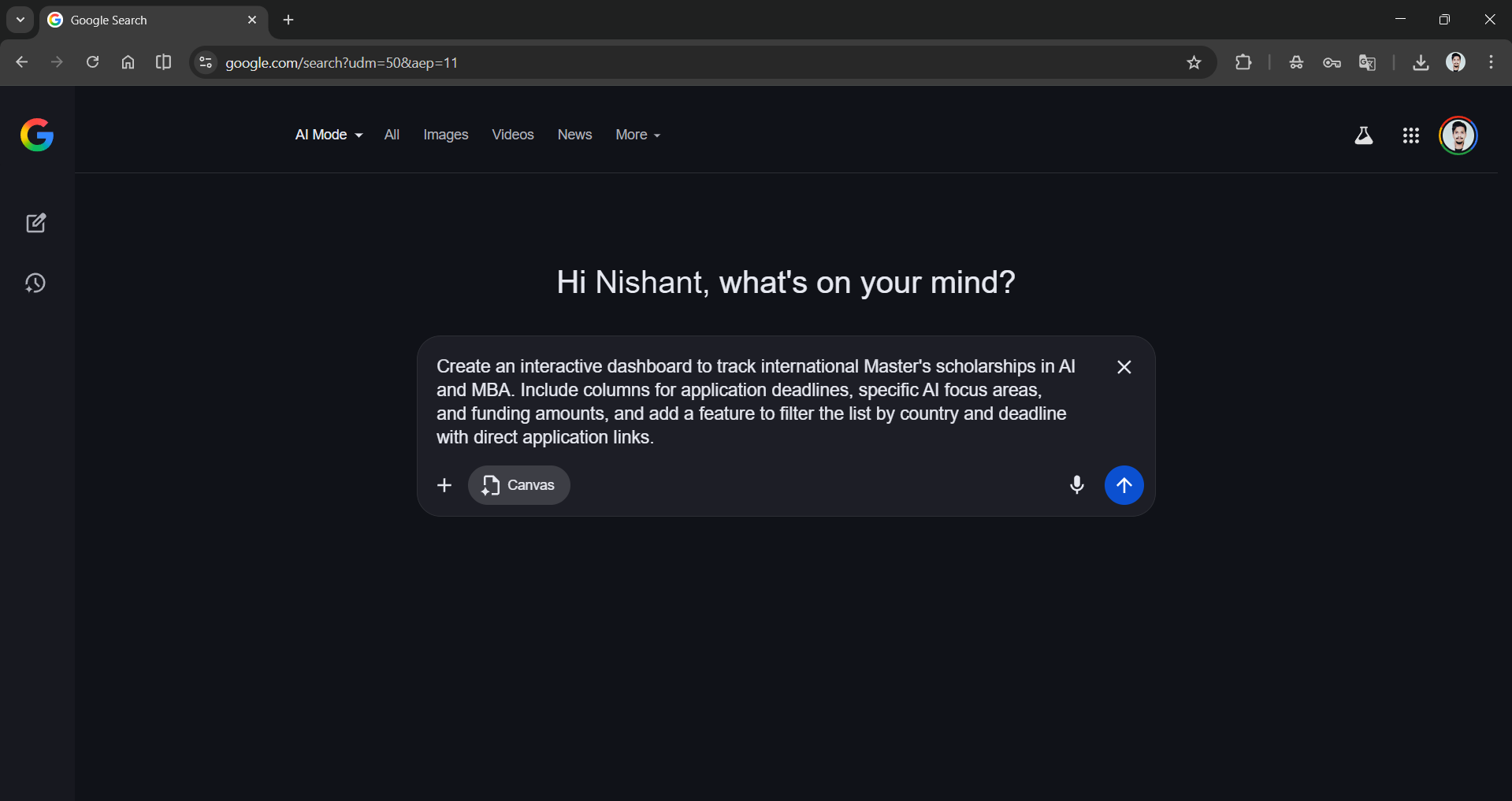
Step 2: Add the custom dashboard, quiz, tracker, or interactive app idea in the chatbox and send it.
Prompt: Create an interactive dashboard to track international Master's scholarships in AI and MBA. Include columns for application deadlines, specific AI focus areas, and funding amounts, and add a feature to filter the list by country and deadline with direct application links.
Step 3: AI Search Mode uses Google Gemini to think and vibe code the entire dashboard, quiz, tracker, or interactive app, and if you are using it for creative writing, you'll see the whole idea put into words for you in the Canvas panel.
In Conclusion:
While Gemini Canvas wasn't the first of its kind, it can be substantially more useful now that it lives inside Search, a product with billions of users and direct access to live web information. It can be a game-changer, especially for:
- Students and educators who want to build custom study guides from uploaded notes, generate interactive quizzes, or convert research reports into web pages.
- Writers and content professionals can now have a drafting partner that speeds up ideation and handles structural revisions on demand.
- Developers and technical users can conversationally prototype and iterate on apps while skipping the overhead of setting up a development environment.
- Business and marketing professionals can build structured dashboards or planning tools without involving a separate technical team. And more.
Canvas in AI Mode is a win-win for Google users. Google Search is no longer just about links and SEO ranking; with all these updates to AI Mode, it's slowly becoming a complete workspace where direct information can be found, and ideas can come to life.
💡 For Partnership/Promotion on AI Tools Club, please check out our partnership page.

