

Every major software and AI company has introduced a $10–20 monthly subscription model, which on paper may not seem like a massive amount; however, the majority of working professionals use more than 1 platform, costing them hundreds of dollars in monthly subscriptions. Artificial intelligence (AI) tools, models, and agents have made professionals' work easier, but running and using them comes at a monthly cost. Most professionals use AI to vibe code UI designs and even entire apps, create digital content, automate workflows, support learning and content consumption, and generate images.
Most people think that good tools that perform heavy AI tasks are behind a subscription paywall, which is somewhat true, but not all good AI tools are like that. Google has launched many free AI tools that can replace many paid tools that professionals use every day. These free AI tools from Google won't only help you save money, but also get the same work done as most paid AI tools, raising serious questions about what you're still paying for.
AINews.sh: Stay ahead with the latest AI product releases, in-depth reviews, and news. Compare AI tools, open-source models, and paid platforms.
Here are the 7 free Google AI tools to replace paid software professionals use:
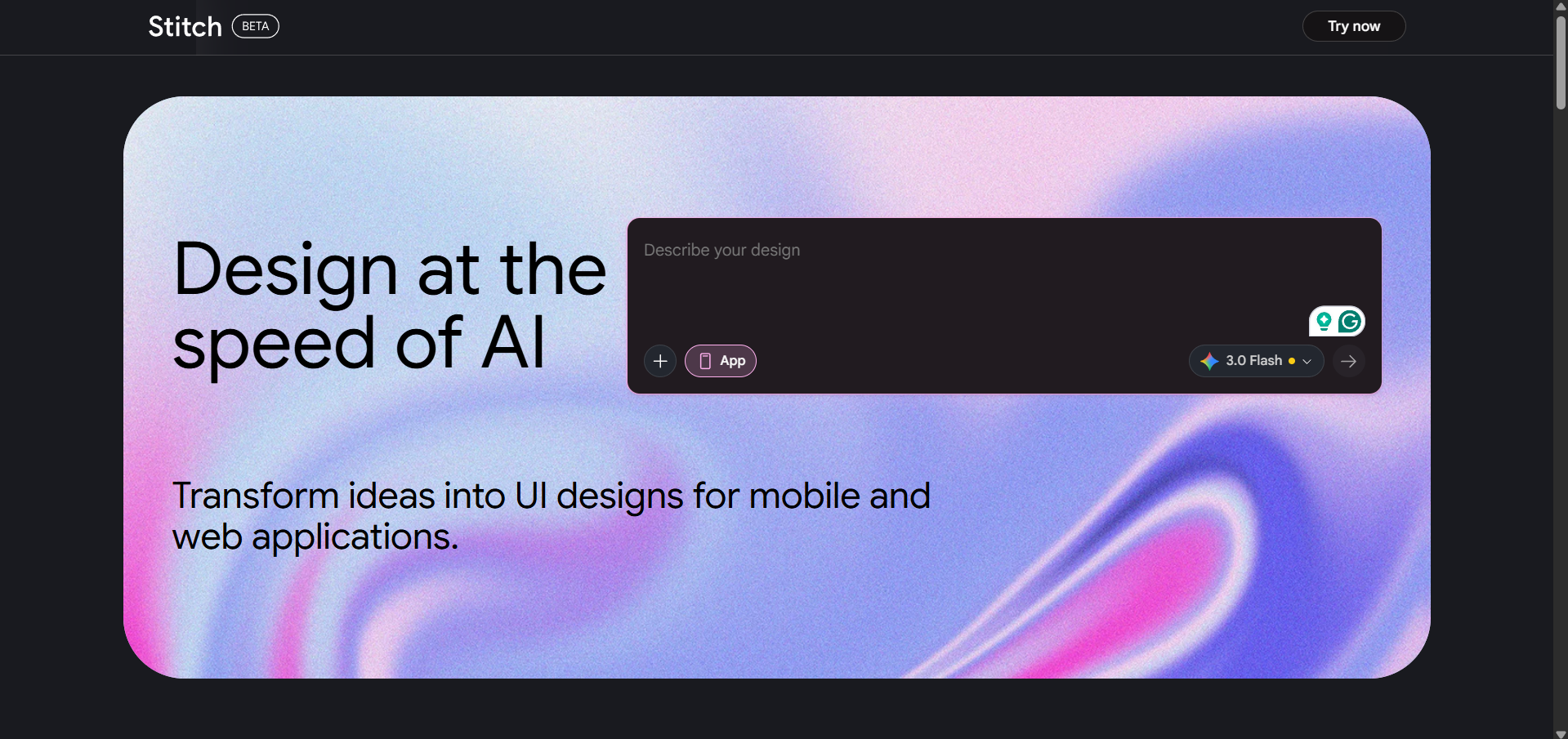
1. Google Stitch:
Google Stitch is an experimental tool from Google Labs that converts text prompts or uploaded images into complete UI designs and production-ready frontend code. It's best understood as a powerful tool for quick early-stage prototyping, reducing the time from idea to visual concept from hours to minutes.
Key features:
- Describe your app in plain English or upload a sketch, screenshot, or wireframe, and Stitch generates multiple design variants to explore.
- It uses some of the latest Gemini models from Google DeepMind to generate designs.
- One-click Paste to Figma integration with Auto Layout preserved, so designers can immediately refine in their existing workflow.
- HTML/CSS code export for developers who want to use the output as a starting point for production
Stitch is free and web-based, and all you need is a Google account.
2. Build in Google AI Studio
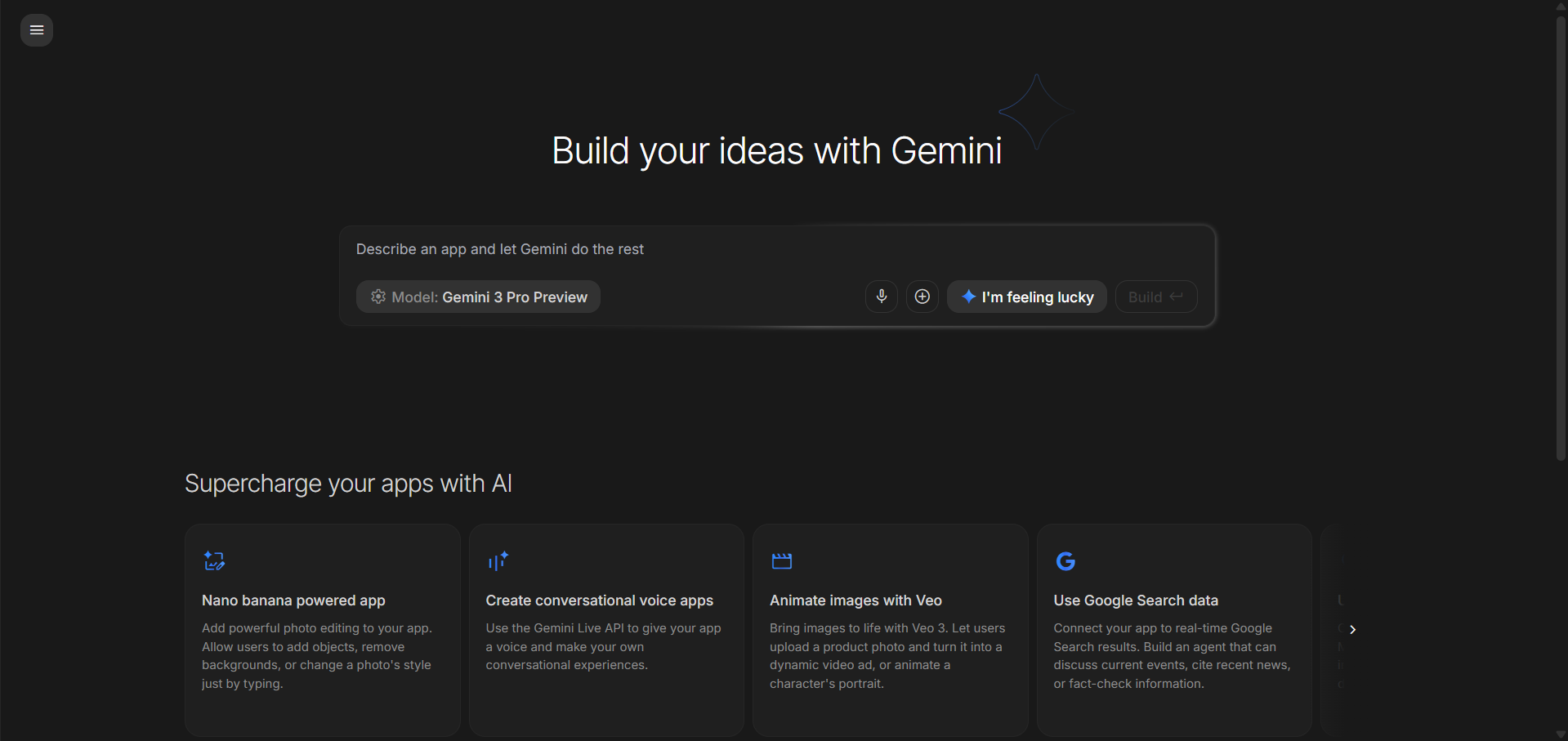
Google AI Studio's Build feature gives free yet powerful vibe coding capabilities directly in your browser. All you need to do is describe an app idea in plain English, connect tools like image generation, Google Search, or voice-to-speech, and the platform uses Gemini to generate a working web application.
AI Studio Build isn't limited to simple single-page tools like some of its competitors, and users can download the generated project for local development or further refinement in an IDE.
Key features:
- Natural language to full web app generation, powered by the latest Gemini models.
- Attach context files (PDFs, images, text) to ground the app in your specific data.
- Connect built-in tools like Image Generation, Google Search, and Voice-to-Speech directly within your app's prompt.
- Download the generated project and run it locally with Node.js for further customization.
For non-technical founders, especially, this removes one of the most stubborn barriers to building a digital product, which is the need for a developer to bring an idea to life.
3. Google Opal
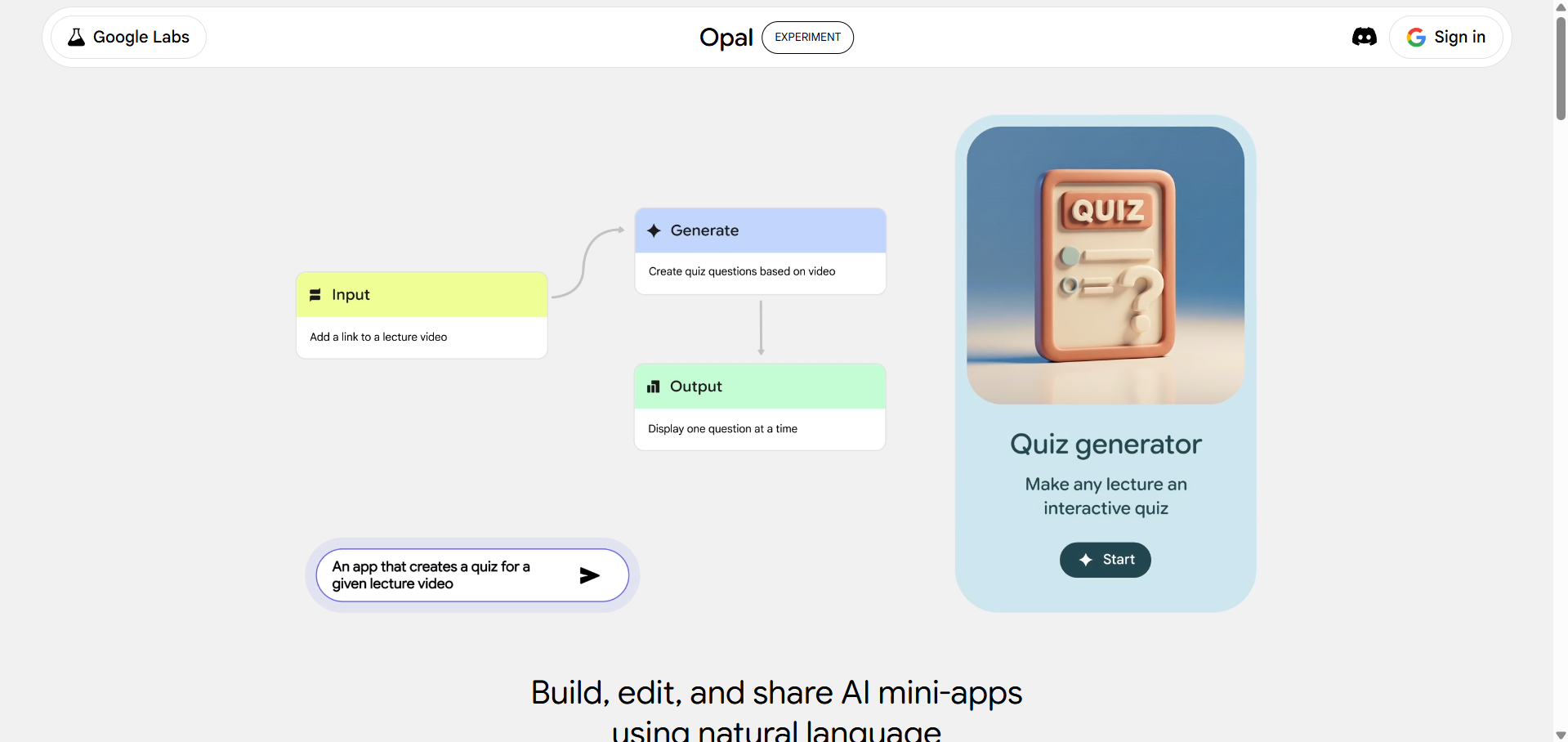
Google Opal is an experimental Google Labs tool that lets anyone build and share AI-powered mini-apps by chaining together prompts, AI model calls, and tools all through natural language and a visual editor, with no coding required. Google even upgraded the Opal and added a new AI agent powered by Gemini 3 Flash that allows users to build automated, multi-step workflows from a simple text description.
Key features:
- Build AI mini-apps and automated workflows by describing them in plain English, no need for JSON, coding, or API configuration.
- The new agent step plans tasks, selects the right tools autonomously, and executes multi-step workflows end-to-end.
- Opal can remember user preferences, data, and context across sessions, like maintaining a running shopping list or tracking user style preferences.
- The agent asks follow-up questions when it needs more information before proceeding.
Google Opal also offers deep integration with Google Workspace tools, including Sheets, Gmail, and Docs.
MeetGeek: An AI-powered meeting assistant that automatically records, transcribes, summarizes, and analyzes virtual meetings in real time.
4. NotebookLM
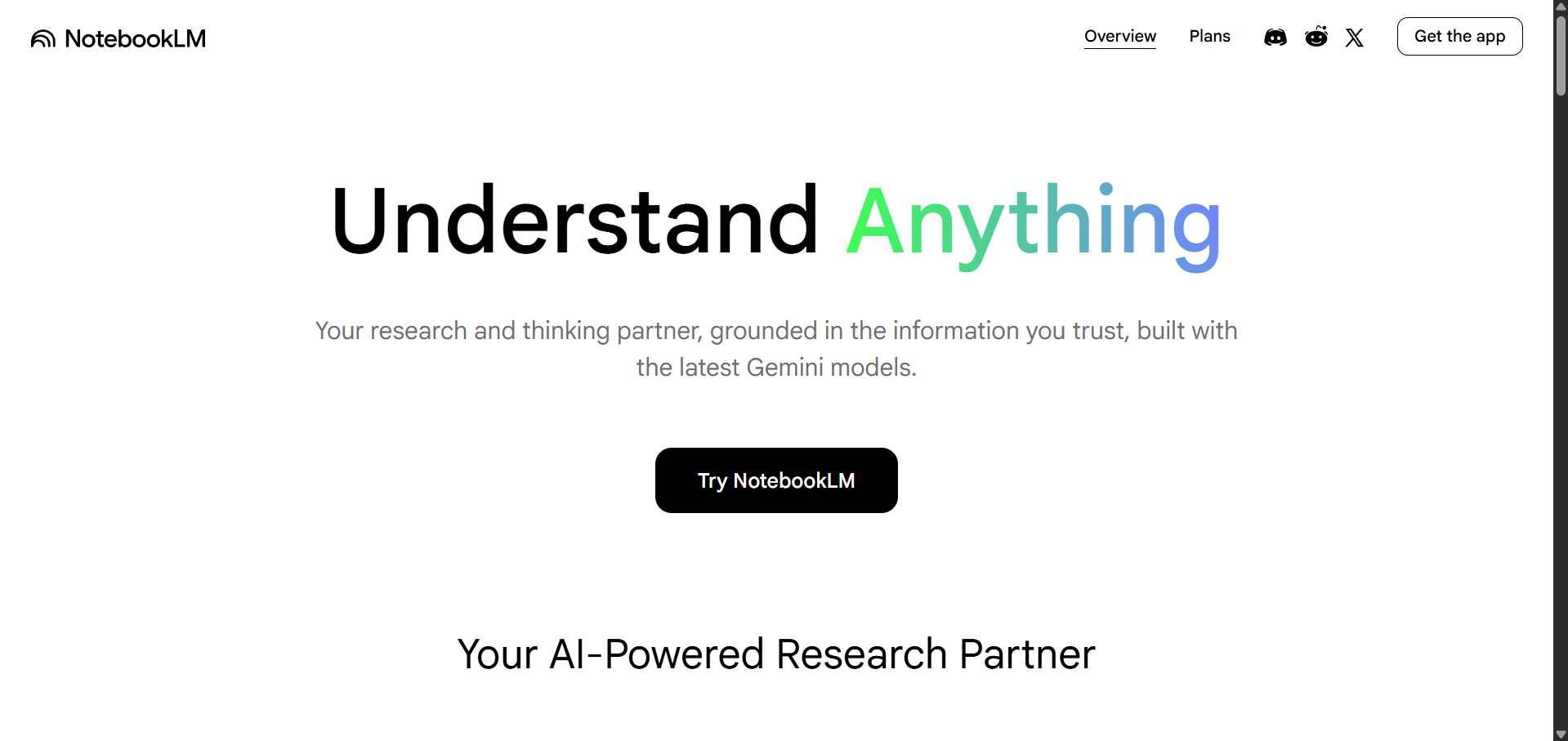
NotebookLM is Google's free source-grounded AI research assistant that lets users upload any combination of PDFs, Google Docs, YouTube links, audio files, images, or web URLs to create educational content, get deep insights, and get direct-source answers. NotebookLM is not an app or game builder, but a powerful tool for turning complex documents and research into formats that are easier to understand, share, and present.
Key Studio outputs:
- Audio Overviews: The viral feature. AI-generated podcast-style conversations between two hosts that summarize your sources. It also includes Interactive Mode, where you can join the conversation and redirect it in real time to ask questions.
- Video Overviews: Narrated slide-style videos that visually explain your content, great for visual learners and shareable summaries.
- Slide Decks: Professional presentations generated from your sources, powered by Nano Banana Pro for visuals. Downloadable as PDF or PPTX; however, slides are rendered as flat images, so the PPTX export is not fully editable in PowerPoint.
- Infographics: Turns complex source material into a single, engaging visual summary designed to help you quickly understand main points, visualize data, or illustrate relationships between concepts.
- Mind Maps, Reports, Flashcards, Quizzes, and Data Tables: A full suite of learning and synthesis formats generated from the same source material.
The free tier is powerful, though some outputs (Video Overviews, Audio Overviews) have generation limits per notebook. The paid tier (Google One AI Premium) expands these limits significantly and adds Deep Research.
5. Pomelli
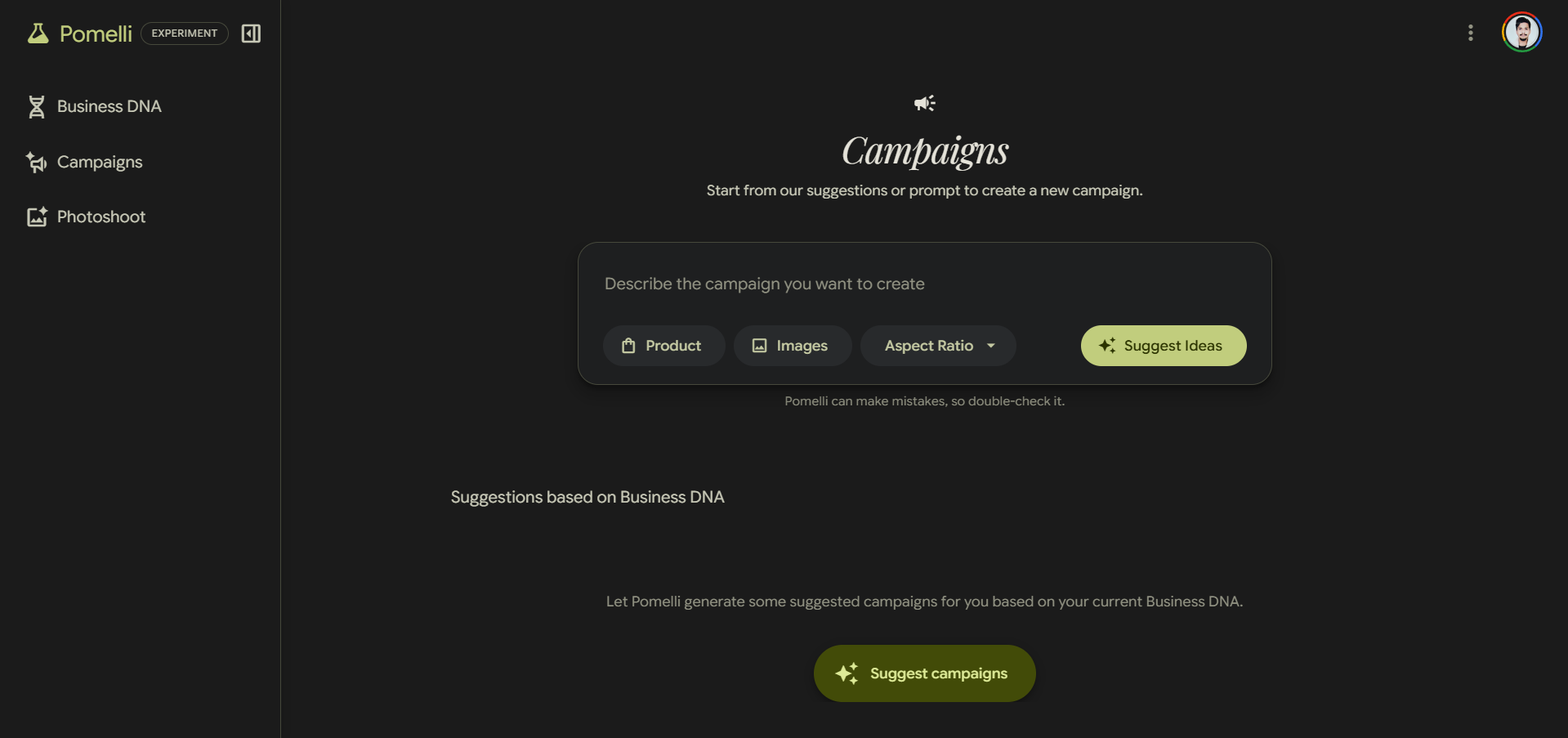
For small to medium-sized businesses, consistent and professional visual marketing is a constant resource challenge. Pomelli, a free tool from Google Labs, addresses this by building what it calls Business DNA, a model of your brand's identity, aesthetic, and products, and using it to generate on-brand marketing campaigns, social content, and now, studio-quality product photography.
The newest addition, Photoshoot, uses Nano Banana image generation to transform ordinary product photos into professional studio and lifestyle imagery. According to Google, the goal is to help businesses generate on-brand photos and marketing campaigns that feel authentic and professional without the cost of a studio or agency.
Key features:
- Photoshoot: Upload any product image (even an unpolished one), select from curated studio or lifestyle templates, and generate professional-grade marketing assets automatically styled to your brand.
- Business DNA: Pomelli learns your brand's visual identity and applies it consistently across all generated content.
- Campaign generation: Create targeted campaigns by uploading product images or entering a product URL so Pomelli can pull images, title, and description from your site to ground the campaign.
- Style reference: Restyle images using a reference photo to achieve the desired aesthetic.
- Improved image editing: Includes background replacement, style transfer, and prompt-guided refinements, such as change my background to a forest.
All outputs can be downloaded or saved to Business DNA for reuse across future campaigns.
6. Gemini Canvas
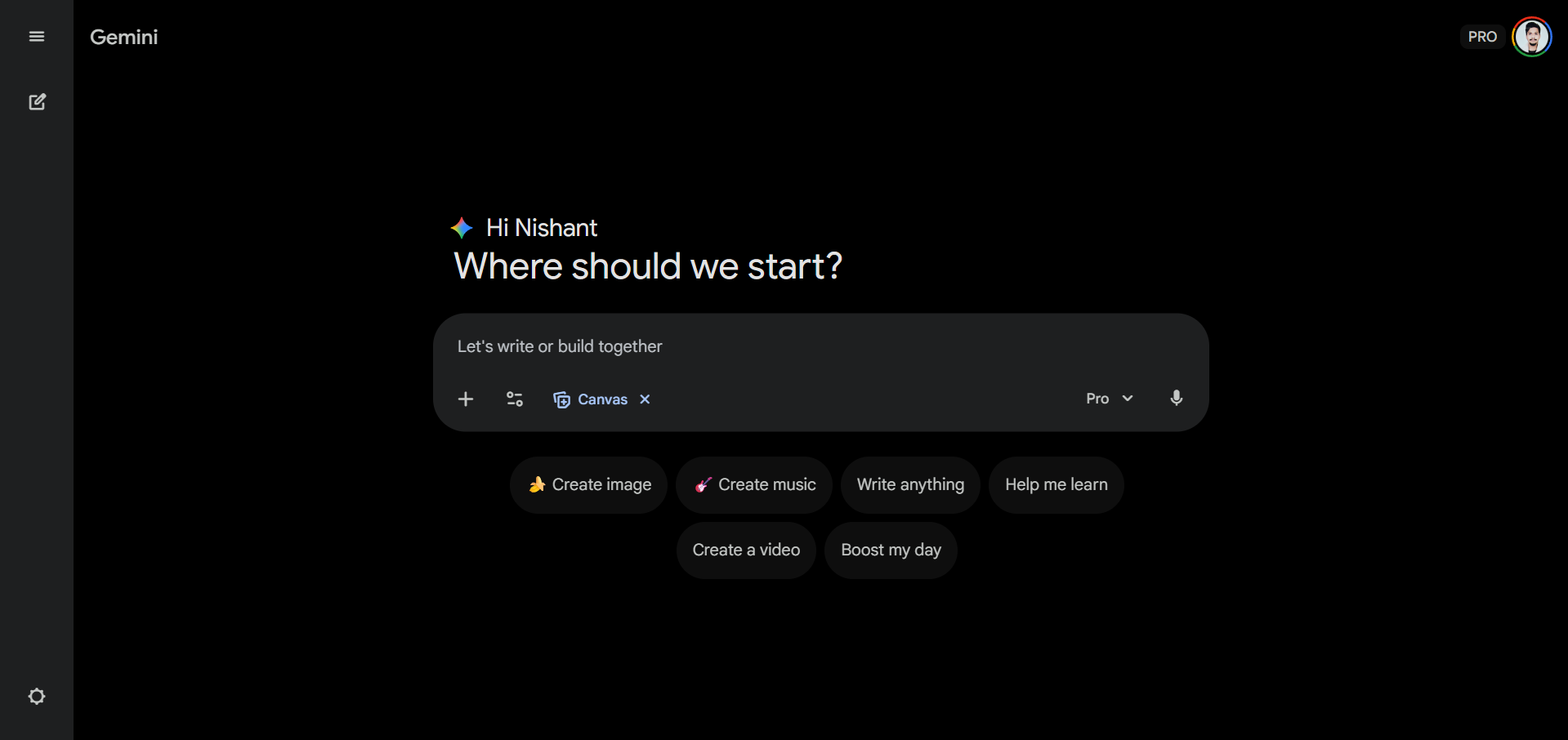
Google Gemini is already a very capable free AI chatbot, but its Canvas feature performs as an interactive creation environment. Users can go from a text description to a shareable, working web experience, including apps, games, infographics, quizzes, dashboards, web pages, and, yes, presentations, all inside the Gemini app using Canvas.
Simply put, Canvas generates working code from your prompts and renders the result live. It's also a capable writing environment with AI-assisted editing, tone adjustment, and feedback tools.
Key features:
- Prompt to prototype: Describe an idea, and Canvas generates a fully working, shareable app or interactive experience, like an algorithm visualizer, a price calculator, or a full game.
- Deep Research to visual output: Convert a Deep Research report into a web page, infographic, or quiz with a single click from within Canvas.
- Writing refinement: Improve drafts by expanding key sections, adjusting tone, and getting AI feedback, all within the same workspace.
- Business tools: Build custom dashboards, team trackers, customer management tools, and sales pipelines using natural language.
Powered by Gemini 3 for Google AI Pro and Ultra subscribers, with Gemini 3.1 Pro also selectable within Canvas for paid users seeking higher reasoning capability; a capable free tier is available to all Gemini users.
7. Google Nano Banana 2
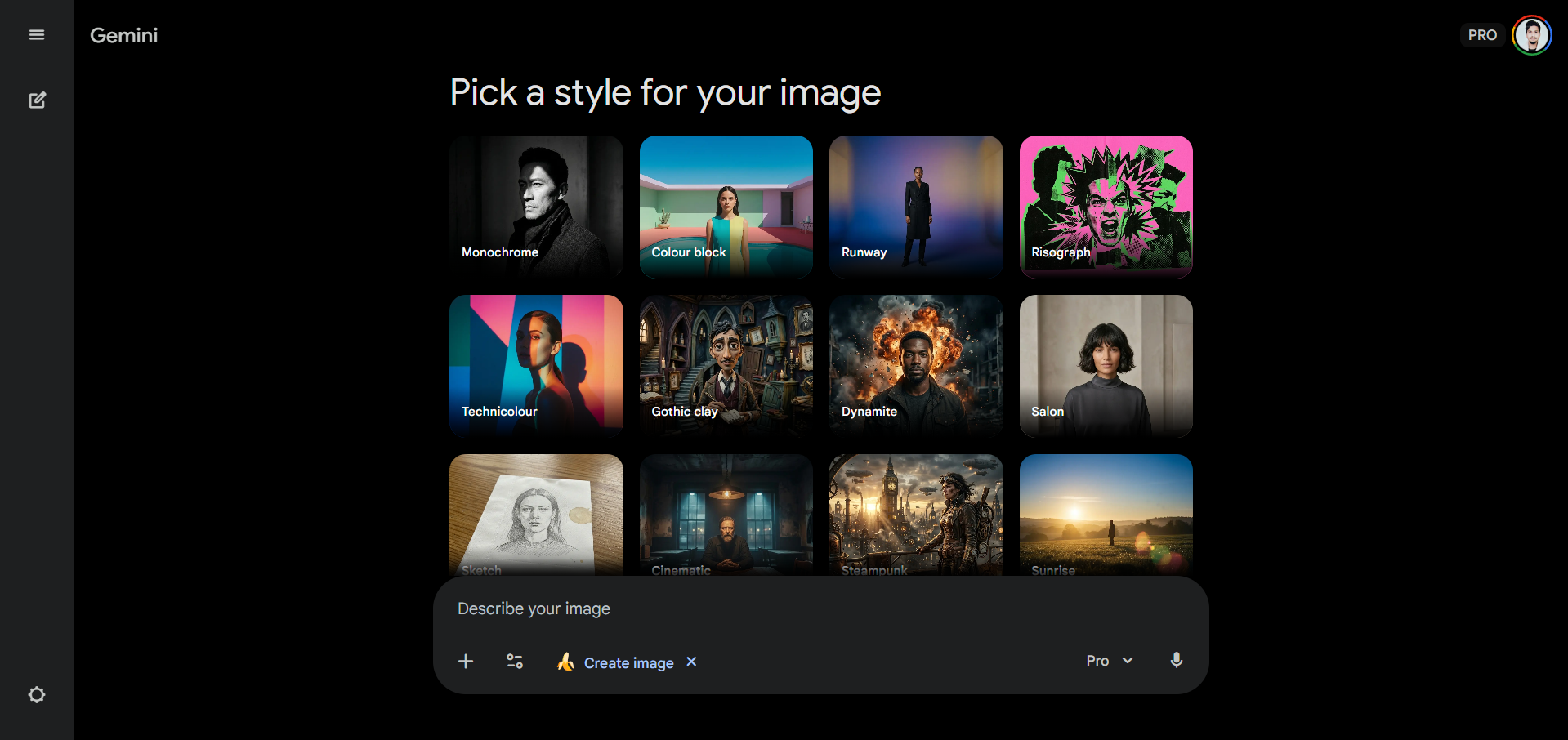
Nano Banana 2 is Google's latest AI image generation model (technically Gemini 3.1 Flash Image) and the default image generation model (as of writing this article) in the Gemini app for all users, including free-tier users. Nano Banana 2 is available to everyone and offers comparable quality at a faster generation speed than the previous higher-quality Nano Banana Pro, which was reserved for paid subscribers.
The AI image generation model powers Pomelli's Photoshoot feature and NotebookLM's Slide Deck and Infographic outputs, making it a foundational layer across Google's creative AI ecosystem.
Key features:
- Free for all Gemini users with no paid subscription required to access Nano Banana 2 quality.
- Generates images from 512px up to 4K resolution in multiple aspect ratios.
- Improved text rendering in images, making it suitable for marketing mockups, greeting cards, and branded assets.
- With real-time web knowledge integration, the model can pull current information from the web to ground image generation in an accurate, up-to-date context.
- Character and subject consistency across a series of generated images for storytelling and branded content.
All generated images include a SynthID watermark for AI content identification, with support for C2PA Content Credentials. Nano Banana is also accessible directly via the Gemini app, AI Studio, and the Gemini API for developers.
In Conclusion:
I currently have 5 active monthly subscriptions that cost about $100, but if you are a solo entrepreneur, a startup founder, a seasoned developer, or a marketing manager, the monthly subscription cost can be multiple times that amount. By replacing the tools you are using right now with these 7 free Google AI tools, you'll be able to do more with less budget. There is something for most professionals, and these free Google AI tools can be an asset that deserves your full attention.
💡 For Partnership/Promotion on AI Tools Club, please check out our partnership page.
